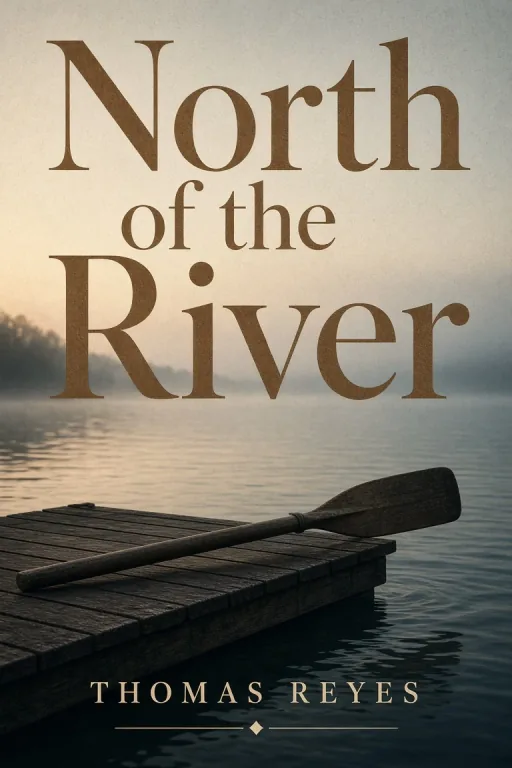
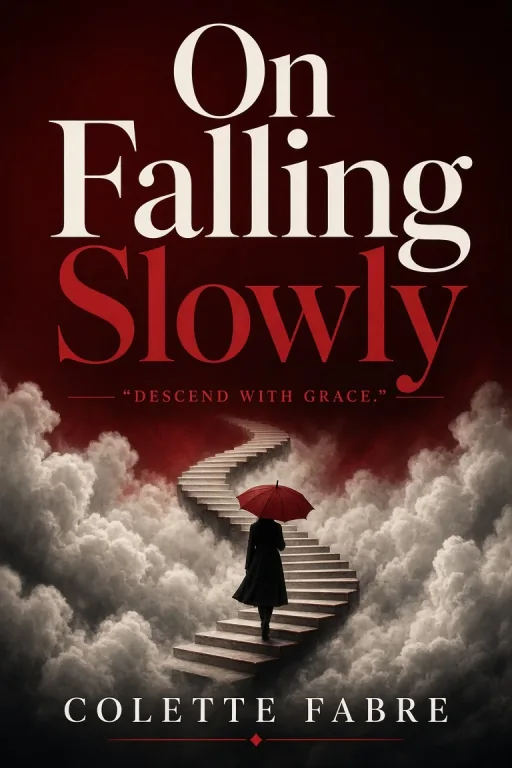
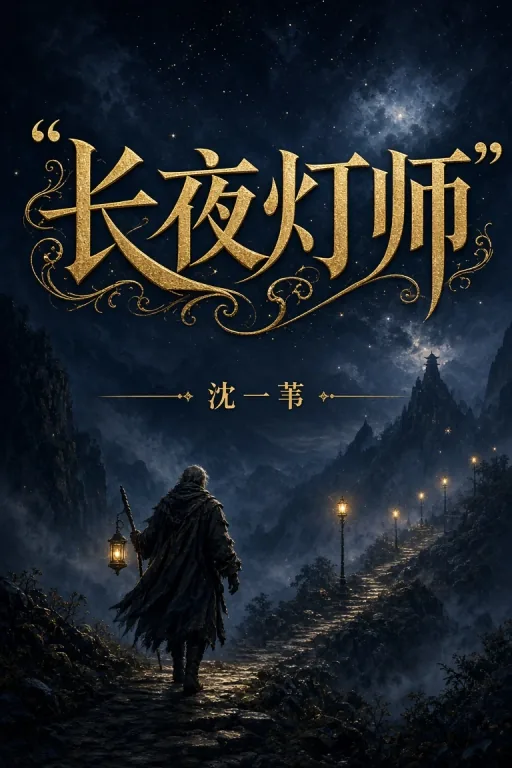
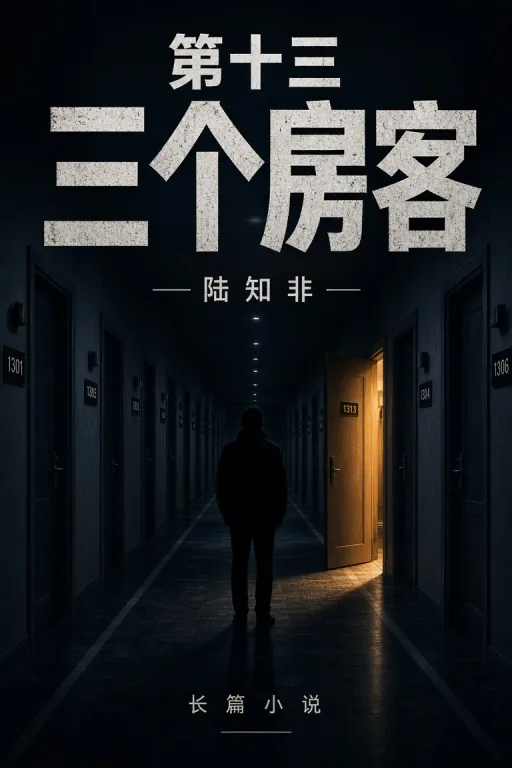
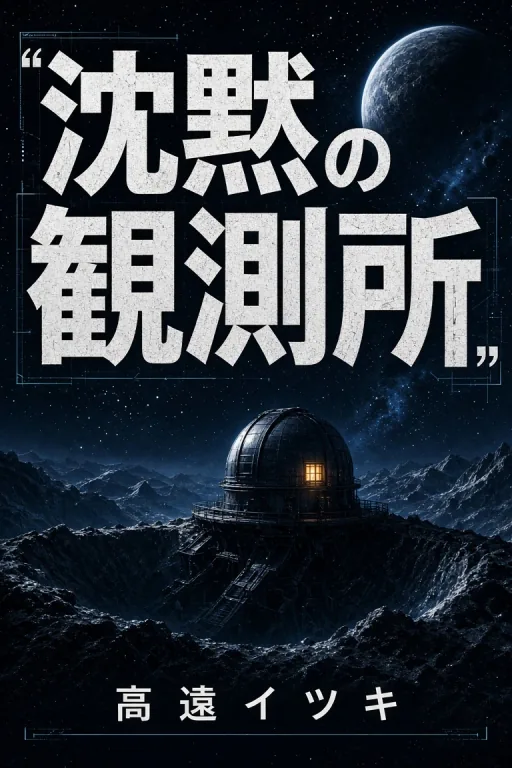
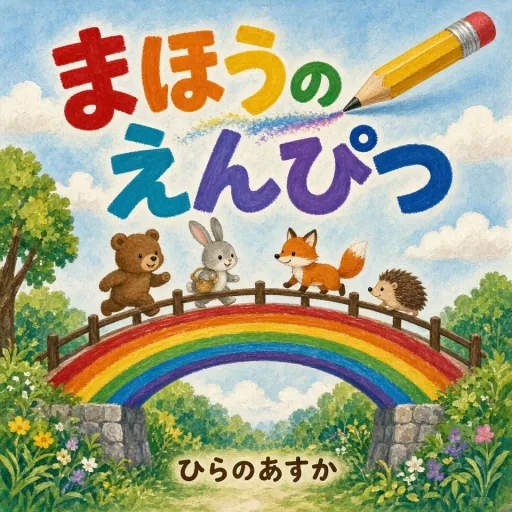
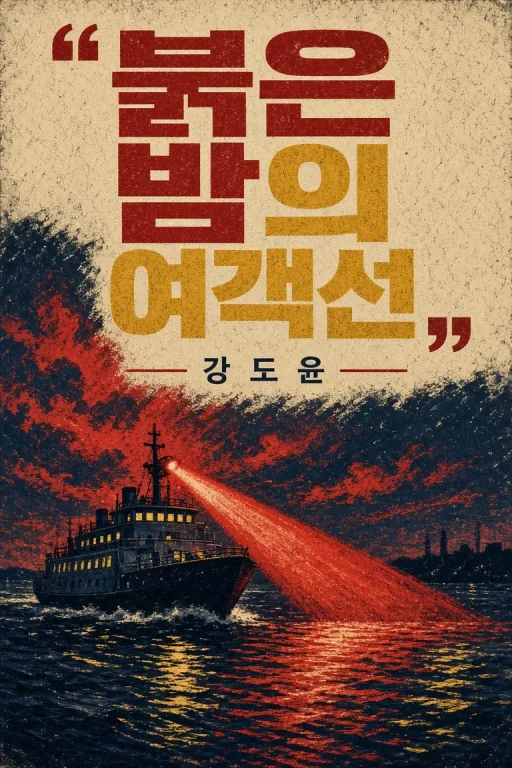
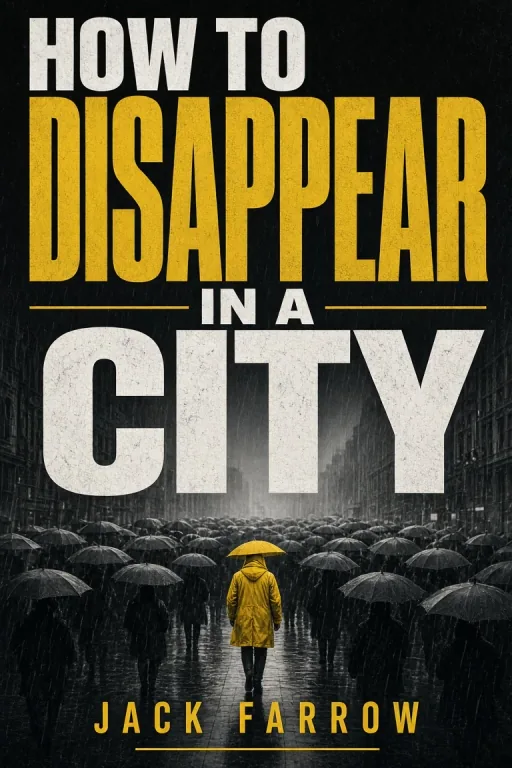
GLM-Image model weights are available on Hugging Face. Download

Create from Text · Book Cover Workflow

AI Book Cover Generator

Nine cover styles. Your title rendered into the artwork, not pasted on top.

Most cover tools hand you a template and leave the typography to you. This one generates the whole cover - artwork and title lettering together - in the visual language your genre already uses. Pick a style, describe the scene, type your title and author name, and get a cover sized for the format you are publishing in. Built for self-publishing authors, comic creators and anyone who needs a cover this week rather than next month.

  • Genre-appropriate key art and silhouette
  • Readable Chinese and English title typography
  • Portrait and square cover formats
  • Flat, edge-to-edge front-cover artwork — never a 3D mockup
Epic fantasy book cover with a cloaked figure before a broken archway

AI Book Cover Generator

One to four words render most reliably. Longer titles may need a retry.

Describe the scene, not the mood. "A lighthouse in a storm" works better than "something dramatic".

AI-drawn lettering can vary. Check the title and author name before downloading.

One generator, nine book cover styles

Fantasy

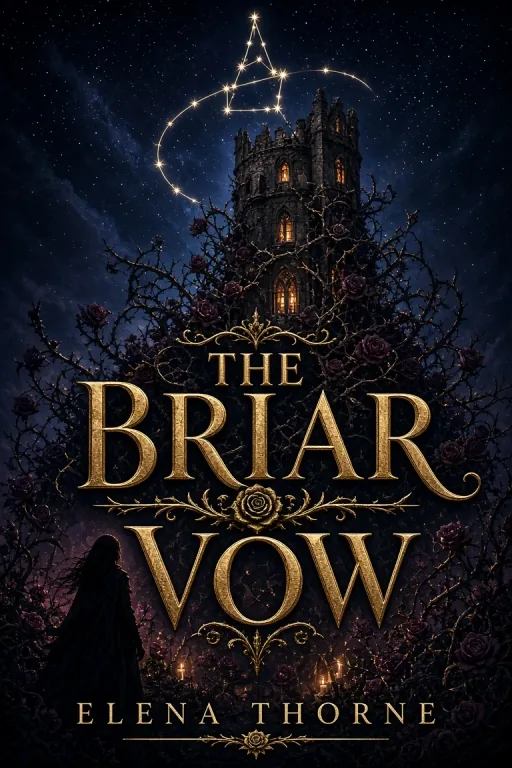
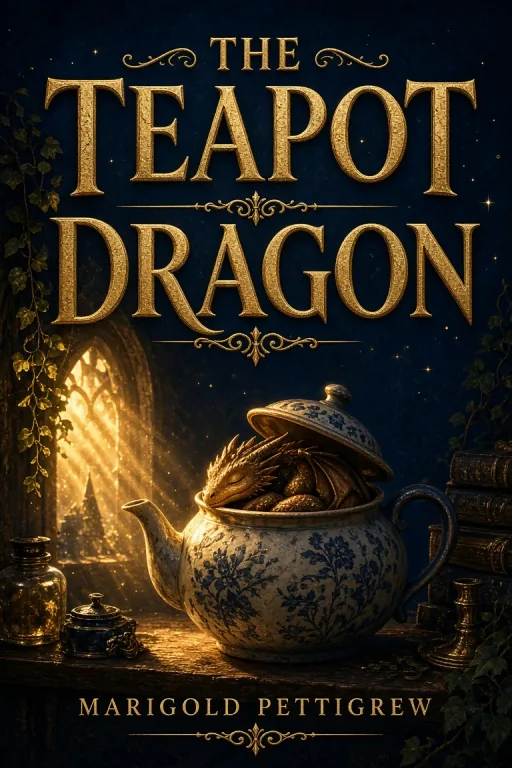
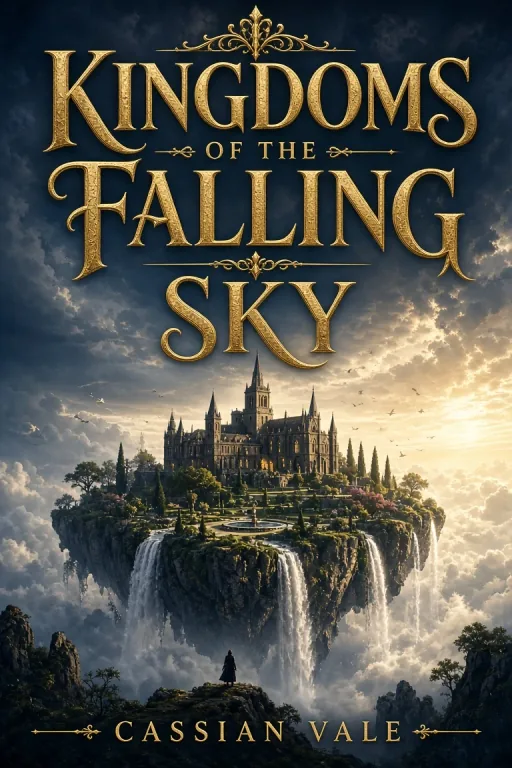
Fantasy readers scan for scale. A fantasy book cover earns its place with a lone figure against something vast, light cutting through atmosphere, and a title that looks forged rather than typed. This style anchors a strong silhouette in the lower third and leaves the sky open, then renders your title there in ornate engraved metallic serif capitals. Made for epic and dark fantasy novelists, LitRPG and progression fantasy authors, and anyone shipping a series who needs covers that look like a set.
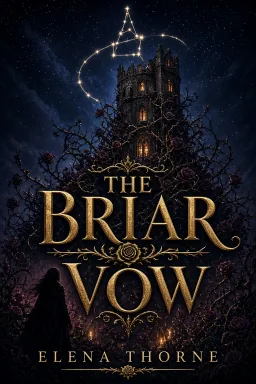
Epic fantasy book cover with a cloaked figure before a broken archway

Romance

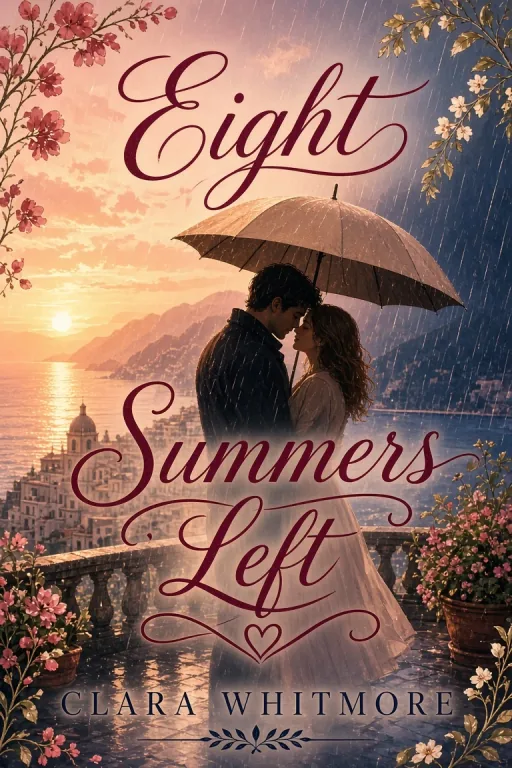
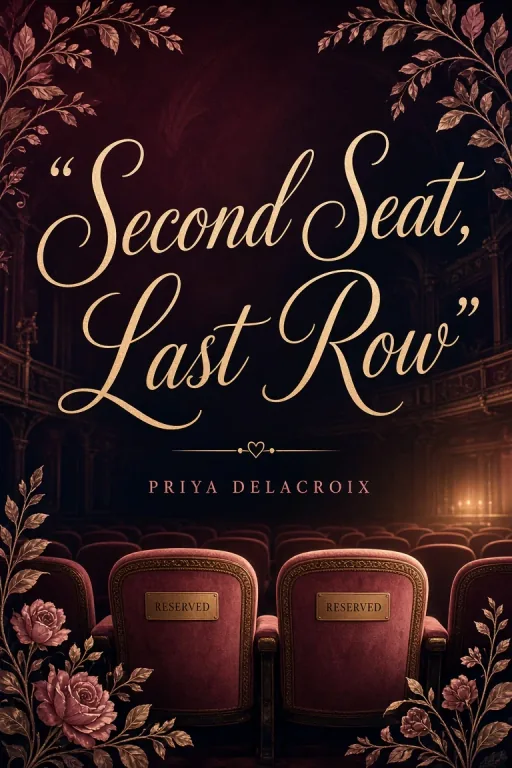
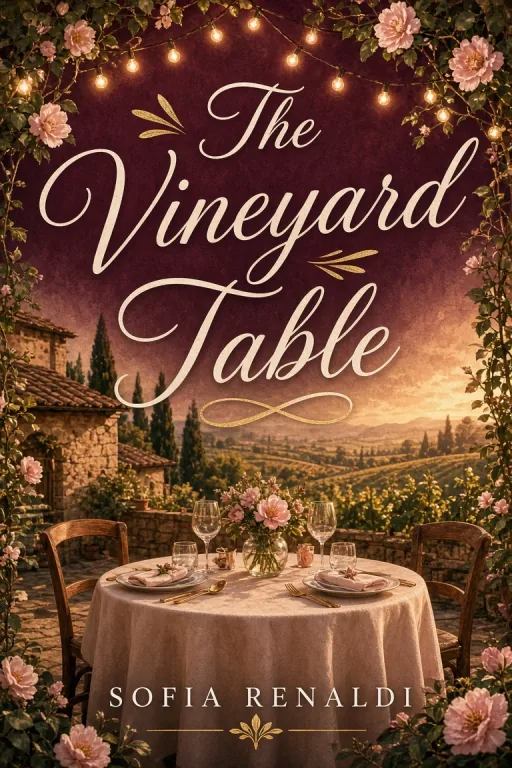
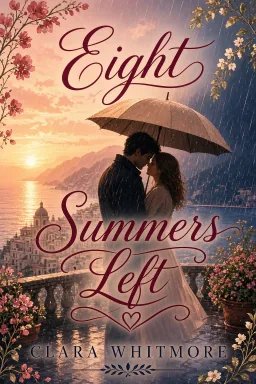
A romance book cover is selling a feeling, not a plot. This style works in soft golden-hour light, a blush pink and champagne gold palette, and delicate botanical framing that keeps the composition intimate rather than busy. Your title is rendered at the top in flowing script with fine hairline strokes - the visual shorthand romance readers already trust. Suited to contemporary, historical and small-town romance, and to novella series that need a recognisable look.
Romance book cover with warm golden-hour couple silhouette

Children

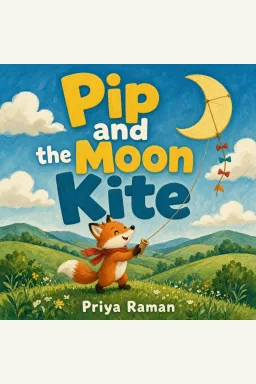
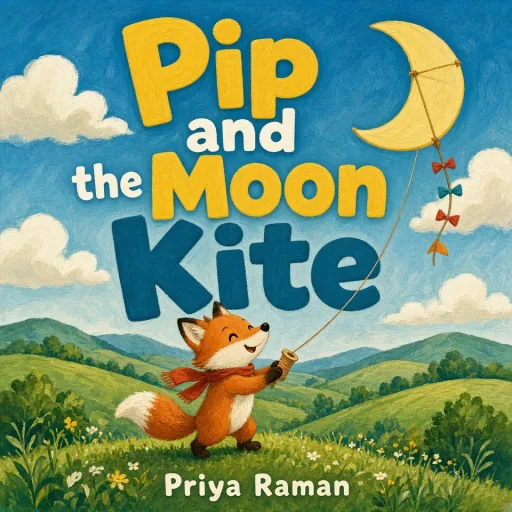
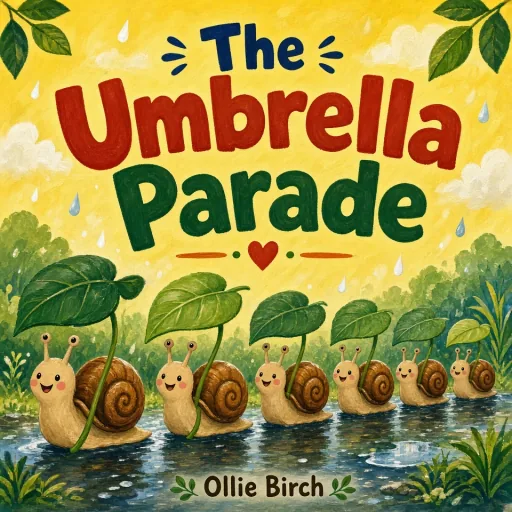
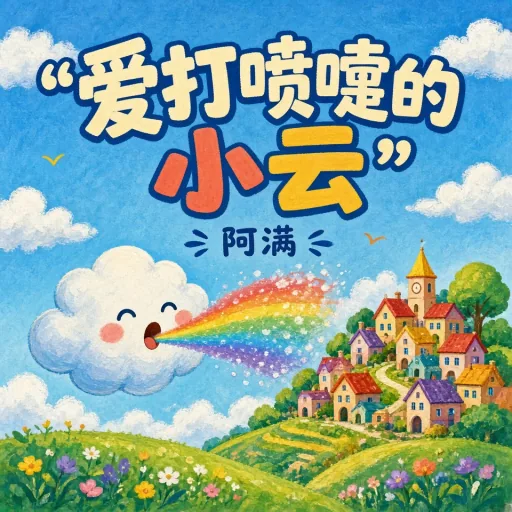
A children's book cover is chosen by adults and demanded by children, so it has to work twice. This style leans on hand-painted gouache texture, saturated primary color and soft rounded shapes, with characters whose faces read as kind from across a bookshop. The title arcs across an open sky area in chunky rounded hand-lettering rather than a typeset font, which is what keeps it feeling illustrated rather than assembled.

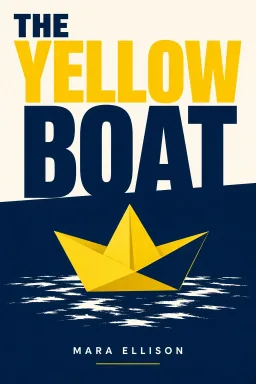
Children’s picture book cover with animal friends on a puddle voyage
View all styles (9)

Sci-Fi

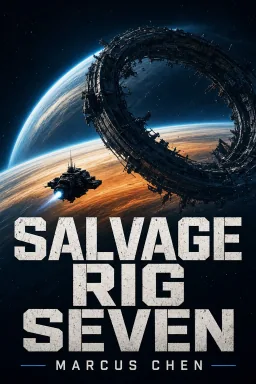
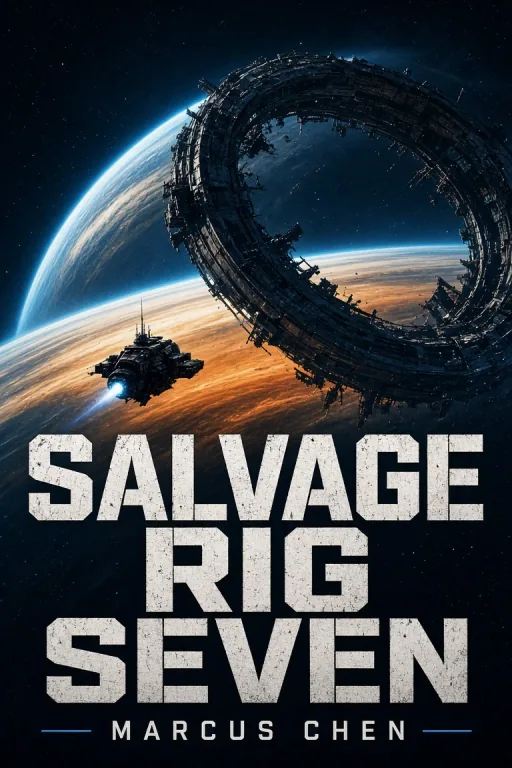
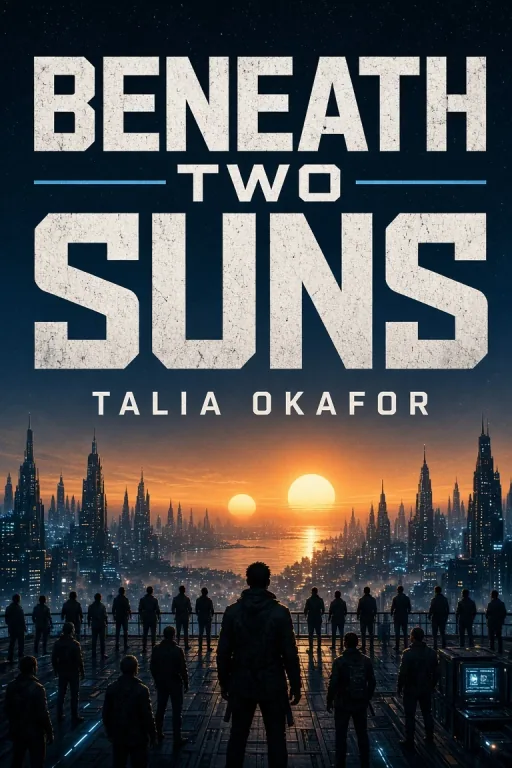
Science fiction cover with cinematic world-building and chrome-edged typography. The renderer builds horizon-scale scenes in cool indigo and chrome palettes with a single warm accent, anchors a strong silhouette in the lower third, and sets the title in geometric techno capitals. Best for space opera, cyberpunk, hard sci-fi, dystopian, and first-contact stories.

Science fiction book cover with explorer and planetary horizon

Thriller / Mystery

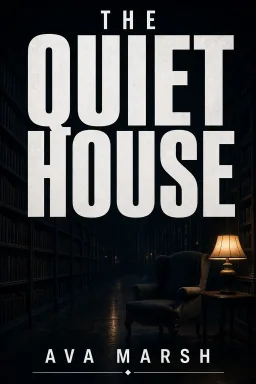
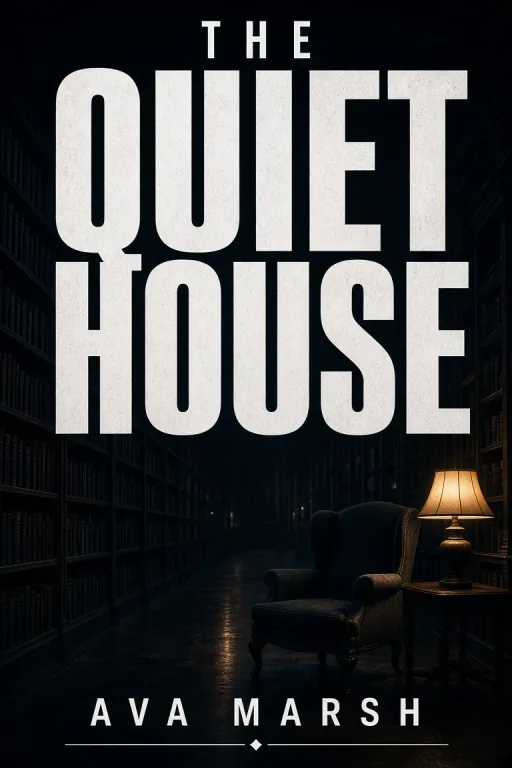
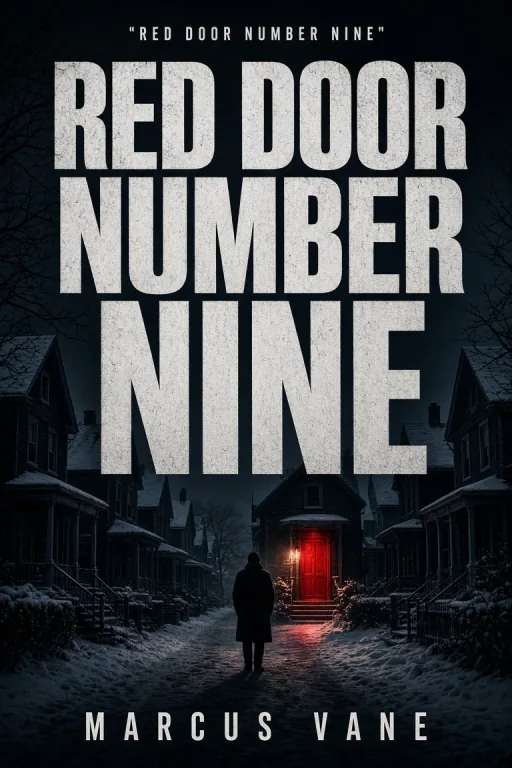
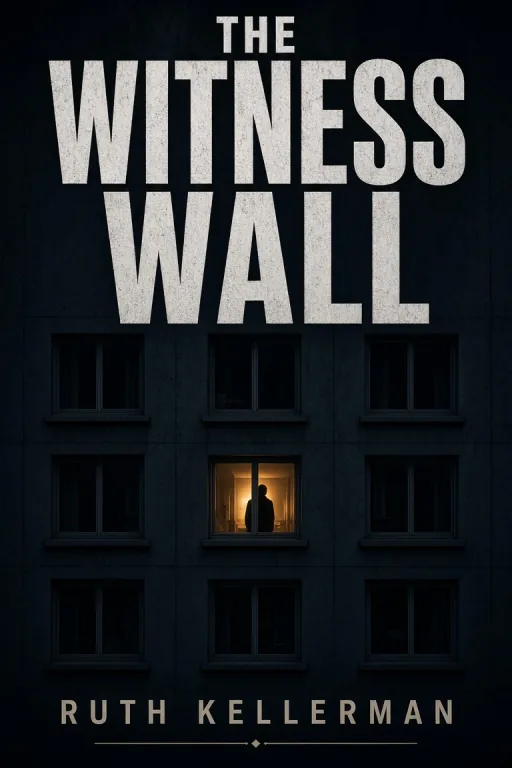
Dark atmospheric thriller or mystery cover with high contrast and dramatic typography. The renderer builds tension through silhouette, light/shadow, and a single symbolic object or figure, and keeps the title in a stark condensed sans-serif. Best for crime, suspense, noir, psychological, and detective subgenres.

Thriller book cover with a lone figure under a vintage street lamp

Memoir

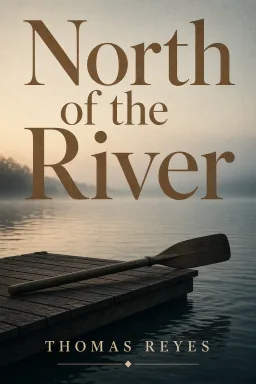
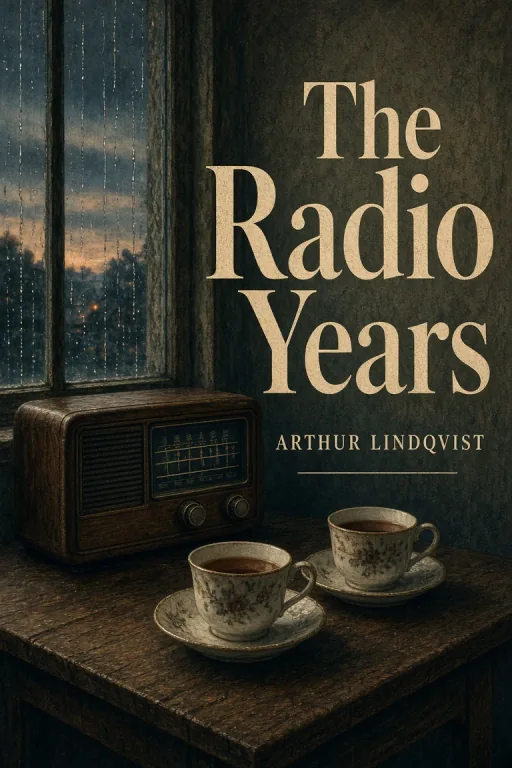
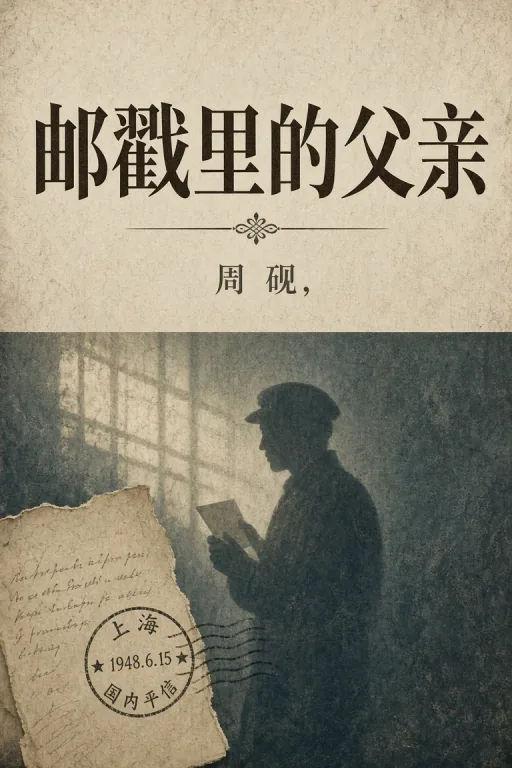
Intimate elegant memoir cover with a personal symbol or object and emotional resonance. The renderer picks up period artifacts, symbolic settings, and a tasteful palette appropriate to the life story, with the title in a refined display face. Best for life stories, specific periods, celebrity memoirs, and personal journeys.

Literary memoir cover with quiet keepsake still life

Self-Help

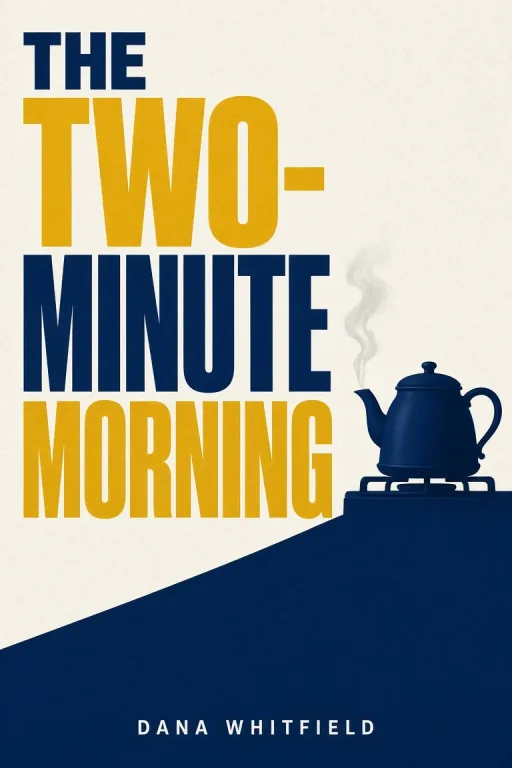
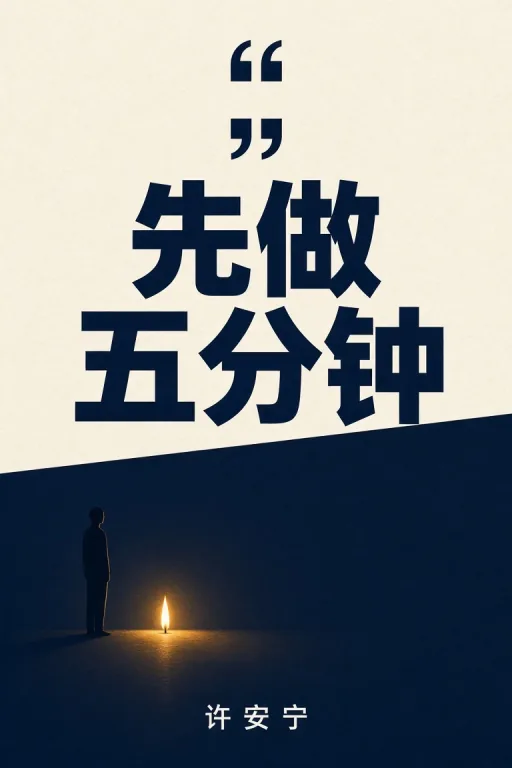
Modern minimalist self-help cover with an inspiring visual metaphor and clean typography. The renderer reduces clutter to a single icon or symbolic object, sets the title in a contemporary sans-serif, and uses an aspirational color palette. Best for mindset, productivity, wellness, relationships, career, and finance books.

Minimal self-help book cover with one clear visual metaphor

Minimalist / Editorial

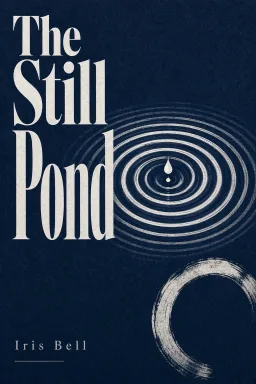
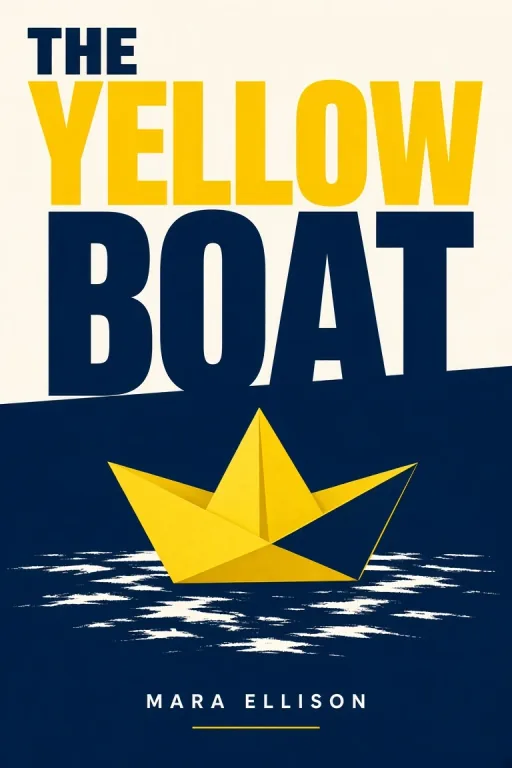
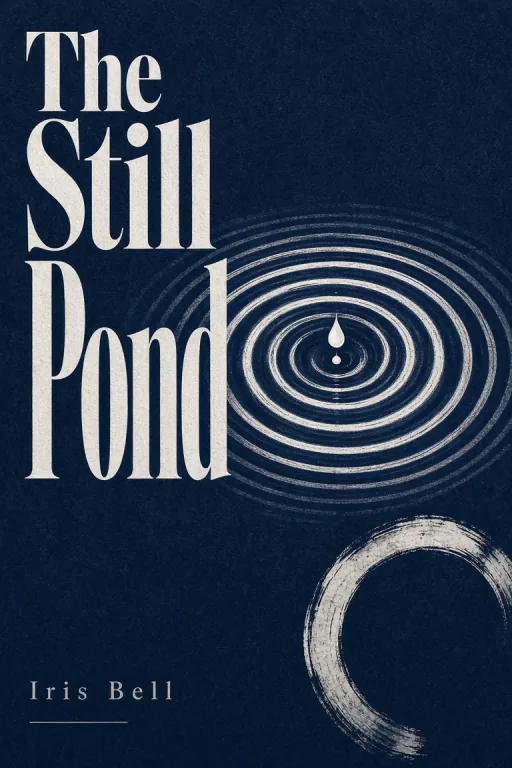
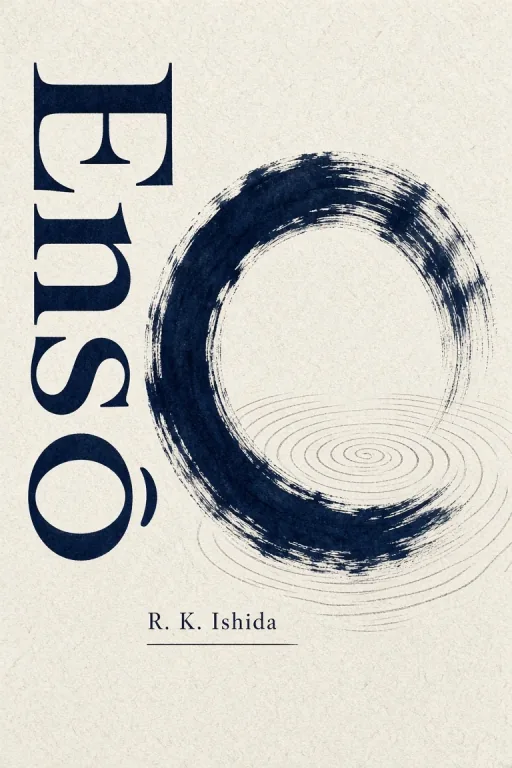
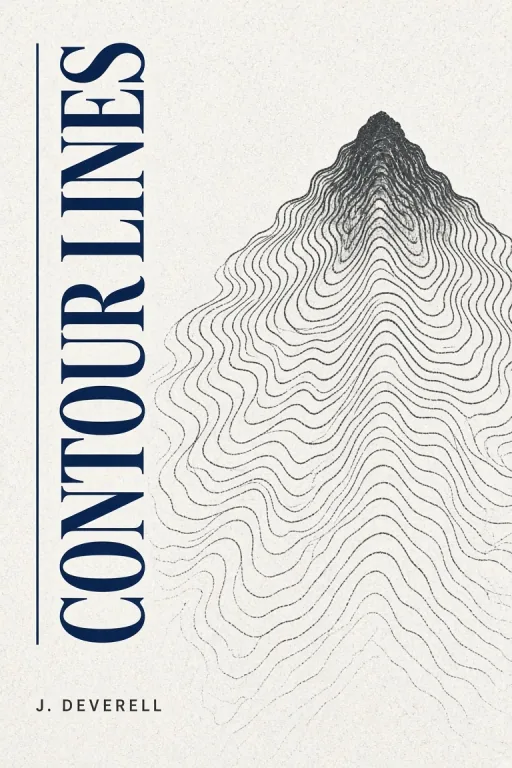
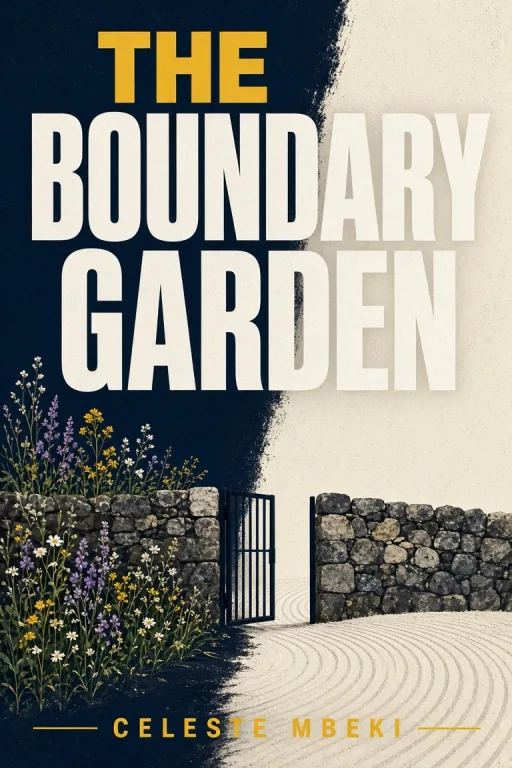
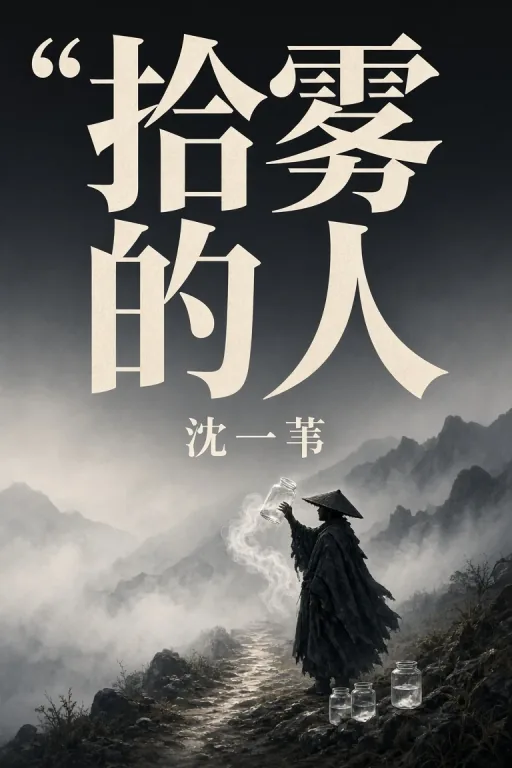
An art-house press cover instead of a scene illustration. This style reduces your concept to one flat symbolic motif — concentric ripples, an ensō circle, contour lines — set on textured washi-like paper with a minimal indigo, white and charcoal palette, and places your title vertically or asymmetrically the way literary and design-forward imprints do. Best for literary fiction, poetry, essays, and any book that wants to look considered rather than loud.

Minimalist / Editorial

Retro Pulp

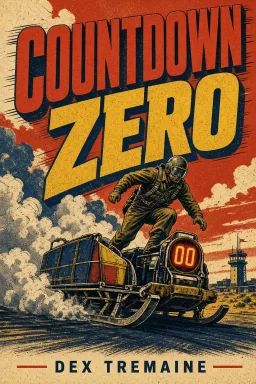
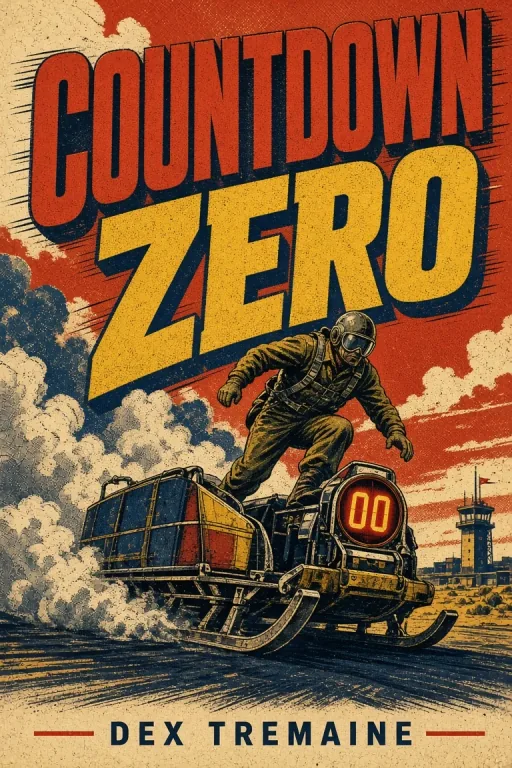
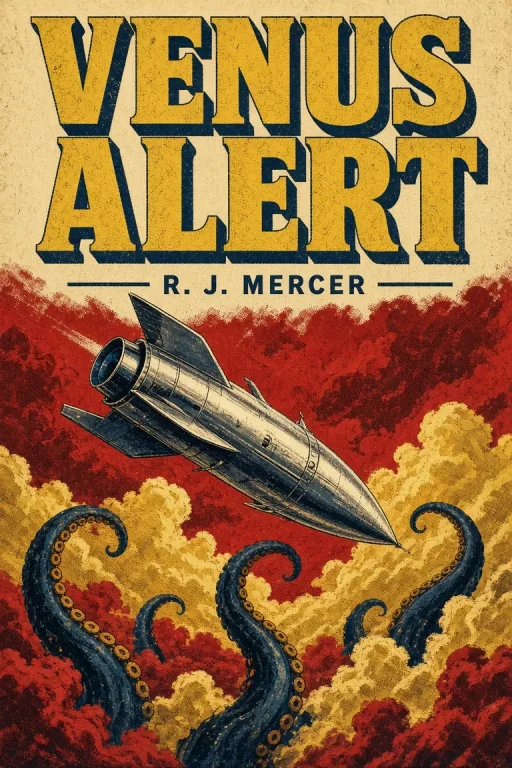
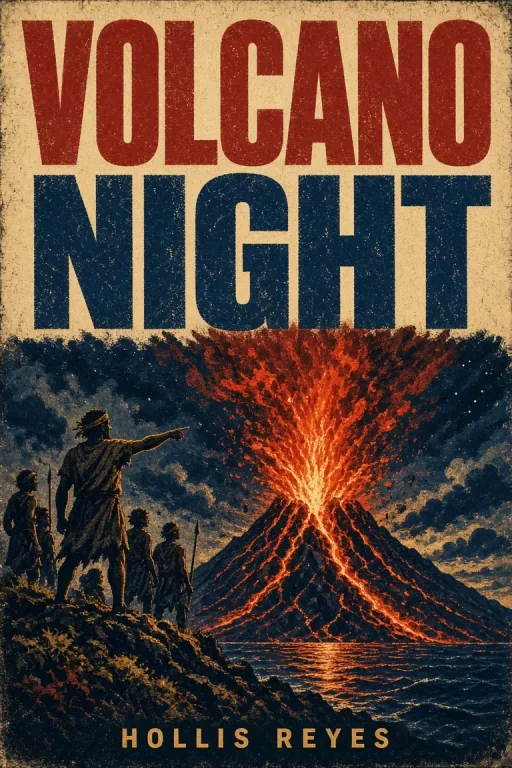
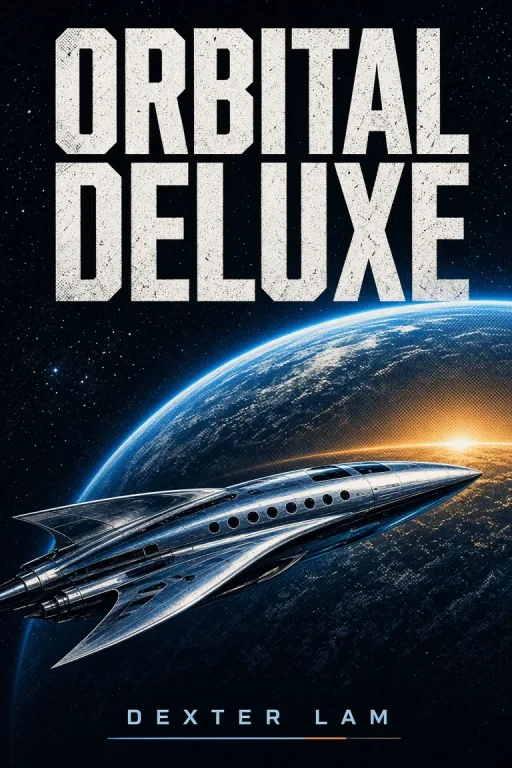
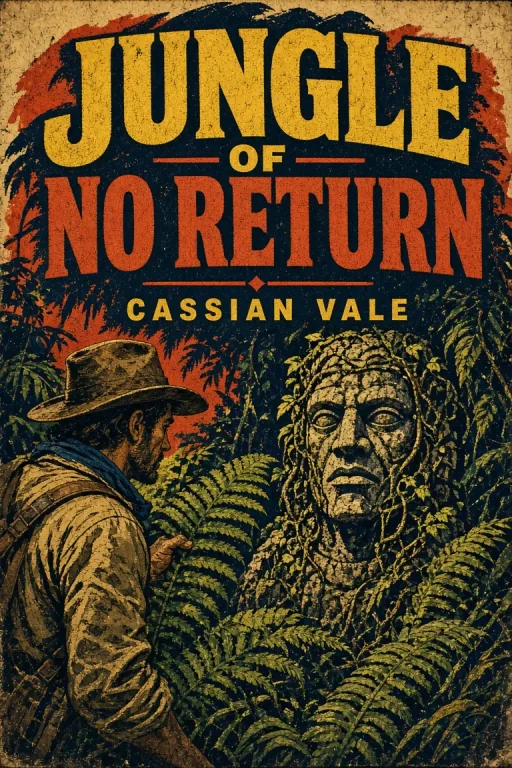
The 1960s-70s paperback look, back in print. Energetic gouache illustration with halftone print texture and aged paper grain, one melodramatic high-point scene told at a glance, and a heavy slab-serif title in a vintage vermilion-mustard-ink palette. Best for adventure, space opera, noir reissues, pulp anthologies, and covers that want personality over polish.

Retro Pulp

Focused workflow

From blank page to finished cover in four steps

1

Pick the genre style

The style sets palette, lighting and lettering. Choose by what your book is, not by what looks nicest - readers scan for genre signals first.

2

Describe one scene

Name a single subject and where it sits in the frame. Leave room for the title, usually at the top.

3

Add title and author

Short titles render most reliably. These are drawn into the artwork, so check the spelling on the result.

4

Check size, then generate

Each style defaults to its standard trim. Switch format if you are publishing to Kindle, Wattpad or a different print size.

Practical starting points

Prompt examples for the AI book cover generator

Use these as structures, not magic phrases. Replace the subject, purpose and constraints with details from your own project.

Fantasy — a series-ready cover

Subject: A lone cloaked figure before a colossal broken stone archway on a windswept ridge, distant mountains beyond, backlit by low sun | Title: The Hollow Crown | Author: K. Ashford

Why it works: one silhouette anchored low, open sky for the title, light described rather than mood.

Cookbook — a debut recipe collection

Subject: Overhead flat-lay of fresh basil, halved lemons, garlic and hand-rolled pasta on a weathered oak surface, soft window light from the left | Title: Slow Sunday Kitchen | Author: L. Ferraro

Why it works: names the ingredients and the surface, sets the light direction, leaves the top third clear.

Horror — atmosphere over gore

Subject: A single dimly lit doorway at the end of a long derelict corridor with peeling wallpaper, something just out of focus in the frame | Title: The Quiet Floor | Author: D. Marsh

Why it works: withholds the threat, gives the eye one focal point, leaves the lower half empty for dread and for the byline.

A cover is a marketing asset, not decoration

Readers decide in about two seconds, usually at thumbnail size on a store page they are scrolling. That is why genre conventions exist: a romance reader is scanning for warmth and a horror reader is scanning for dread, and a cover that ignores those signals gets skipped no matter how good the artwork is. Each style here is built around the conventions of its category rather than a generic "pretty picture" recipe, so the cover you get reads as the right kind of book before anyone reads the title.

Your title is drawn into the cover, not pasted over it

Most AI image tools produce artwork and leave you to add the title in another program, which is why so many self-published covers look like a stock photo with a font on top. This generator renders your title and author name as part of the image, in a lettering treatment chosen for the genre - engraved metallic capitals for fantasy, extruded comic lettering for comics, flowing script for romance. The type sits in the artwork's light and perspective instead of floating above it.

Because the letters are drawn rather than typeset, they can occasionally come out wrong. Short titles render most reliably, and a regenerate almost always fixes a dropped character. We think that trade is worth it for covers that look designed rather than assembled.

Sized for the format you are actually publishing in

A children's picture book is often square, while many trade novels use a taller portrait format. Each style starts from a practical aspect-ratio preset, and you can switch it to match the composition you need. Before printing, compare the exported pixel dimensions with your publisher's current trim, bleed and resolution requirements; the presets are starting points, not printer templates.

  • eBook / KDP · 1 : 1.6 · Kindle and most ebook stores
  • Print 6 x 9 · 1 : 1.5 · The most common paperback trade size
  • Print 8 x 10 · 1 : 1.25 · Cookbooks and gift books
  • Square 8.5 x 8.5 · 1 : 1 · Children's picture books
  • Wattpad / social · 1 : 1.5 · Wattpad and Kindle Vella listings

Before you publish

This tool generates a front-cover image only. A paperback or hardcover wrap still needs a spine and back cover sized from the printer’s template, page count and paper stock. Check the exact pixel, bleed and trim requirements for your publishing platform before uploading.

Use original descriptions and review every generated detail, including names and lettering. Whether a cover is suitable for commercial publication depends on the prompt, applicable model terms, third-party rights and the retailer’s current content policy.

Related reading

Long-form guides for AI book covers: the complete generator walkthrough, prompt templates by genre, and the wider publishing workflow.

Frequently asked questions

Using the tool

Do I need a design background?

No. The style supplies the palette, lighting and lettering treatment - you supply the scene and the title.

How long does a cover take?

Usually under a minute. Most authors generate several versions and compare them in the history panel before choosing one.

Can I edit the cover afterwards?

Not inside this tool. Download it and open it in any image editor if you want to adjust it further.

Titles and text

Why did my title come out misspelled?

The letters are drawn as part of the artwork rather than typeset on top, which is what makes them sit inside the design. Short titles render more reliably; regenerate or finish the typography in a design tool if a character is still wrong.

Can it render non-English titles?

Short English and Chinese titles are supported, but AI-rendered lettering can still contain mistakes. Review every character and use a design tool for typography that must be exact.

Can I get a version without any text?

Not currently - the styles are built around rendering the title. Generate with a short placeholder if you plan to typeset later.

Formats and publishing

Will this work for Amazon KDP?

You can use the generated front-cover image as a starting point, but you must resize and review it against KDP’s current requirements. Paperback and hardcover files also need a spine, back cover, bleed and dimensions based on page count.

Does it produce a full wrap with spine and back cover?

No - front cover only. Spine width depends on your page count and paper stock, so it is better handled at your printer's template stage.

What resolution do I get?

The selected Cover size shows the exact output dimensions. Confirm those pixels, the required DPI and any bleed with your publishing platform before treating the file as print-ready.

Can I use a generated cover commercially?

Commercial suitability depends on the applicable model terms, your prompt and source material, third-party rights, and the retailer’s current policy. Use original inputs, review the result, and verify the terms that apply when you publish.

Styles and coverage

My genre is not in the list. What now?

Pick the closest style and describe your scene precisely - the subject does most of the work. We add styles based on real search demand rather than guessing, so tell us what is missing.

Can I keep a consistent look across a series?

Use the same style and keep your scene descriptions structurally similar. You will get a consistent look, though not pixel-level continuity between covers.

Why only nine styles?

Each style is a separately tuned recipe rather than a filter. We would rather ship nine that genuinely differ than twenty that produce the same cover.

Make your first cover now

Pick a genre style, describe one scene, and generate a front-cover concept to review and refine.

Generate a book cover