
High-quality Portraits
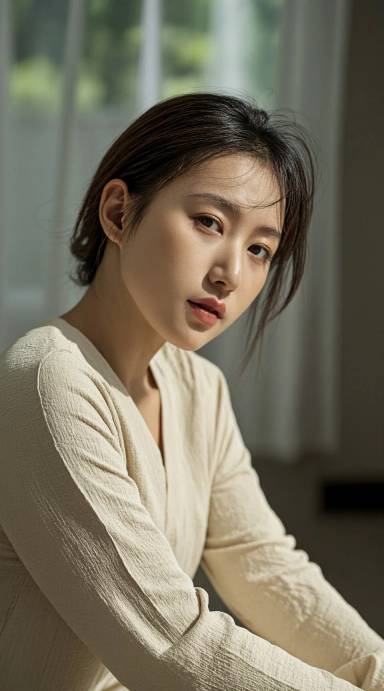
Premium portraits with natural identity, skin detail and editorial lighting.
Describe what you want to create.
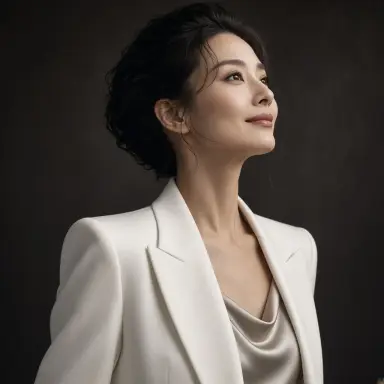
Type what you want and GLMImage generates it — or upload a photo and edit from there. One generator for both, free to start.
✨ Sign in to generate • New accounts: 2 free images / 2 credits • No watermark • View pricing
Premium portraits with natural identity, skin detail and editorial lighting.
Describe what you want to create.
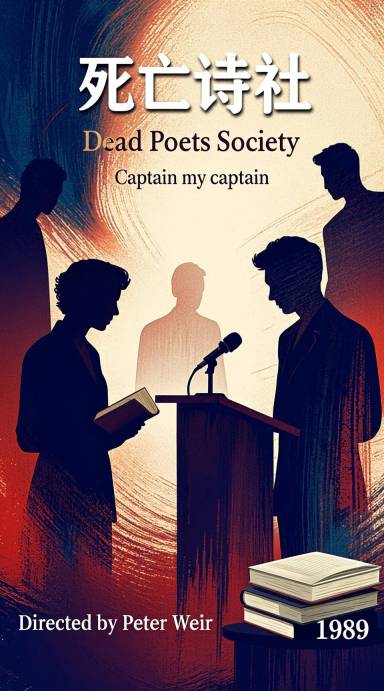
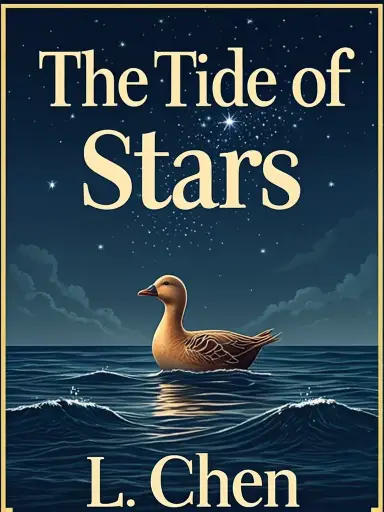
Professional book covers with readable title, author and genre-fitting art.
Describe what you want to create.
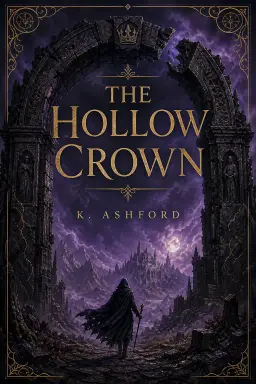
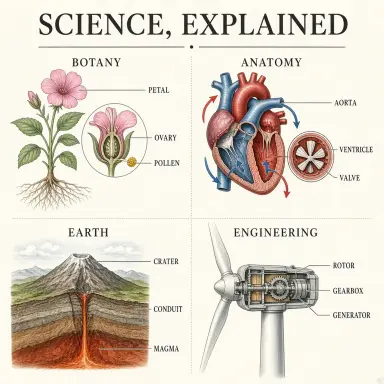
Clear labeled visuals for teaching, papers, and documentation.
Describe what you want to create.
Campaign-ready posters with clear hierarchy and legible short copy.
Describe what you want to create.
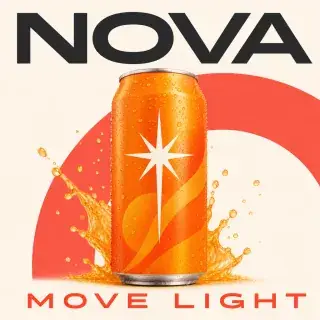
Mobile-readable visuals designed to stop the scroll and communicate quickly.
Describe what you want to create.

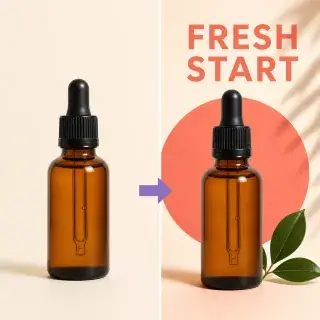
Clean, conversion-focused product visuals with premium studio realism.
Describe what you want to create.

Infographics with readable charts, labels, and clear hierarchy.
Describe what you want to create.
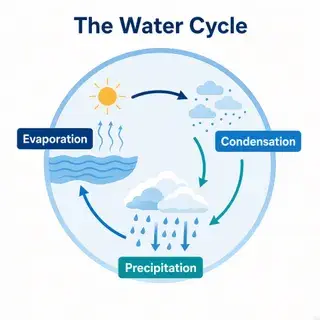
Editorial step-by-step recipe or how-to cards with appetizing visuals.
Describe what you want to create.
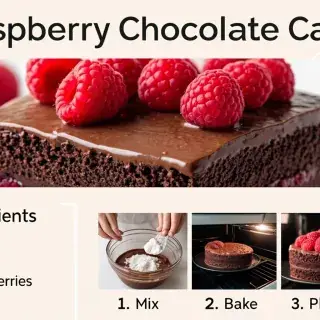
Newsstand-quality covers with a bold masthead and legible cover lines.
Describe what you want to create.
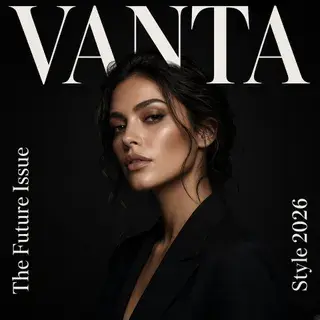
Calm, minimal wallpapers for desktop and phone — gradients, landscapes, abstract scenes.
Describe what you want to create.

Printable children's coloring pages with thick outlines and big open shapes.
Describe what you want to create.
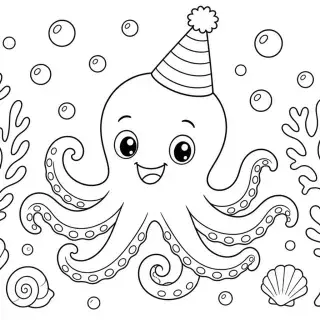
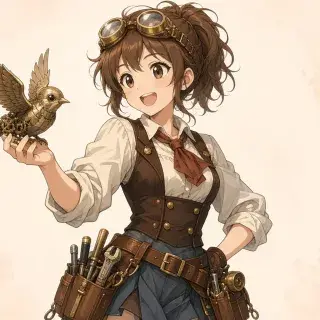
Original anime-style characters with clean cel shading and dynamic poses.
Describe what you want to create.
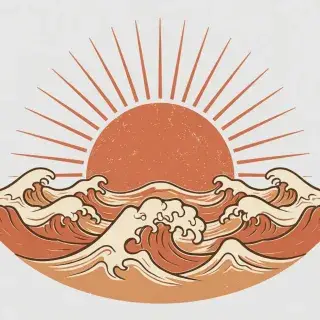
Print-ready shirt graphics — centered motifs in flat, bold styles.
Describe what you want to create.
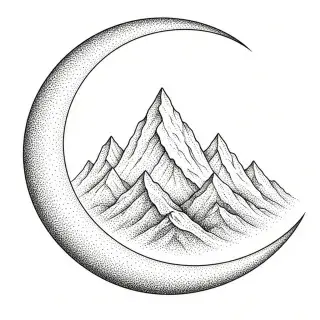
Black-ink tattoo stencils: fine-line, blackwork, geometric or flash.
Describe what you want to create.
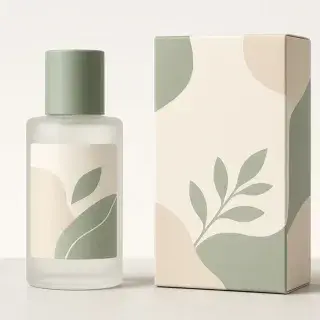
Premium packaging concepts — pouches, boxes and bottles with minimal labels.
Describe what you want to create.
Combine two to four subjects or products into one coherent shared scene.
Primary subject (required) + Secondary subject (required)
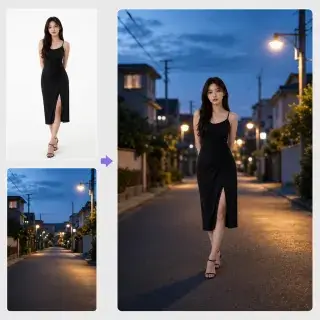
Swap one subject while keeping the original camera, scene and lighting intact.
Base image (required)
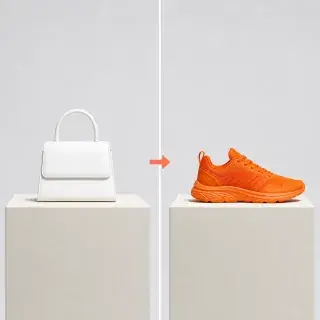
Make a localized edit and reconstruct clean, believable image detail.
Base image (required)
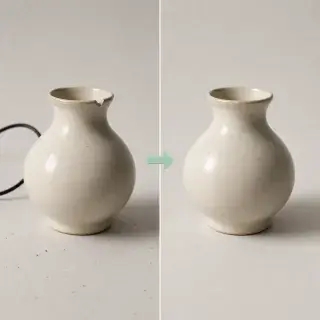
Move a preserved subject into a naturally lit new environment.
Base image (required)
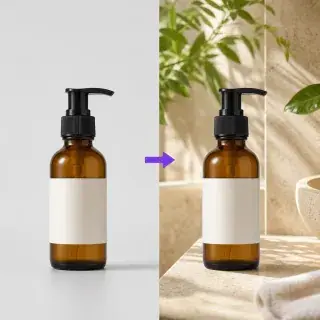
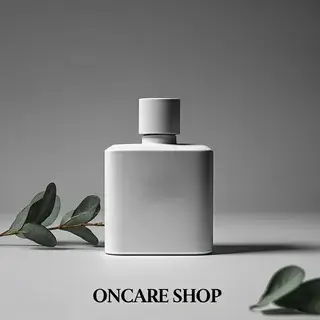
Re-shoot a product in a new scene while keeping its shape, logo and materials intact.
Product photo
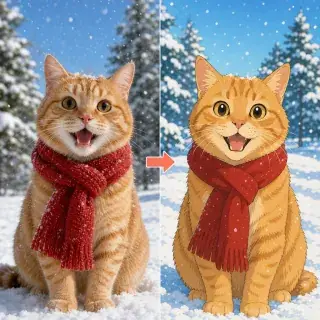
Adopt a new visual language without losing the source composition.
Source image (required)
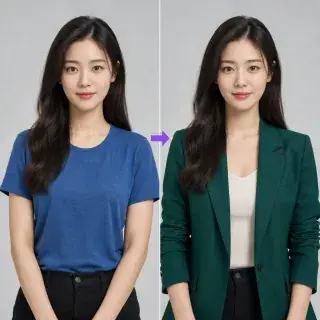
Change wardrobe or styling while preserving the person’s identity and pose.
Portrait image (required)
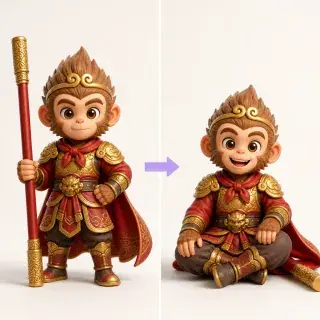
Refine gesture and expression while keeping a stable person or character.
Portrait or character (required)
Turn an existing visual into a fresher, platform-ready campaign execution.
Base campaign image (required)
Works explicitly published by users to the public GLMImage gallery. The model used for each task is recorded with that task.


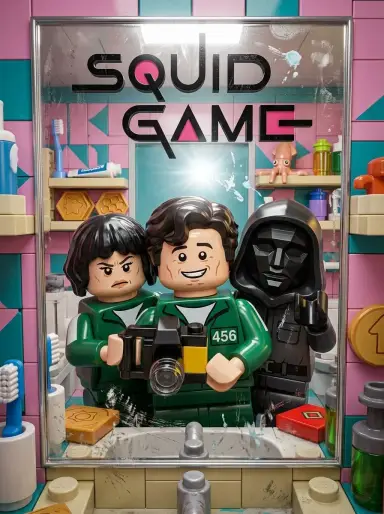
One generator, 20+ focused workflows — pick the one that matches your job.
Start creating stunning AI-generated images with GLM-Image in four simple steps. GLM-Image makes professional image generation accessible to everyone, from beginners to experienced creators.
Begin by describing the image you want GLM-Image to create. Be as detailed as possible - GLM-Image excels at understanding complex scenes, artistic styles, lighting conditions, and compositional elements. Include specific details about subjects, backgrounds, moods, and any text you want rendered. GLM-Image supports prompts in both English and Chinese for maximum flexibility.
Choose text-to-image to create from a prompt, or image-to-image to iterate on an existing image. Upload a reference image when needed, then generate—GLMImage handles the infrastructure and task execution for you.
Click generate and watch GLM-Image turn your prompt into a high-fidelity result. If you need variations, adjust the prompt or switch to image-to-image to keep iterating fast. Generation time varies based on resolution and system load.
Export your GLM-Image creations for web, social media, or design workflows. Use them in real projects, share with your team, and keep refining with iterative prompts. Images generated in GLMImage have no watermark by default.
Two generation modes built on GLM-Image's 16B hybrid architecture — everything you need to create and iterate.
Describe your idea in detail and GLM-Image turns it into a high-fidelity image. The autoregressive component deeply understands complex prompts, while the diffusion decoder renders fine visual details — from photoreal portraits to imaginative scenes.
Upload a reference image and iterate. Remix an existing image, change the style, or guide generation with visual context. The image-to-image pipeline uses the same hybrid architecture for contextually aware, naturally blended results.
GLM-Image renders legible Chinese and English text directly inside generated images — ideal for posters, banners, and marketing materials with naturally integrated, clearly readable typography.
Generate up to 4 image variants in a single request so you can compare directions and pick the best result faster, without resubmitting your prompt.
Core workflow capabilities and auditable task records, without unverified usage or rating claims.
Create from a prompt
Edit with reference images
Records the actual model and provider
Answers to common questions about GLMImage, credits, generation workflow, and commercial usage.
Yes. Generation requires signing in. Every new account receives 2 credits, enough for 2 free standard images without a watermark; after that, subscribe or buy credits to keep creating.
Yes. Generating images requires signing in so we can apply your trial, track credits, and protect the service from abuse.
Each image generation consumes credits. Subscriptions add credits each billing cycle, and one-time packs add credits immediately. Your remaining balance is shown in Billing.
Currently, a single image generation costs 1 credit in GLMImage (both text-to-image and image-to-image).
Use text-to-image to generate new visuals from prompts, and image-to-image to remix or iterate on an existing image. Both workflows are optimized for fast creative iteration.
No. Images generated in GLMImage do not include watermarks by default.
Paid plans include commercial use, so images you generate can be used in marketing, products, and client work. You remain responsible for making sure your subject matter does not infringe on third-party rights, trademarks, or likenesses, as outlined in our Terms of Service.
GLMImage accepts prompts in English and Chinese. In-image text results vary by the routed model and should be reviewed before publishing.
Be specific about subject, style, lighting, and composition. If you need readable text, keep it short and describe placement and typography (e.g., “bold sans-serif title at the top”).
Credits keep usage predictable and ensure we can reliably run generation for everyone. Add credits or upgrade your plan when you hit the limit.
Open Billing to manage your plan and view your credits, and check Activity for recent tasks and generation history.
Refund eligibility depends on the product and the specific situation. Please review our Refund Policy for details.
Turn ideas into polished visuals in minutes. Try GLMImage with a free trial, then upgrade when you’re ready to scale.











