GLM-Image model weights are available on Hugging Face. Download

Create from Text · Portrait Workflow

High-quality AI Portrait Generator

Turn a written art direction into a polished portrait with natural facial structure, believable skin detail, professional lighting and a composition designed for the final channel—not merely a generic picture of a person.

  • Purpose-built portrait recipe
  • Portrait, square and editorial formats
  • Chinese and English prompt support
  • Clean, watermark-free output
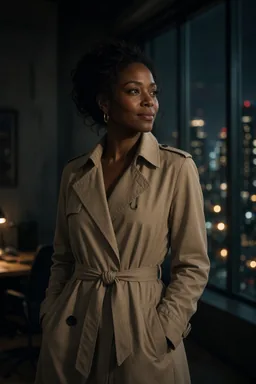
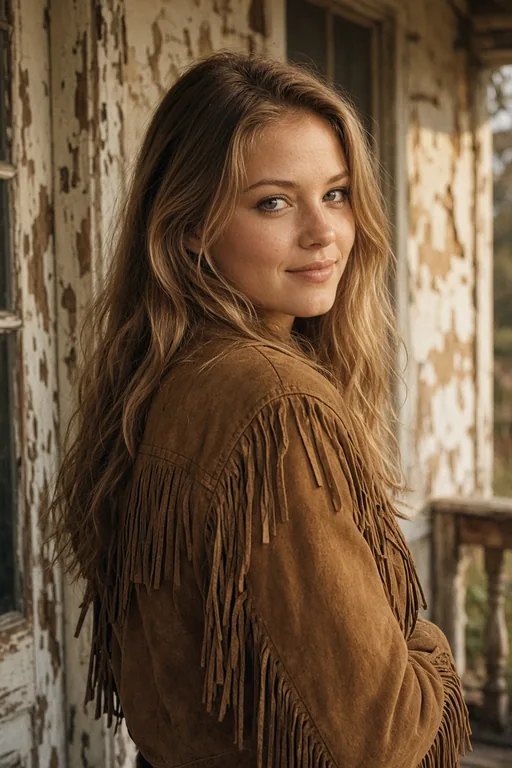
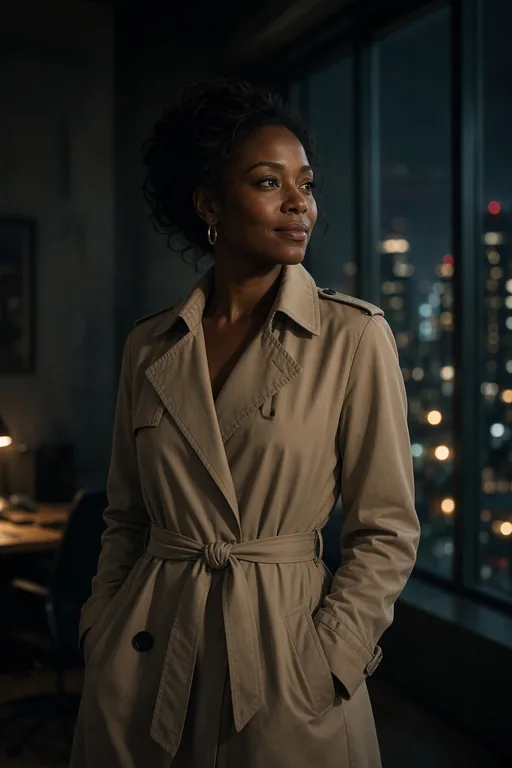
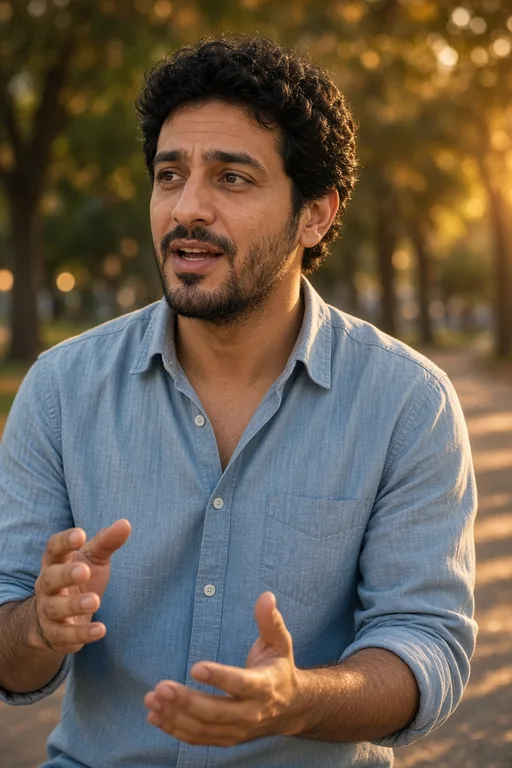
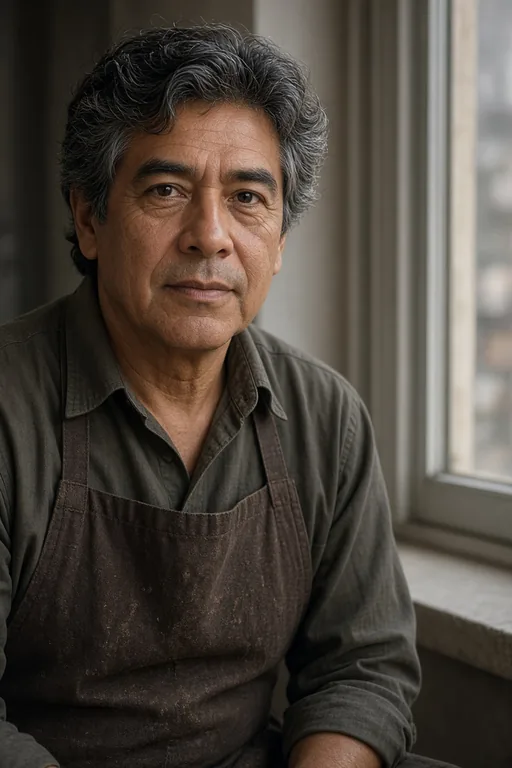
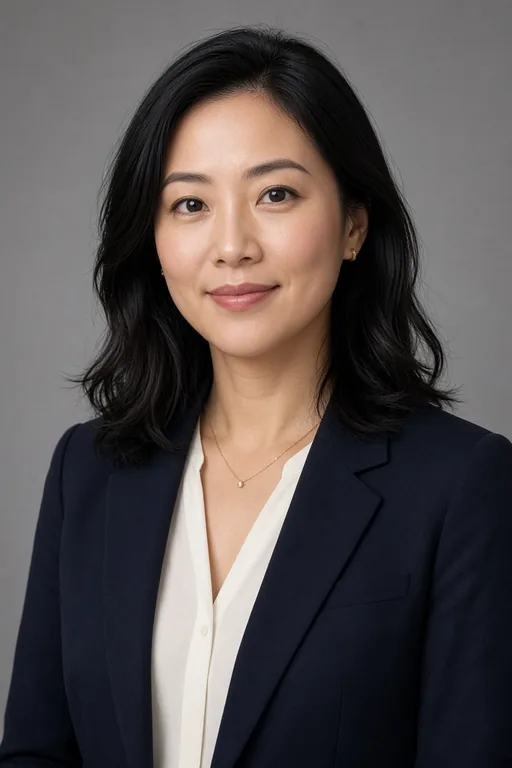
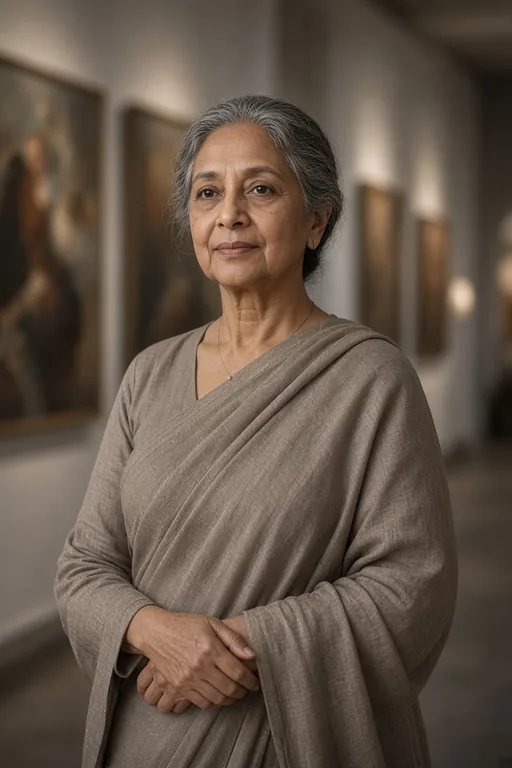
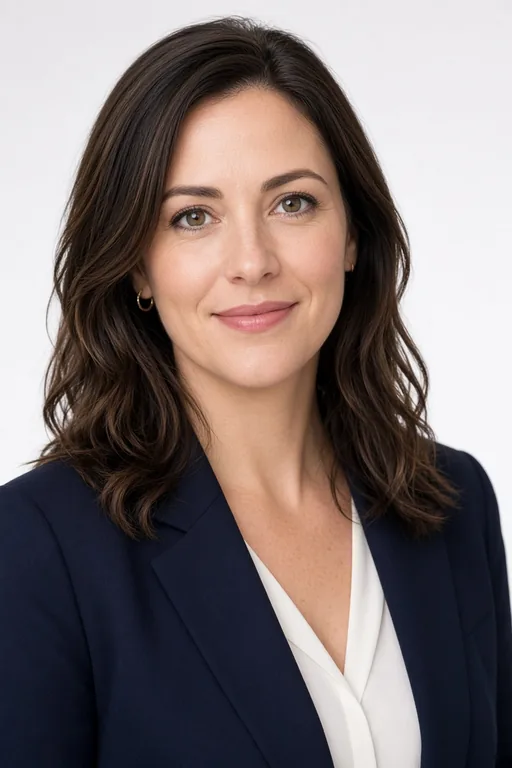
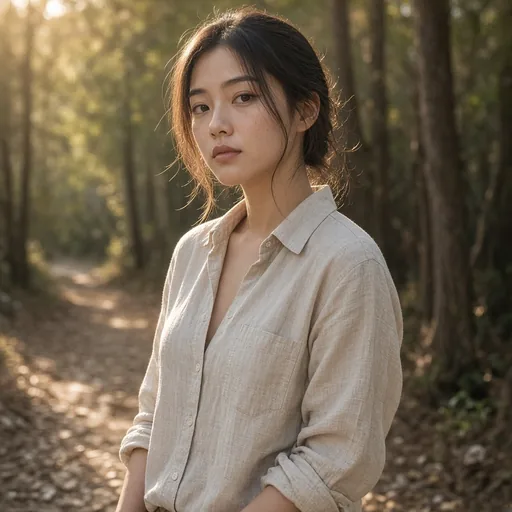
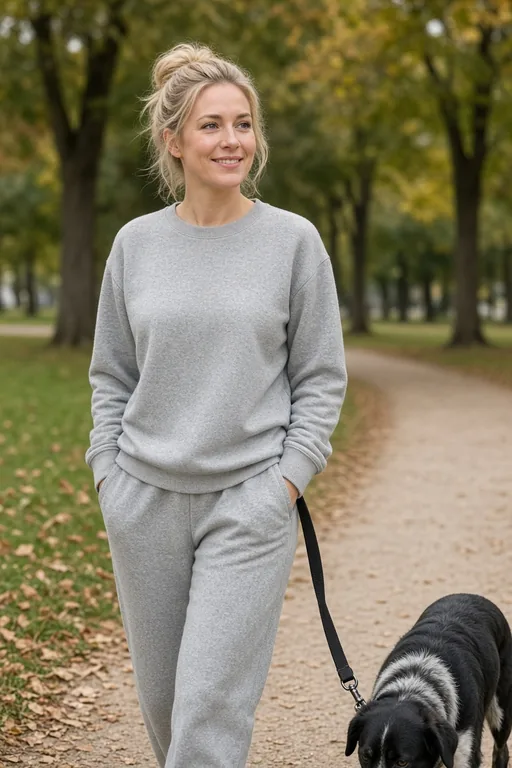
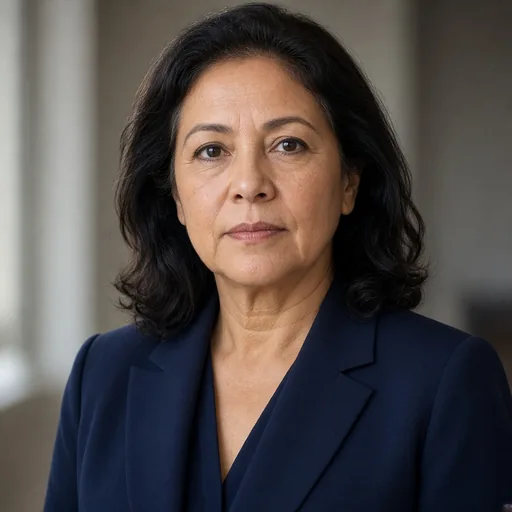
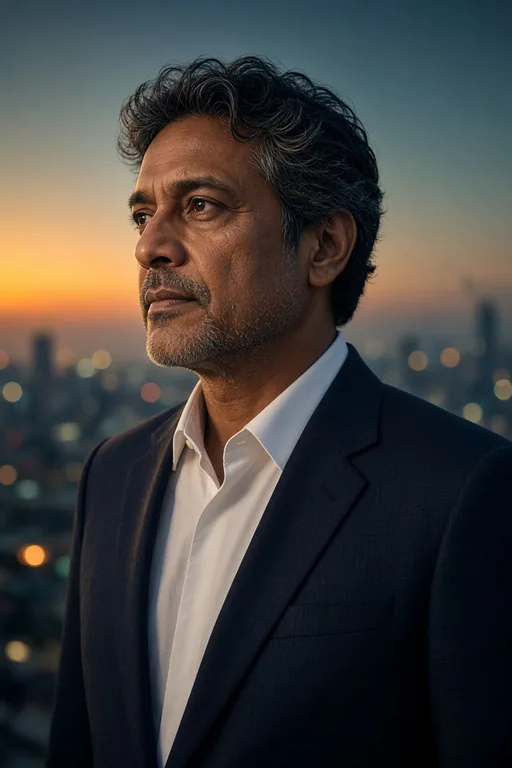
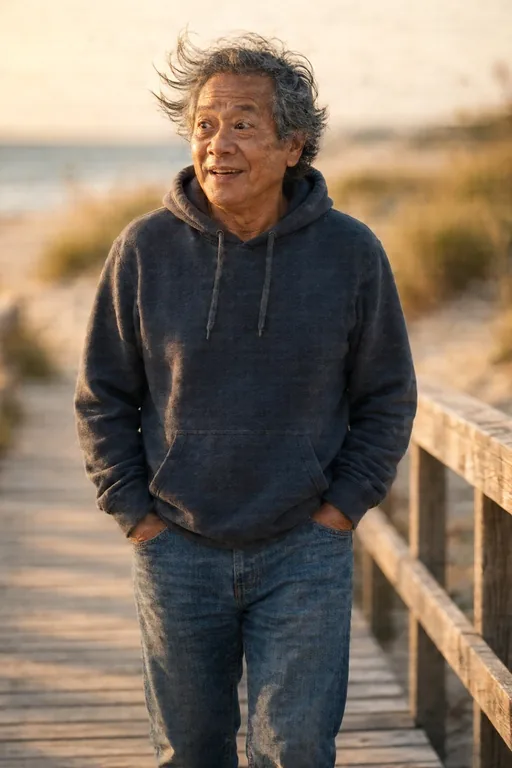
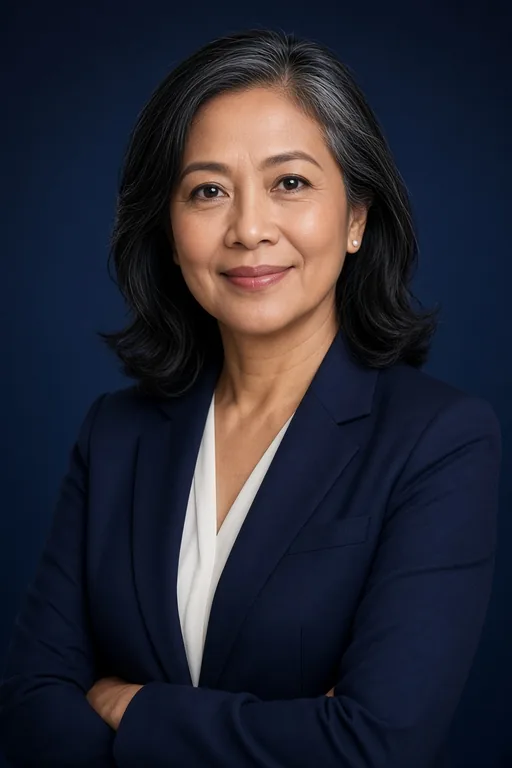
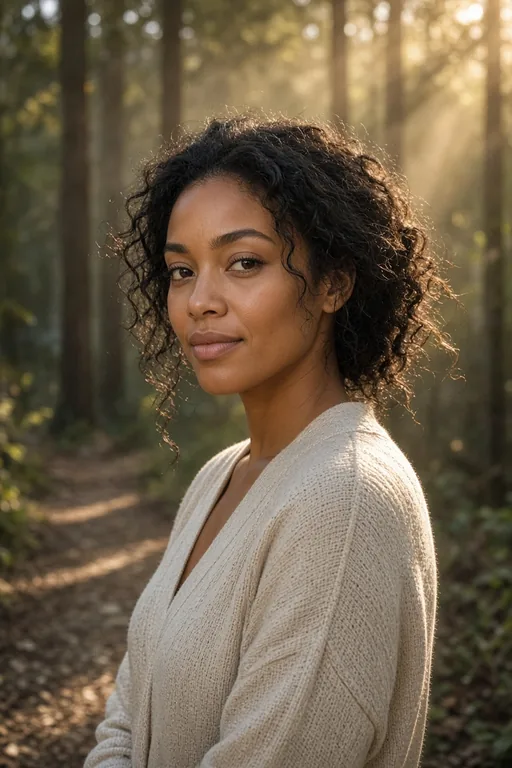
A clean high-quality AI portrait example with natural skin and editorial lighting

High-quality AI Portrait Generator

One generator, eight portrait styles

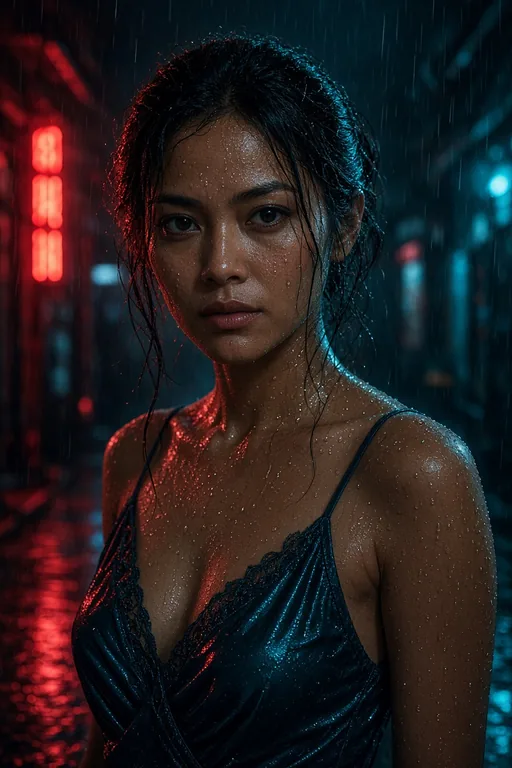
Cinematic

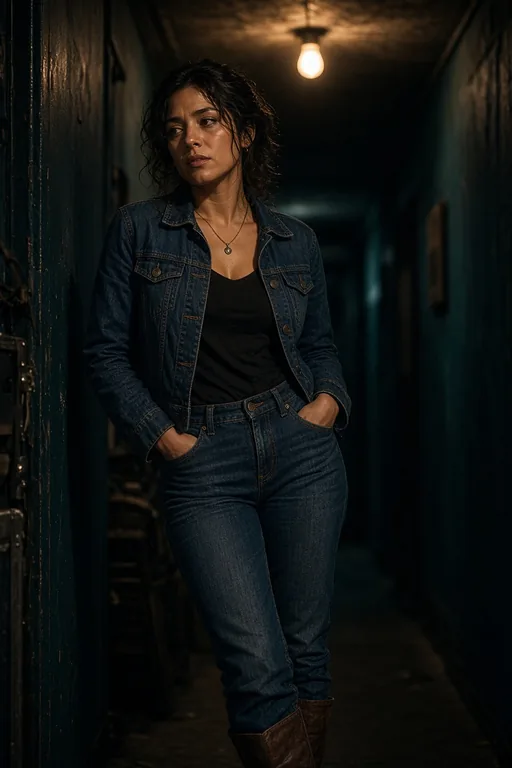
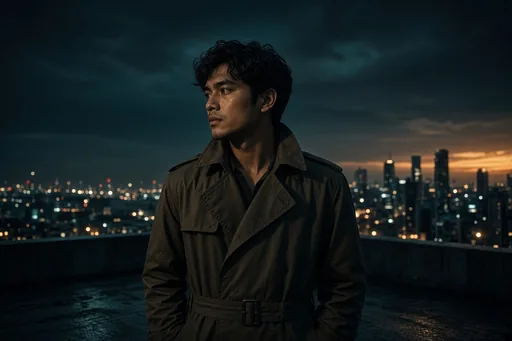
Film-still mood with dramatic side light, a teal-and-amber color grade and shallow depth of field. The subject is lit like a movie poster — strong directional shadows, a key light from one side, and a subtle atmospheric haze in the background. Best for dramatic character portraits, album covers, editorial features, and any hero image that needs to feel like a single frame from a story.

Cinematic

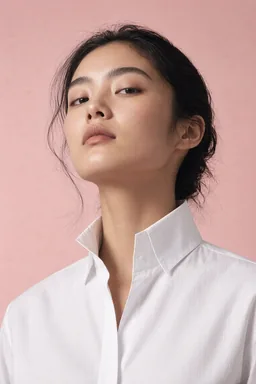
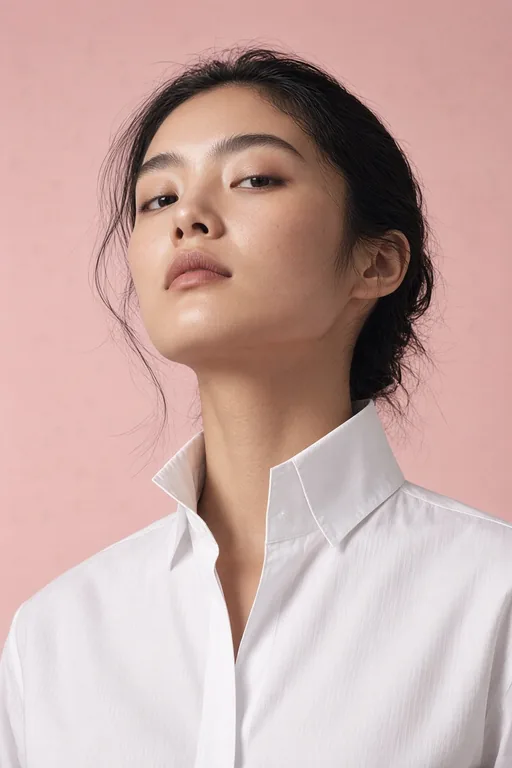
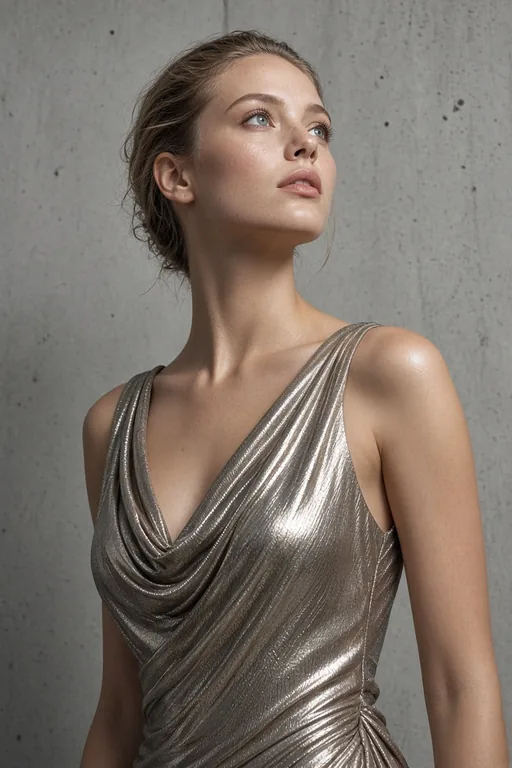
Fashion

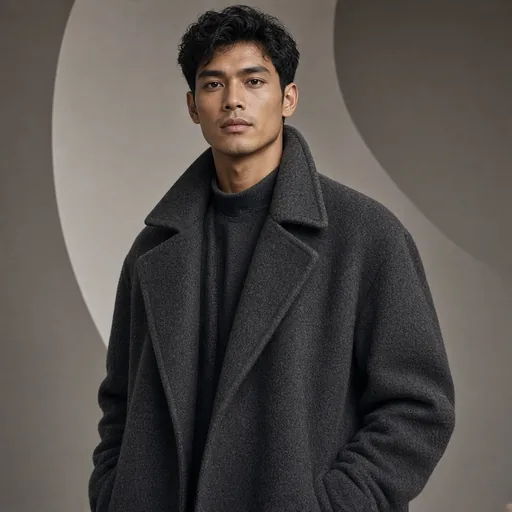
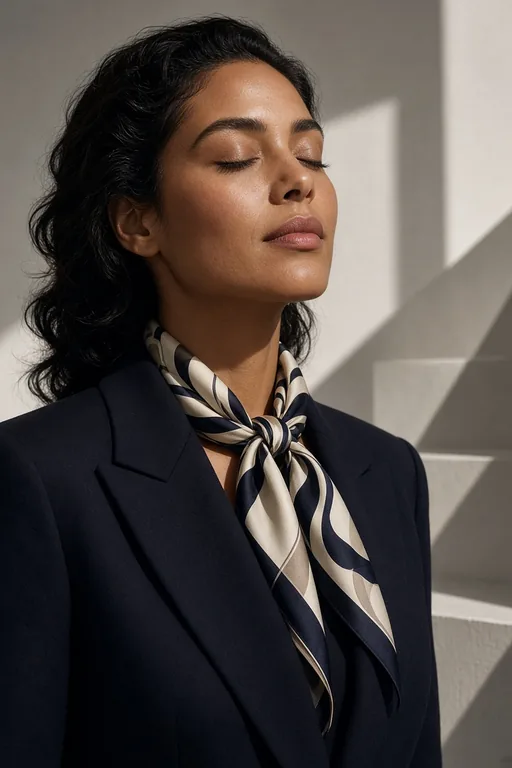
Clean studio light, bold minimalist wardrobe and a seamless paper backdrop. Think high-end magazine editorial: the subject is styled and posed with confidence, the lighting is even and flattering, and the color palette is restrained. Best for lookbooks, campaign concepts, model comp cards, and brand imagery where the clothing and silhouette do the talking.

Fashion

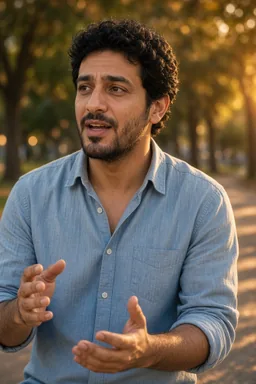
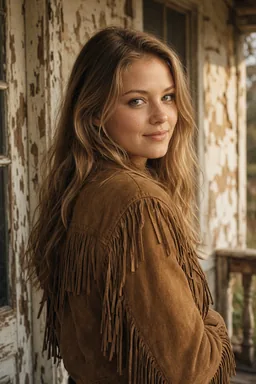
Natural Light

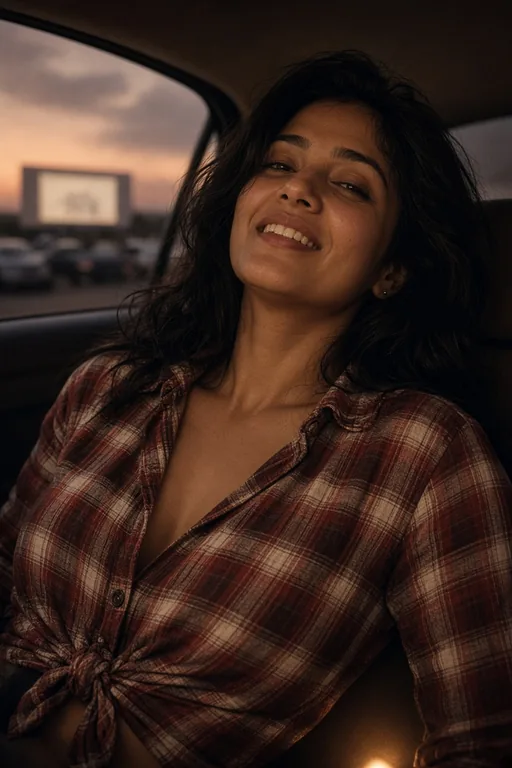
Warm golden-hour sun, relaxed posture and a candid, unposed feel. The light wraps around the subject softly, skin tones glow, and the background melts into a natural bokeh. Best for authentic profile photos, About-page headshots, social-media presence, and any context where you want to look approachable and real rather than styled.

Natural Light
View all styles (8)

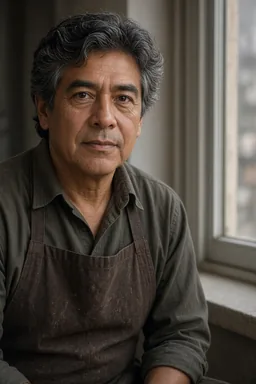
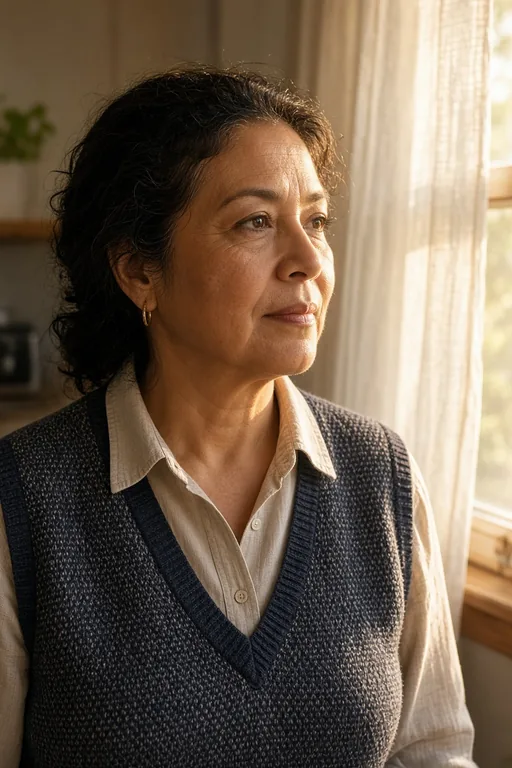
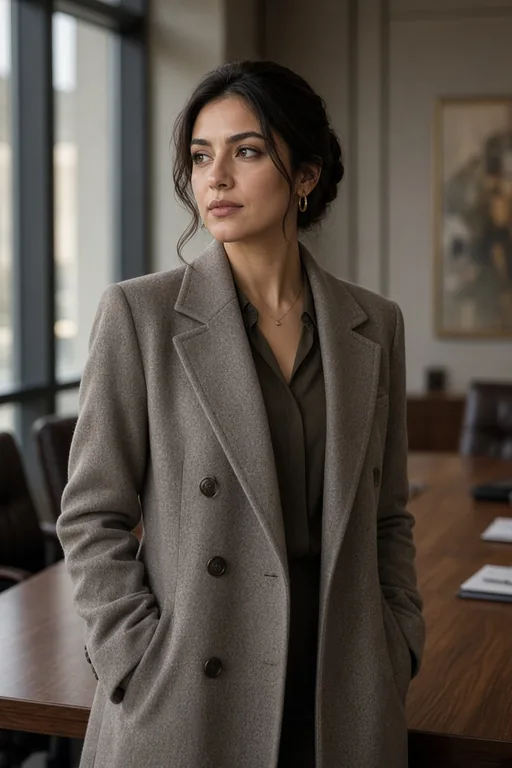
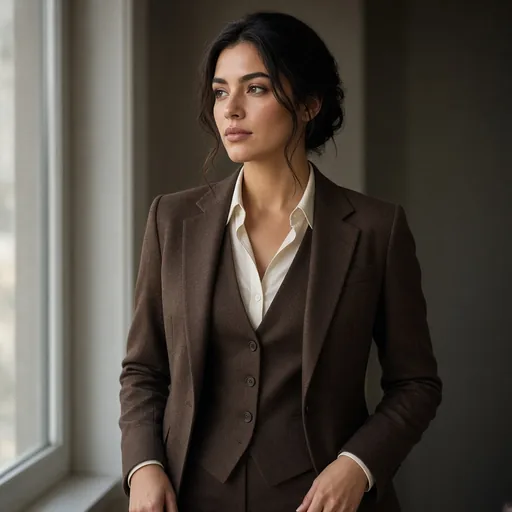
Editorial

Soft north-window light, muted earth tones and a poised, calm expression. The mood is quiet and considered — like a long-form magazine feature. Neutral clothing, a clean environment, and restrained post-processing keep the focus on the person and their presence. Best for executive portraits, author bios, thought-leadership articles, and LinkedIn features.

Editorial

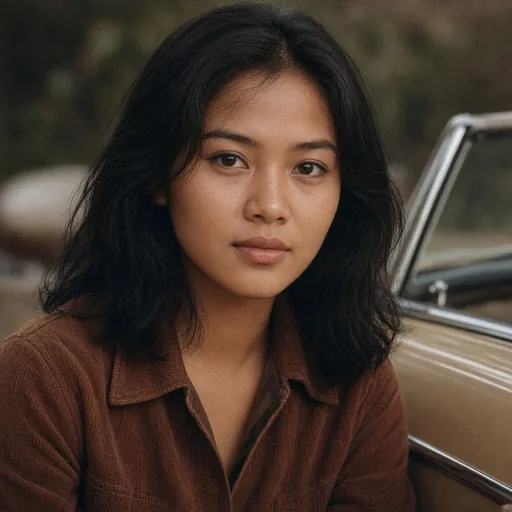
Vintage

1970s film grain, a faded warm grade and retro styling — think old Kodak Portra scanned with dust and soft focus. Nostalgic wardrobe, warm skin tones, and a tactile, analog texture throughout. Best for nostalgic brand campaigns, music artwork, mood boards, and any project that wants the warmth and imperfection of real film.

Vintage

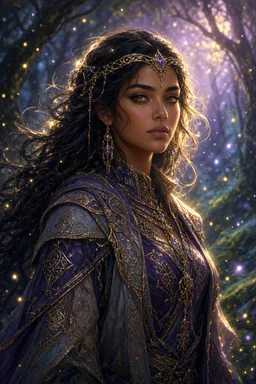
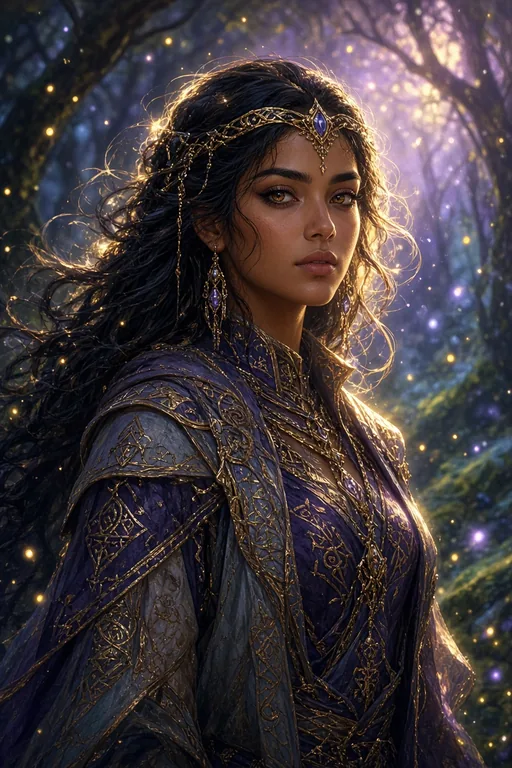
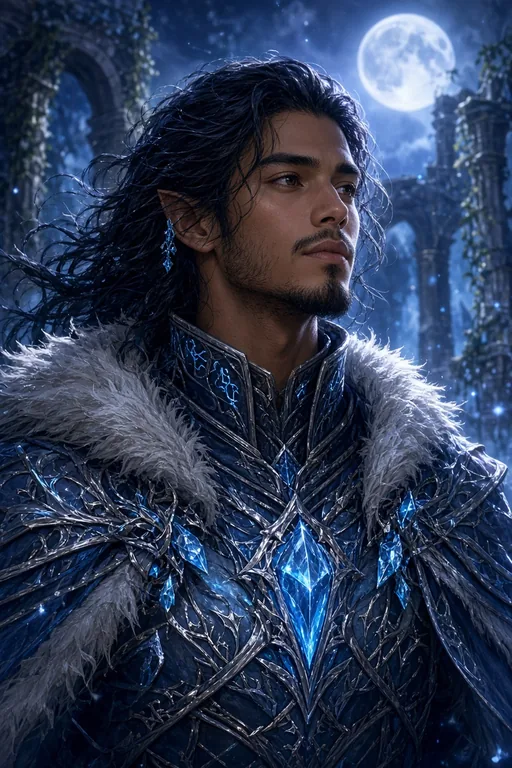
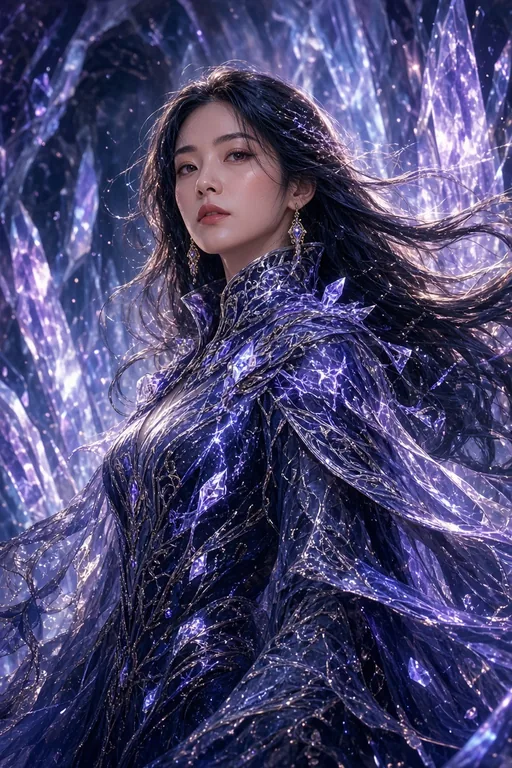
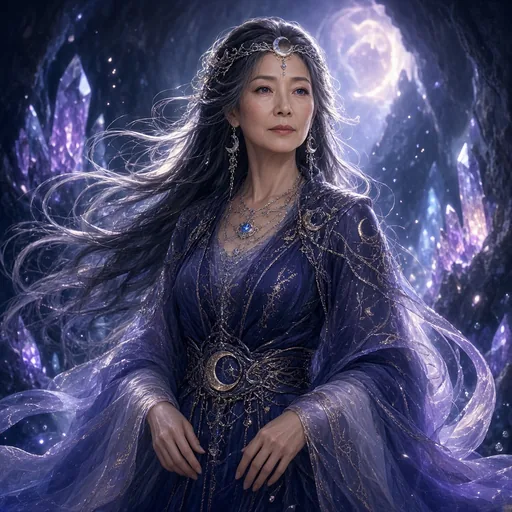
Fantasy

Ethereal rim light, a glowing atmospheric haze and intricate, otherworldly costume. The subject looks like they stepped out of a concept-art painting — dramatic backlight, volumetric fog, and a palette of deep jewel tones with luminous highlights. Best for game characters, fantasy book covers, RPG portraits, and concept art where imagination leads.

Fantasy

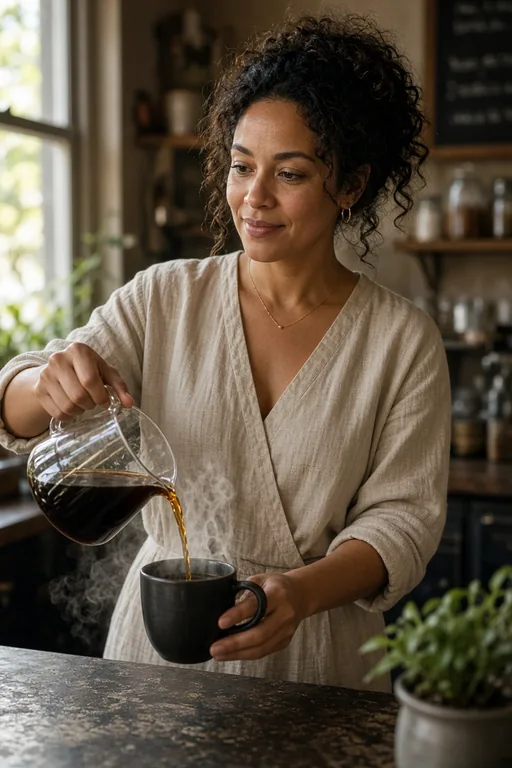
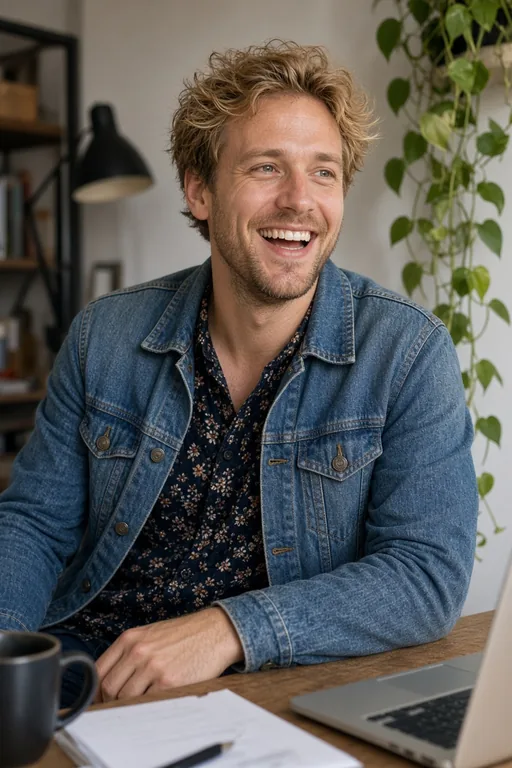
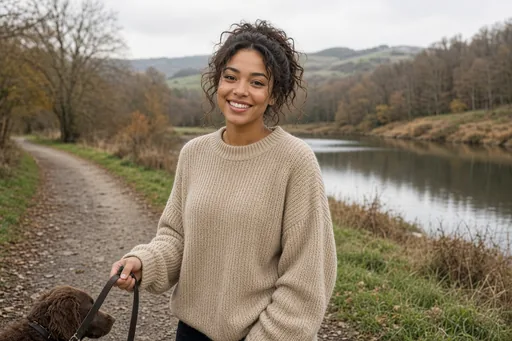
Lifestyle

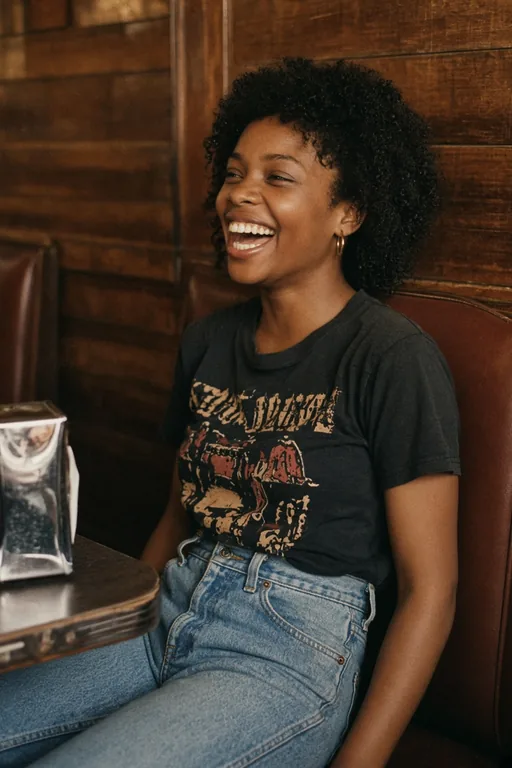
Candid, environmental and grounded in a real setting — a café, a workspace, an outdoor scene. The subject is mid-action, not looking at the camera, and the environment tells a story about who they are. Natural light, realistic colors, and an authentic, lived-in feel. Best for testimonials, brand stories, casual team pages, and behind-the-scenes content.

Lifestyle

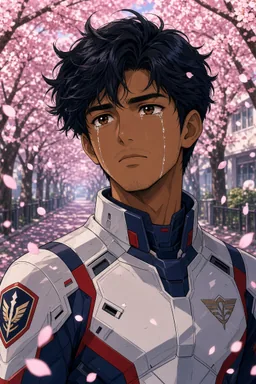
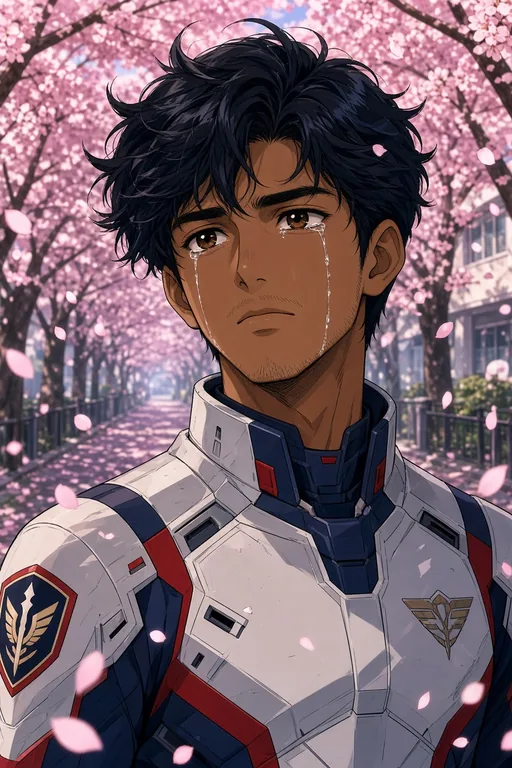
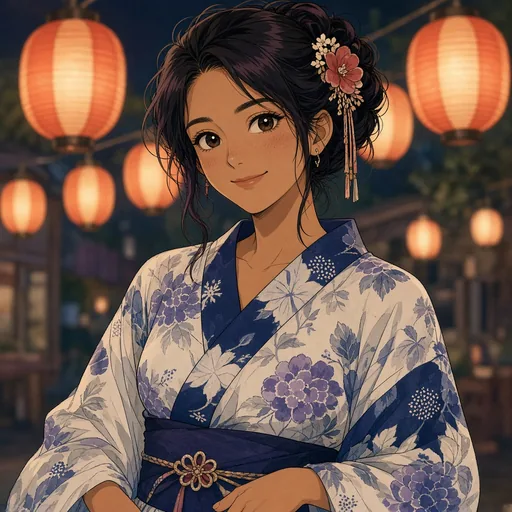
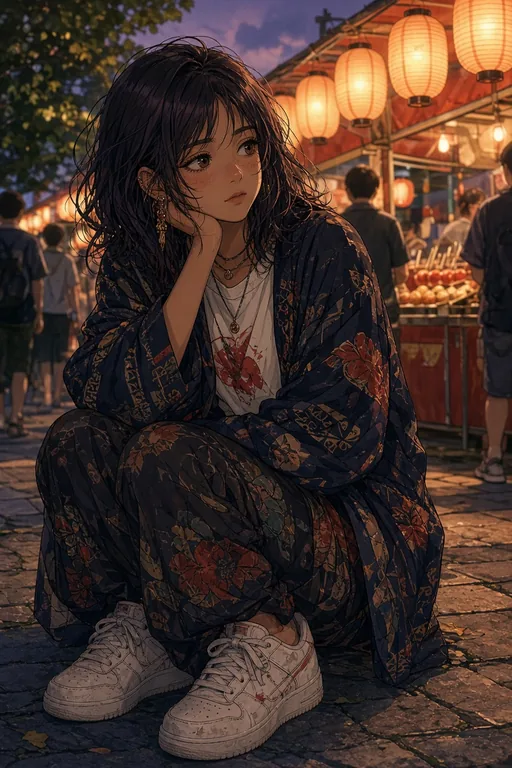
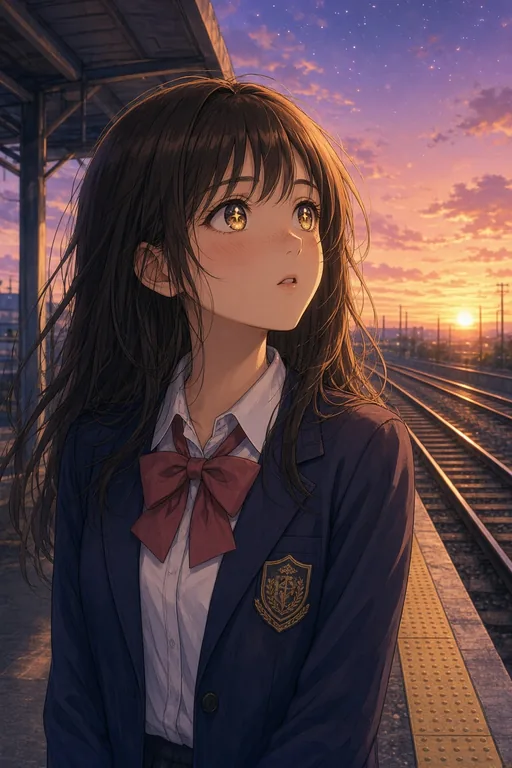
Anime

Clean cel shading, vibrant hair colors and a flat 2D illustration aesthetic. The subject is rendered in the style of modern anime and manga — bold outlines, simplified features, expressive eyes, and a limited but saturated color palette. Best for avatars, VTuber characters, creative social profiles, fan art, and any project that wants a stylized, illustrated look.

Anime

A portrait workflow built around business intent

A useful portrait is more than a face that looks technically realistic. A profile photo must remain readable at a small size. An editorial portrait needs atmosphere and deliberate negative space. A campaign portrait must leave room for copy while keeping the subject recognizable. This high-quality AI portrait generator starts with those practical decisions. Its built-in direction asks GLMImage for a defined subject, natural facial geometry, expressive eyes, intentional styling and professional portrait light before your own description is added.

That structure makes the workflow approachable when you do not speak in camera jargon. You can describe who the person is, what the portrait should communicate and where it will be used. The recipe supplies a quality baseline without overriding your idea. For an executive profile you might request quiet confidence, a neutral studio and soft directional light. For an album portrait you can choose a more dramatic palette, a wider crop and a visual motif. The goal is not one fixed aesthetic; it is dependable portrait craft across different aesthetics.

Why GLMImage is a strong fit for high-quality portraits

GLMImage combines instruction understanding with detailed visual rendering. In a portrait workflow, that matters because several constraints must hold at once: age, expression, wardrobe, pose, lighting, lens feeling, background and crop. A weak prompt interpreter may satisfy the mood but forget the clothing, or produce a beautiful face that no longer matches the requested age. A structured portrait prompt gives each decision a clear role and reduces contradictory instructions.

The workflow can also include designed elements such as a short headline, nameplate or editorial cover treatment. Put text that must appear in the image inside quotation marks, keep it concise and state where it belongs. Text rendering still deserves visual review, particularly for small characters. For layouts with extensive body copy, generate the hero portrait first and finish typography in a design tool.

Write portrait prompts like an art director

Start with the person and purpose, then add appearance, expression, styling, environment, lighting and camera framing in that order. “A thoughtful marine biologist for a magazine profile” gives the image a job. Follow it with observable details: wind-touched hair, a navy field jacket, a calm direct gaze, an overcast harbor, soft side light and a waist-up vertical composition. Concrete details are easier to render than praise words such as amazing, perfect or cinematic on their own.

Separate identity from aesthetics. Describe stable subject traits once, then describe the visual treatment. If you want a documentary portrait, ask for restrained color, environmental context and natural imperfections. If you want luxury beauty, request controlled highlights, immaculate styling and a simpler background. Avoid piling together incompatible lenses, eras and lighting schemes. A concise hierarchy gives the high-quality AI portrait generator a clearer target and makes later iterations easier to diagnose.

  • Subject and professional context
  • Expression and body language
  • Wardrobe, hair and accessories
  • Background and meaningful props
  • Lighting direction and softness
  • Crop, aspect ratio and intended placement

Choose the portrait size before you compose

The default 832 × 1216 portrait format supports headshots, editorial portraits and cover-like compositions. Square 1024 × 1024 works well for avatars, team pages and social profiles. A 3:2 landscape canvas is useful when the subject should sit beside a headline or when the environment carries part of the story. Choosing size early helps the model place shoulders, hands and negative space intentionally instead of forcing a finished portrait into a crop it was never designed to survive.

Custom width and height are available within the provider range of 256 to 1536 pixels, and both dimensions must be divisible by 32. This is a model requirement rather than an arbitrary form rule. Keep the final use in mind: vertical for speaker cards and editorial covers, square for compact identity systems, and landscape for banners or profile features. If a platform will crop automatically, protect the face by requesting comfortable margin around the head and avoiding essential details at the edges.

Portrait use cases for real teams

Founders and marketing teams can explore campaign directions before booking a full production. Authors and musicians can test cover moods. Game and film teams can visualize casting archetypes. Educators can create respectful fictional presenters for learning material. Designers can build a consistent set of profile visuals by repeating the same framing, light and background grammar while changing only approved subject details.

For a real identifiable person, text-to-image is best used for concept exploration rather than exact identity replication. When preserving a specific person matters, start from an authorized portrait in the Portrait Restyle or Pose & Expression editing workflow. Always obtain appropriate permission for likeness use, avoid deceptive contexts and review commercial output for brand, publicity and intellectual-property concerns before publication.

Teams that ship at volume benefit most when they treat a good portrait prompt as a reusable template rather than a one-off. Lock the camera height, lighting pattern, background family and crop, then vary only role-specific details — a healthcare professional in scrubs, a chef in a kitchen, an executive in a neutral studio — and the outputs form a coherent portrait system for an About page, a speaker roster or a course faculty grid. This is faster and more consistent than asking a model to reinvent the framing for every subject, and it keeps the visual identity stable as the team grows.

Iterate without losing what already works

Treat the first portrait as a diagnostic draft. If the face and styling are right but the background is busy, keep the subject wording unchanged and revise only the environment. If the portrait feels flat, change the direction, size or contrast of the light instead of rewriting every detail. One-variable iterations reveal which instruction caused the improvement and help you develop a reusable portrait language for a series.
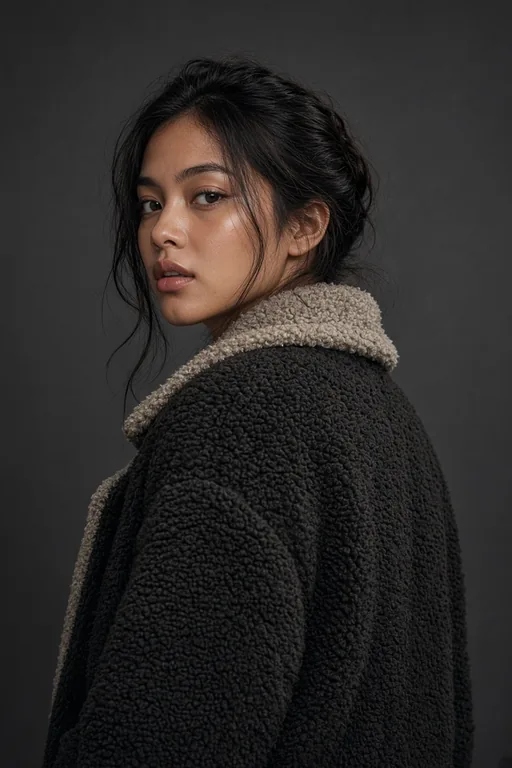
Save the successful prompt together with its aspect ratio. Consistency comes from repeating structure, not from adding more adjectives. For a team portrait system, lock the crop, camera height, background family and lighting pattern, then change role-specific wardrobe or props. The generator stores the visible request with the task, so a good result can become a documented starting point rather than a lucky image you cannot reproduce.
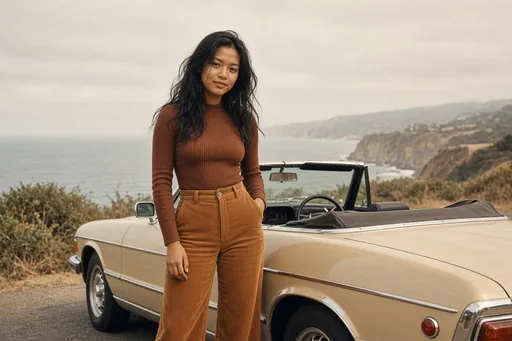
Practical starting points

Prompt examples for AI portrait generator

Use these as structures, not magic phrases. Replace the subject, purpose and constraints with details from your own project.

Editorial profile

A high-quality editorial portrait of a climate architect in her early forties, calm direct gaze, textured charcoal jacket, standing in a daylight studio with a subtle recycled-material installation, soft window light from camera left, natural skin texture, waist-up vertical composition, quiet intelligent mood

Defines profession, age, expression, wardrobe, environment, light and crop.

Creative campaign portrait

A confident young ceramic artist for a contemporary craft campaign, clay-dusted indigo apron, warm expression, sculptural vessels softly out of focus, late-afternoon rim light, rich earth palette, realistic editorial photography, leave clean space above the right shoulder for a short headline

Adds campaign purpose and practical copy space without asking the model to guess layout.

Professional profile

A polished professional portrait of a product designer, approachable expression, simple cream shirt, neutral warm-gray background, soft directional studio light, eye-level camera, accurate skin and hair detail, square crop with comfortable headroom, modern and credible rather than corporate stock photography

A restrained prompt for profiles, speaker pages and team directories.

Focused workflow

From input to reviewed image in four steps

1

Choose High-quality Portraits

The generator loads the portrait quality recipe and a practical vertical size.

2

Describe the person and purpose

State the role, mood, expression, styling, setting, light and intended crop.

3

Select the output format

Use portrait, square, landscape or a custom 32-aligned size for the destination.

4

Generate, review and refine

Check face, hands, clothing and crop, then change one instruction at a time.

Frequently asked questions

What it covers

What is a high-quality AI portrait generator?

It is a text-to-image workflow built around portrait craft: facial structure, believable skin, professional light, intentional styling and a composition that fits the destination. Your prompt describes the person and purpose; the recipe supplies the quality baseline.

What makes this different from a generic AI portrait prompt?

A generic prompt leaves every craft decision to chance. This workflow adds a stable art-direction layer covering facial structure, natural texture, identity coherence, professional light and editorial finish, so the model has a clear target instead of a vibe.

Who is this portrait workflow for?

Founders and marketing teams exploring campaign directions, authors and musicians testing cover moods, game and film teams visualizing casting archetypes, educators creating fictional presenters, and designers building a consistent set of profile visuals by repeating the same framing while changing only the subject.

What kinds of portraits can I make?

Editorial profiles, professional headshots, campaign and brand portraits, cinematic film-still looks, vintage and anime styles, and more. The eight built-in styles each load a tuned lighting, lens and color recipe, or you can start from Free create and write your own direction.

Accuracy & trust

Do the AI portraits look realistic?

Yes for natural skin, lighting and anatomy at normal viewing distance. The remaining weak spots are hands (always check the fingers) and small in-image text. Run the quick quality check — hands, skin texture, age, identity and the edges — before you ship any portrait.

Can it match a specific age, ethnicity or gender?

Yes, when you state it concretely. Describe the age, ethnicity and gender you want as observable facts. A structured prompt holds those traits far more reliably than a pile of adjectives, which tends to drift toward a generic default.

Are the generated faces unique?

Each portrait is a new synthesis, so faces are unique generations rather than copies of a real person. Repeating the same prompt and seed reproduces the same image, which is useful when you want a stable starting point to iterate from.

How do I preserve a real person’s identity?

Text-to-image creates a new interpretation and is not meant for exact identity preservation. To keep a specific person recognizable, start from an authorized source portrait in an image-to-image restyle workflow, which preserves identity while changing the styling.

Using the tool

How do the eight portrait styles work?

Each style — cinematic, fashion, natural light, editorial, vintage, fantasy, lifestyle and anime — loads a dedicated recipe for lighting, lens, color grade and mood. Pick the one that matches your destination, or choose Free create to use the neutral base recipe and write your own direction.

Which portrait size should I choose?

Use 832 × 1216 for vertical portraits, 1024 × 1024 for square profiles and avatars, and 1216 × 832 when the environment or headline space matters. Custom dimensions must be 256–1536 and divisible by 32.

Can I upload my own photo to restyle it?

Yes. Switch to the image-to-image path and upload an authorized reference portrait; the model restyles the wardrobe, lighting or art direction while preserving the person’s identity. This is the right route when an exact, recognizable person must stay the same.

Can I write the prompt in Chinese?

Yes. GLMImage supports Chinese and English instructions. Keep the description structured — subject, expression, styling, environment, light, crop — and put any exact in-image wording inside quotation marks.

Can the portrait contain a name or headline?

Yes, especially short Chinese or English text. Put the required wording in quotation marks and state where it belongs. For layouts with extensive body copy, generate the portrait first and finish the typography in a design tool.

How should I fix an almost-correct portrait?

Keep the successful subject description and alter only the failed variable — expression, light, background or crop. One-variable iterations reveal which instruction caused the change and are more predictable than complete rewrites.

Workflow, comparison & rights

Does the portrait have a watermark?

Generated output is delivered without a visual watermark. You are still responsible for lawful, authorized use of people, brands and third-party material in anything you publish.

Can I use AI portraits commercially?

Generally yes for fictional subjects generated from text. For a real, identifiable person, start from a photo you have permission to use, preserve their identity with a restyle, and review the result for likeness, brand and intellectual-property concerns before publication.

What about likeness rights for real people?

Do not use a generated likeness of a real person to imply endorsement, or in deceptive or defamatory contexts. Obtain appropriate permission for likeness use, keep commercial output truthful, and when in doubt treat the portrait like any other photograph of a person.

Create the first version now

The workflow and its core prompt are already available in the generator. The page gives you the brief; the selected tool turns it into an image.

Open the selected workflow