GLM-Image
Sign In
GLM-Image model weights are available on Hugging Face. Download

Upload · Choose a mode · Generate

AI Product Photography Generator

Upload one product photo and pick a mode: drop it on a clean white studio background for e-commerce, place it in a new scene, or swap the product while keeping the scene. The model preserves identity, shape, logo and color.

  • Clean white-background cutouts for listings
  • Scene swaps that keep the product intact
  • Product replacement with the scene preserved
A clean white-background AI product photo of a shoe

AI Product Photography Generator

Add image
—

Three modes, one upload

Most product shots fall into three needs: a pure white background for marketplaces, a lifestyle scene that tells a story, or a swap to a different SKU in the same setting. Each mode has its own direction so the model never confuses them — that was the bug behind "remove background" producing a scene composite instead.

Pick White Background for a cutout, Change Scene to place the product somewhere new, or Change Product to keep the scene and swap only the item.

Accuracy note

Product shape, logo and color follow the original image. AI may make small adjustments — verify the result before listing.


Practical starting points

Prompt examples for ai product photography

Use these as structures, not magic phrases. Replace the subject, purpose and constraints with details from your own project.

White-background cutout

a pair of white sneakers

Mode: White Background — removes the original scene, places the product on pure white.

Lifestyle scene

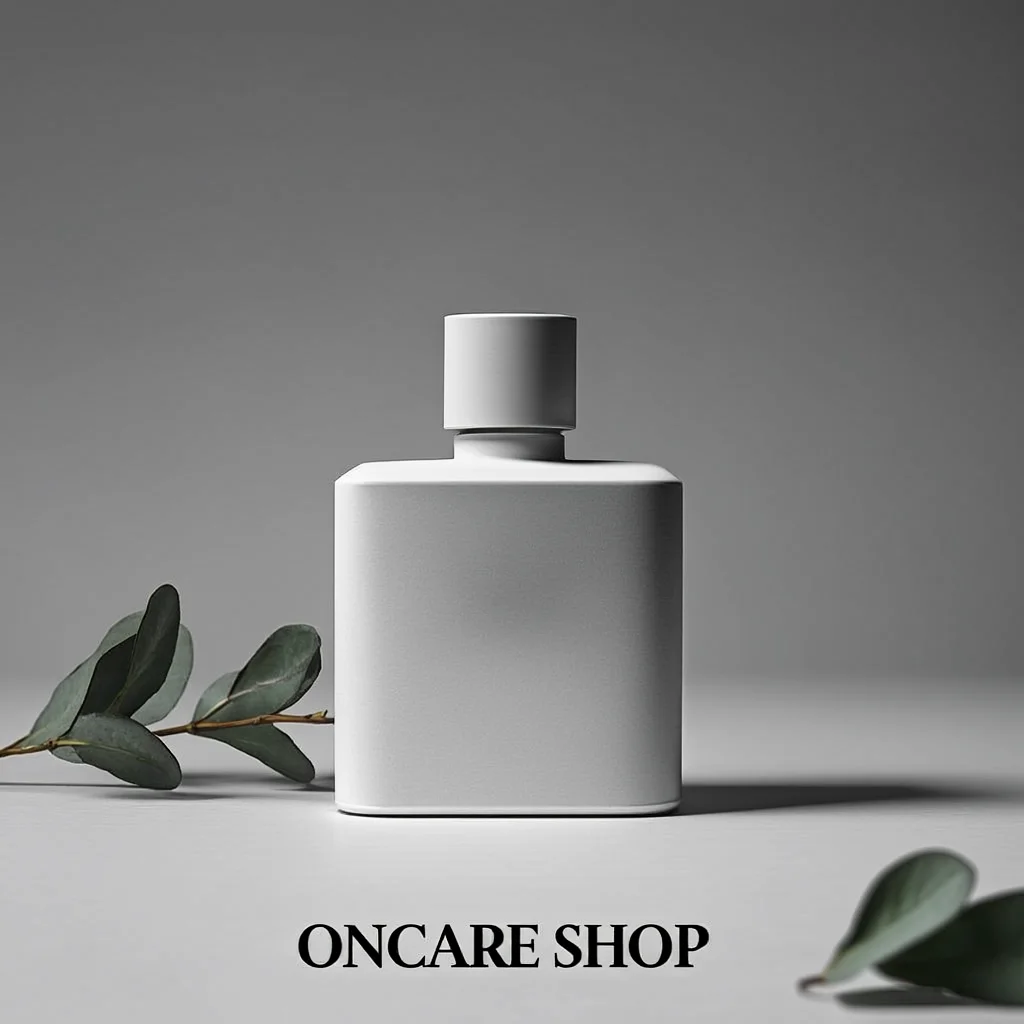
the perfume bottle on a marble table with soft window light

Mode: Change Scene — composites the product into a new environment.

Focused workflow

From input to reviewed image in four steps

1

Upload the product photo

One clear image of the product you want to shoot.

2

Pick a mode

White Background, Change Scene, or Change Product.

3

Generate

Check shape, logo and color before publishing.

Frequently asked questions

Which mode gives a marketplace white-background photo?

White Background. It removes the original scene and places the product on a pure white (#FFFFFF) seamless background with even studio lighting.

Will the product keep its exact shape and logo?

The model is directed to preserve identity, shape, proportions, logo and color. Always verify before listing — AI can make small adjustments.

Create the first version now

The workflow and its core prompt are already available in the generator. The page gives you the brief; the selected tool turns it into an image.

Open the selected workflow





