
Early Coloring
Kids Animals
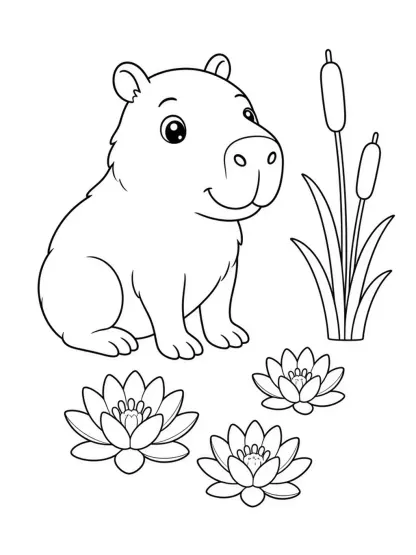
Friendly original animals built from large simple shapes, bold outlines, few props and broad areas that are easier to color.
- Large closed shapes
- Few background elements
Create from Text · Line-art Workflow
Create original black-and-white coloring pages from a written idea. Choose a line-art style, describe the subject and generate broad, closed regions that are easier to color.
This AI coloring page generator turns text into new line art. It is designed for prompts such as a friendly sea turtle near simple coral, a construction vehicle on a quiet road or an original fantasy creature in a garden. The current workflow does not accept a photo and convert it into a coloring page, so photo-to-line-art searches are not treated as a product promise. Generate from a description, inspect every contour and print only after checking that the subject, detail level and page margins suit the intended user.
Early Coloring
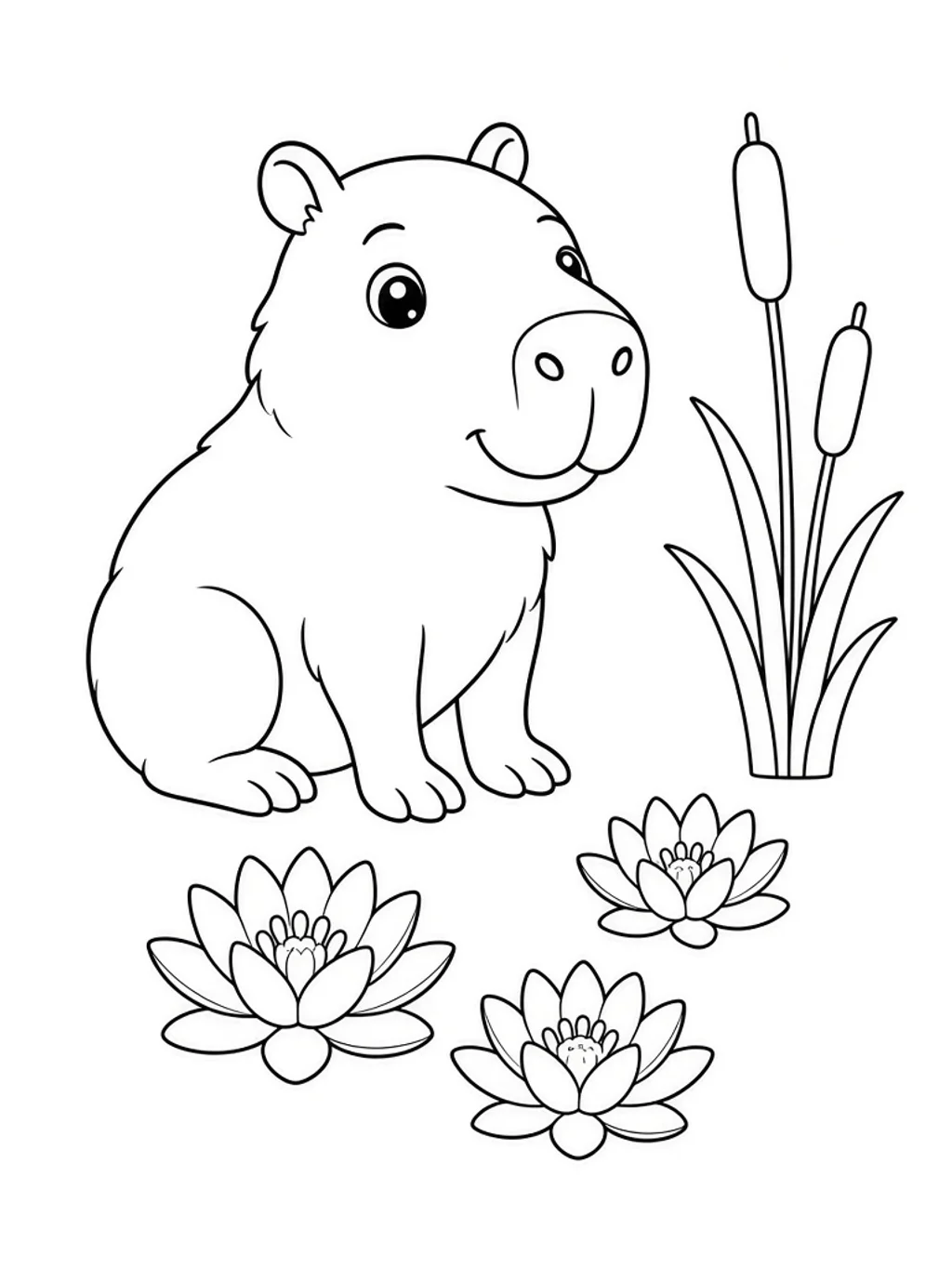
Friendly original animals built from large simple shapes, bold outlines, few props and broad areas that are easier to color.
Classroom
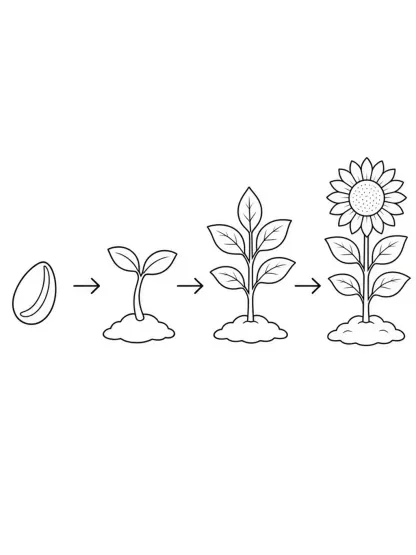
A small number of separated stages for an age-appropriate process, with facts and labels left for human verification.
Pattern
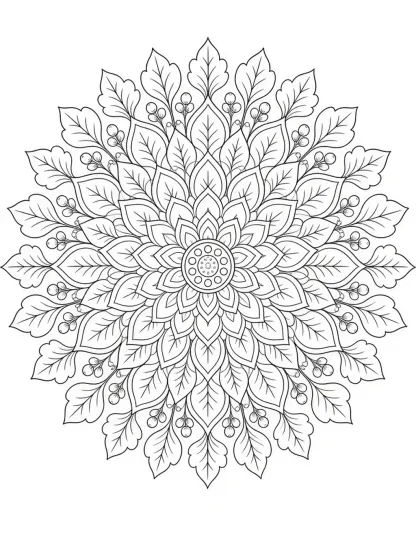
Balanced original radial geometry with crisp closed regions, controlled medium detail and a complete outer contour.
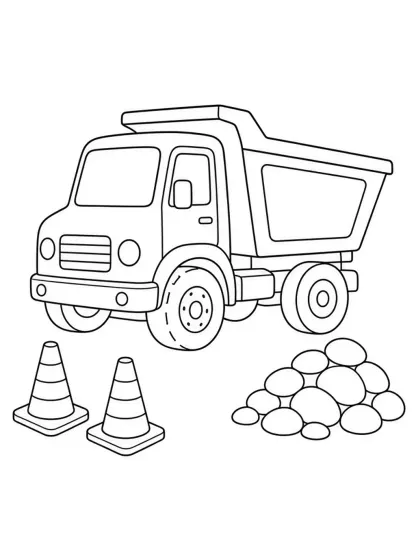
Machines
A generic recognizable vehicle with complete wheels, coherent body geometry and a few simple contextual objects.
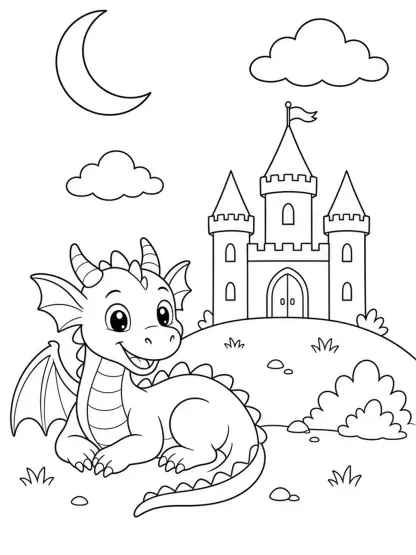
Imagination
Original friendly fantasy subjects with no resemblance to a named franchise, medium-bold contours and simple scenery.
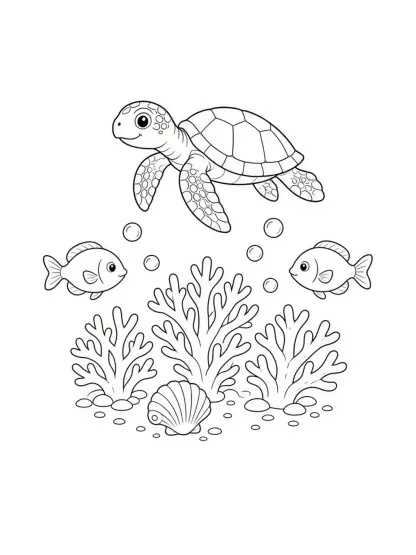
Nature
Plausible generic sea life, compact coral or shell details and clear separation between fins, bubbles and scenery.
Made with GLMImage
Browse first-party examples across animals, educational sequences, mandalas, vehicles, fantasy and ocean subjects. Review line closure and age suitability before printing.
Focused workflow
Select the preset that matches the intended activity, age cue and level of detail.
Name the main subject, action, a few supporting elements and explicit outline, background and margin rules.
Check anatomy, closed shapes, line weight, cropping, gray patches, logos and factual details before accepting the page.
Print or place the image in the final document, verify margins and readability, and add checked instructions outside the generated art.
Practical starting points
Use these as structures, not magic phrases. Replace the subject, purpose and constraints with details from your own project.
A friendly original red panda watering one large sunflower, two small clouds and three simple grass tufts, coloring book line art for younger children, thick uniform black closed outlines, very large open coloring regions, pure white background, wide blank border, no shading, gray, text or logos
Keeps the subject count low and states the line and margin constraints explicitly.
A four-stage visual sequence showing a generic seed sprouting into a young plant, each stage clearly separated from left to right, simple biologically plausible shapes, medium-bold black outlines, open regions for coloring, pure white background, no labels or invented measurements
Uses the image for structure while reserving factual labels for a teacher or editor.
An original ocean-inspired radial mandala with shells, waves and simple fish silhouettes, balanced symmetry, controlled medium detail, crisp closed black paths, complete outer circle, pure white background, generous print margin, no gray fill or text
Defines pattern density and the complete boundary needed for a satisfying page.
The coloring workflow begins with language, not an uploaded photograph. Describe the main subject, its action, the setting, the intended age or skill level and the amount of detail. The generator then creates a new black-and-white composition with a white background. This makes the page useful when you need a specific combination that is difficult to find in a stock library, such as a friendly pangolin planting a tree or an original submarine exploring a simple reef.
A good coloring page is not merely a desaturated illustration. It needs clear black contours, closed shapes, enough open space for a crayon or pencil, and a composition that stays inside safe margins. Gray modeling, painterly texture and dense cross-hatching can look impressive on screen but work poorly as a coloring activity. The workflow prompts against those failure modes, yet every output still needs visual inspection.
Because the page is generated, small factual details can be wrong. A vehicle may have inconsistent wheels, an animal may gain an extra limb, or an educational sequence may skip a step. Treat visual accuracy as a review task, especially for lessons, science topics and pages intended for children. Regenerate or edit anything ambiguous before distribution.
For younger children, ask for one large subject, thick uniform outlines, very few props and broad closed areas. Name the age band only as a design cue, not as a guarantee of developmental suitability. A preschool-oriented animal page should be readable from across a table and should not contain tiny texture fields that require precise pencil control.
For older children and classroom activities, add a few contextual objects or a simple sequence. Keep stages clearly separated and avoid unverified labels. An educational coloring page can support discussion, but the generated picture is not a textbook source. A teacher or subject expert should verify anatomy, order, spelling and any implied fact before the sheet is used in a lesson.
Adult pattern pages can use medium detail, repeated geometry and denser closed regions. Detail should remain deliberate rather than noisy. Ask for consistent line weight, a complete outer contour and a balanced center. If the result contains broken paths, muddy gray areas or hairline fragments, it may be frustrating to color or difficult to reproduce on an ordinary printer.
Begin with exactly one primary subject. Add a simple action and two to four supporting elements, then state the line-art rules: pure white background, bold closed outlines, no shading, no gray fill, no text and wide print margins. This order gives the generator a visual hierarchy. If the prompt lists ten equal subjects, the page usually becomes cramped and contours begin to collide.
Use generic descriptions instead of copyrighted characters. You can request an original young wizard with a round hat and gardening tools, but not a named franchise hero. Likewise, ask for a generic racing car rather than a manufacturer model and logo. Original prompts produce safer material and give the generator freedom to make a coherent silhouette.
If the first result is nearly right, change one constraint at a time. Ask for thicker outlines, fewer background objects, larger coloring regions or a wider border. Avoid rewriting the entire scene unless the concept itself is wrong. Controlled iteration preserves the useful parts of a composition and makes the reason for improvement clear.
Zoom in and trace the important contours with your eyes. Make sure the face, hands, paws, wheels, fins and repeated patterns are complete and connected logically. Look for accidental gray patches, double outlines, cropped extremities and tiny isolated shapes. A page can appear clean at thumbnail size while containing gaps that become obvious when printed.
Print one test on the actual paper and printer you plan to use. Very thin lines may disappear, heavy black regions can consume ink and details near the edge may fall outside the printer’s safe area. The generator provides an image, not a calibrated print proof or guaranteed PDF layout. Place the final art into a document tool if you need a specific paper size, page number, title, instructions or accessible teacher notes.
For children, review emotional tone and safety as well as line quality. Remove frightening imagery, unsafe behavior, age-inappropriate themes and accidental brand references. For educational topics, compare the result with a reliable source. Human review is the difference between an attractive draft and a page that is appropriate for a real activity.
A set feels intentional when the pages share line weight, detail level, border treatment and composition. Choose one style preset, create a short prompt template and change only the subject or action. Record the winning wording rather than relying on memory. The same ocean collection, for example, can feature a turtle, octopus and ray while keeping the reef density and outline rules consistent.
Consistency is a direction, not a mathematical guarantee. Each generation is a new image, and a recurring character may change between pages. If exact identity matters, treat the generated pages as sketches and redraw or edit them in a vector or illustration workflow. Do not promise a perfectly identical character across a book unless a separate tested production process supports it.
Before publishing a book or downloadable pack, check every page for originality, anatomy, print quality and rights. Add verified titles and instructions outside the generated image. A small, carefully reviewed collection provides more value than a large batch of thin pages created by swapping one noun in the same prompt.
The current page is a text-to-image coloring generator. It does not take a personal photograph and automatically trace it into an accurate coloring page. Search results show demand for that separate task, but the capability is not exposed here. Do not upload a photo expecting identity preservation, and do not interpret examples from other products as evidence that this workflow supports image conversion.
The tool also does not verify curriculum standards, medical or scientific accuracy, child-development suitability, trademark clearance or commercial publishing rights. It cannot guarantee that every shape is closed or that a printer will reproduce the lines exactly. Those are release checks performed after generation.
Clear limitations make the generator more useful. When the desired task is an original page from a written idea, the six presets provide focused starting points. When the desired task is accurate tracing, editable vector paths or repeatable character identity, choose a dedicated workflow and keep this page out of that promise.
Choose a style and describe an original subject in text. The workflow generates a new black-and-white image guided toward bold outlines, white background and open coloring regions.
No. This page currently supports text-to-image generation, not photo upload or identity-preserving tracing. Photo conversion is a separate product capability and is not promised by this workflow.
Kids animals, educational sequences, adult mandalas, vehicles, original fantasy subjects and ocean scenes are available as six focused presets.
Yes. Use simpler, broader regions for children and the adult-mandala preset for controlled medium detail. Always review whether the result suits the real user.
No. The workflow requests closed contours, but generated images can contain gaps, doubled lines or gray patches. Inspect and edit the output before printing.
Accuracy is not guaranteed. Check anatomy, sequence, labels and implied facts against reliable references, especially for classroom or science use.
Complex scenes and too many subjects can push the result toward illustration rather than coloring art. Simplify the prompt and repeat the requirements for bold lines, open regions and no shading.
Not reliably with independent text generations. Reuse the same brief for visual continuity, then redraw or edit if exact recurring identity is required.
Use one main subject, one action, a few setting elements, an age or detail cue, line-weight instructions, pure white background, no shading and wide margins.
You can test-print the image, but first check contours, margins, resolution and ink-heavy areas. Place it in a document tool when a specific paper size or PDF layout is required.
Ask for thick uniform black outlines, large closed shapes and fewer small details. Regenerate rather than enlarging a weak thin-line result blindly.
Keep one style, line-weight rule, border treatment and prompt structure. Change the subject gradually, review every page and retain the successful prompt with the set.
Create original characters instead of requesting copyrighted franchise figures or logos. Generic attributes are safer than a recognizable copy.
No. An adult should review imagery, implied behavior, emotional tone, anatomy and age suitability before a child sees or uses the page.
Commercial use depends on the service terms, your inputs, originality and local law. Review every page, keep records and obtain advice for a material publishing project.
Verify originality, anatomy, facts, line closure, print quality, margins, accessibility, recurring-character consistency and any rights connected to prompts or source material.
Pick a line-art style, keep the scene simple and generate a page you can inspect before printing.
Create a coloring page









