
Flexible Packaging
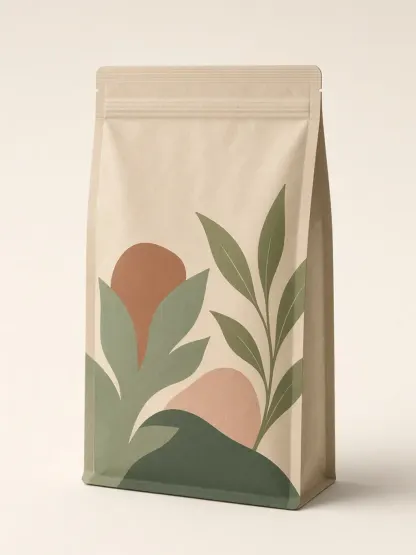
Stand-up Pouch
Explore a complete flexible pouch with believable seals, gusset, film behavior, original graphics and generous studio margins.
- Seals and gusset
- Matte or flexible film
Create from Text · Packaging Concept Workflow
Turn a product brief into an original packaging concept across six common formats. Explore structure, material, color and visual hierarchy before production artwork begins.
This AI packaging design generator is built for concept exploration, not factory-ready engineering. Describe the product, audience, package format, material, palette and shelf mood; choose a style; then generate a coherent presentation image you can review with a founder, marketer or designer. The result helps a team decide what a pouch, carton, bottle, tube, can or gift box could look like before committing to a dieline, regulatory copy or print supplier. It does not replace structural packaging design, prepress, compliance review or a verified physical prototype.
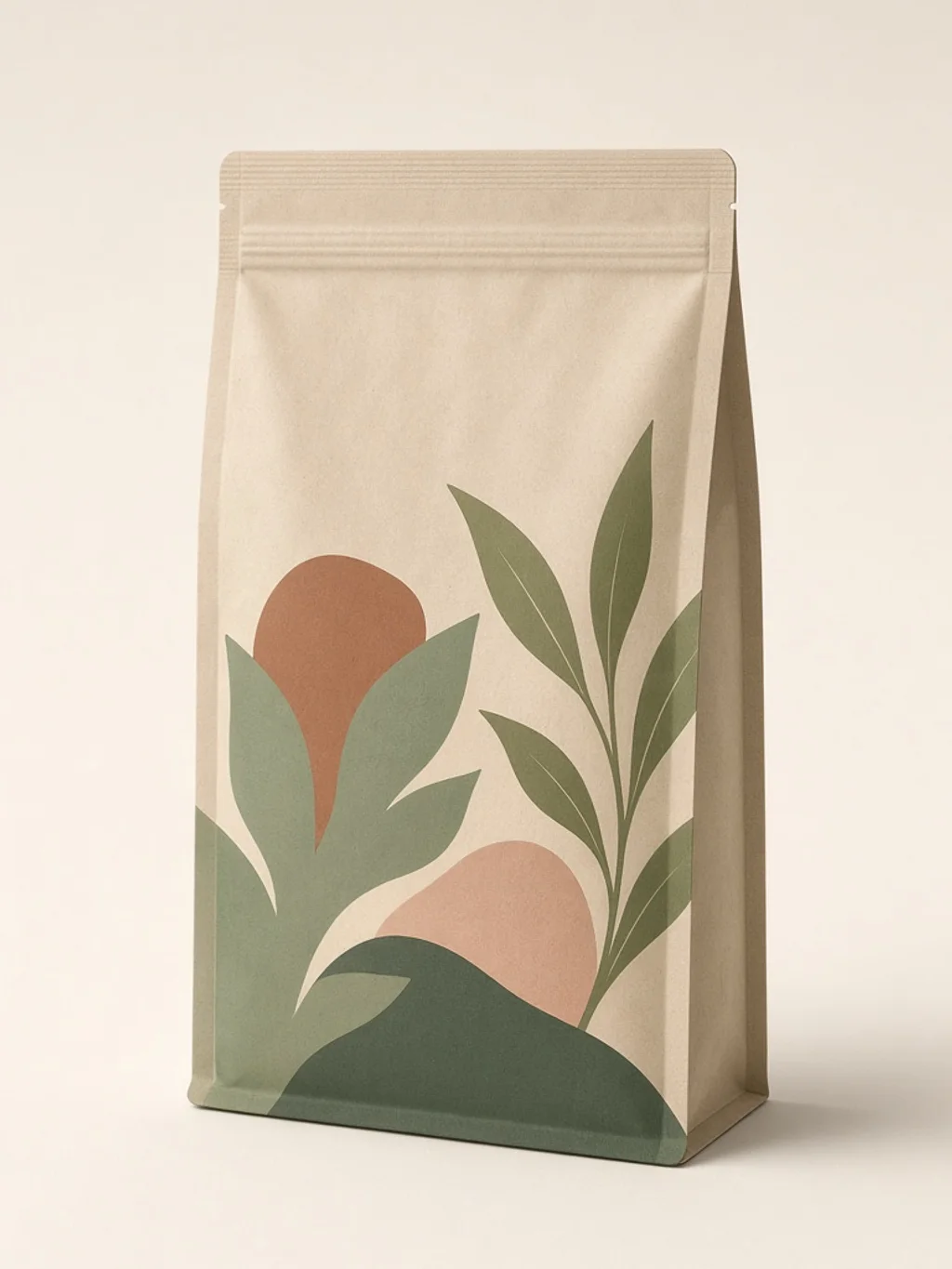
Flexible Packaging
Explore a complete flexible pouch with believable seals, gusset, film behavior, original graphics and generous studio margins.
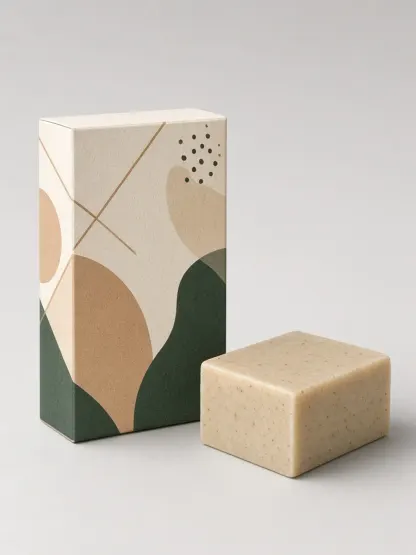
Paperboard
Build a visually coherent carton concept with readable panel hierarchy, precise-looking folds and original front-panel art.
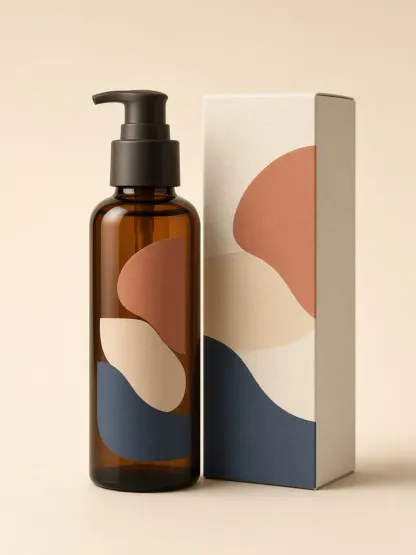
Rigid Container
Present a bottle with a plausible cap or pump, controlled reflections and abstract graphics without cosmetic or medical promises.
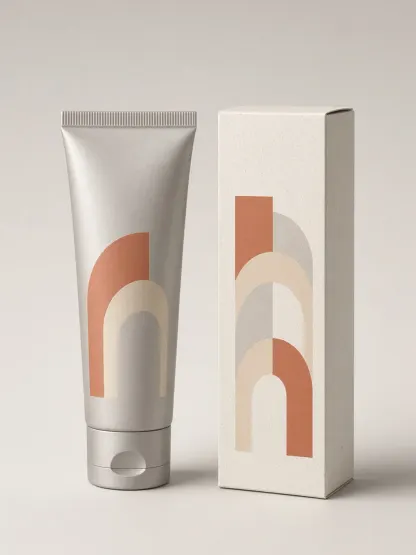
Flexible Container
Render the full tube from sealed edge to cap, with a clear front zone and optional supporting carton kept inside safe margins.
Metal Packaging
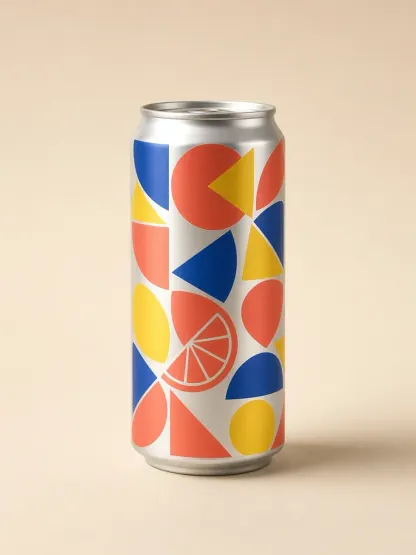
Create an original wrap concept on a coherent can with controlled metallic highlights and no invented nutrition or certification copy.
Premium Pack
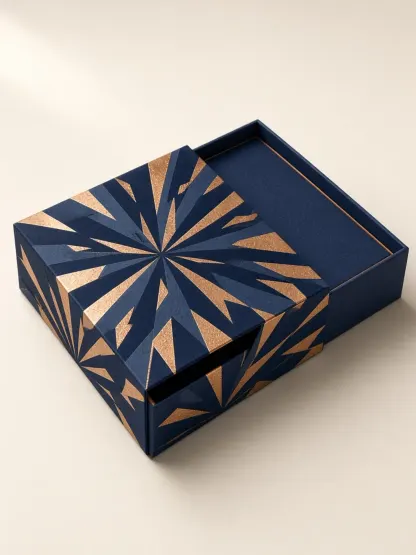
Explore a rigid box, sleeve or insert with premium paperboard texture, restrained patterning and a complete three-quarter form.
Made with GLMImage
Explore first-party pouch, carton, bottle, tube, can and gift-box concepts assigned to this workflow. Every example is a visual concept, not a production dieline or compliance-approved label.
Focused workflow
Select pouch, carton, bottle, tube, can or gift box so the workflow starts from the right physical cues.
Describe the buyer, material, palette, hierarchy, shelf mood, original motif and any claims or logos that must be excluded.
Change one variable at a time—format, color, motif or finish—and keep the strongest prompt with each result.
Check geometry, originality and implied claims, then rebuild the approved direction on a verified dieline with editable, compliant copy.
Practical starting points
Use these as structures, not magic phrases. Replace the subject, purpose and constraints with details from your own project.
A premium stand-up pouch concept for a small-batch Ethiopian coffee aimed at design-conscious home brewers, matte deep green film, warm copper abstract contour lines, one quiet blank product-name zone, believable zipper and gusset, front three-quarter studio view, no readable claims or logos
Defines buyer, format, material, palette, motif, hierarchy and exclusions.
An original frosted-glass pump bottle packaging concept for a gentle botanical cleanser, pale stone and muted sage palette, minimal geometric leaf rhythm, generous blank label area, controlled glass reflections, soft neutral studio background, no medical claims, certifications or real brand marks
Keeps the visual language original and separates concept art from regulated copy.
A rigid two-piece gift box concept for a winter tea collection, midnight blue paperboard, restrained gold constellation pattern, elegant sleeve, visible lid depth and insert, complete edges inside the frame, premium three-quarter presentation, no copied logos or readable fine print
Specifies construction cues while avoiding a false production-ready promise.
The generator creates a single presentation image that communicates a packaging direction. It can show the broad form of a container, the behavior of paperboard, flexible film, glass, plastic or metal, and an original label system made from color blocks, patterns and simple brand-mark shapes. That makes it useful at the beginning of a packaging project, when the central question is not yet whether a flap is two millimeters wider, but which visual territory feels right for the product and audience.
A strong result should make the intended package format recognizable, keep the object complete inside the frame and establish a believable material response under studio light. It should also leave enough visual restraint for a real designer to add verified wording later. The workflow therefore avoids pretending that generated small text, nutrition panels, barcodes, certifications or legal claims are ready for use. Those details belong in editable production software and must be checked against the rules of the destination market.
Use the image as a conversation artifact: compare concepts, mark what should be retained, and translate the winning direction into a proper structural and graphic design brief. If you need a printable net, cutting path, bleed, trapping, spot color or vendor specification, move to a packaging engineer or prepress specialist after the concept is approved.
Start with the product and the buyer. A useful first sentence identifies what is being sold, who should notice it and what the package must communicate at a glance. Then specify the physical format, such as a matte stand-up pouch, folding carton, amber pump bottle, aluminum can or rigid gift box. A package type is more actionable than a vague request for something premium because it gives the generator a concrete silhouette and material to render.
Next define visual decisions in plain language: two or three colors, the emotional tone, the information hierarchy and the kind of shelf environment the concept should suit. You can request an original abstract mark, a restrained pattern, a large blank name area and a clear front panel. Do not paste a competitor logo or ask for a near-copy of a famous package. Describe the underlying design principle instead—for example, quiet botanical linework, high-contrast sports energy or a clinical pharmacy-inspired grid without medical claims.
Keep required wording out of the generation step unless it is a very short temporary label that you will inspect and replace. The packaging workflow deliberately treats typography as a compositional cue rather than verified artwork. Record the intended product name, ingredients, legal copy and claims in the downstream design brief, where every character remains editable.
A pouch, carton and bottle solve different physical problems, so they should not share an identical prompt. Pouches need believable seals and a gusset; cartons need coherent folds and panels; bottles need a plausible closure and material reflection; tubes need a complete cap and sealed edge; cans need consistent cylindrical geometry; and gift boxes need a credible lid, sleeve or insert. Selecting a format first lets the AI packaging design generator apply the right structural cues before color and decoration are added.
The six styles on this page are format presets, not claims that the system has produced an engineering model. They guide the visible form and presentation. You can still describe a specialty finish—matte paper, frosted glass, brushed metal, soft-touch coating or embossed-looking pattern—but the rendered appearance must be validated against real samples. A visual effect that looks convincing in an image may be expensive, unavailable or materially different in manufacturing.
For a product family, hold the design language steady and change one variable at a time. Generate the pouch first, then reuse the palette, pattern logic and hierarchy for a carton or bottle. Comparing controlled variations reveals whether the system can stretch across sizes without becoming inconsistent. Save the prompt and selected style with each approved concept so a human designer can reconstruct the logic instead of guessing from pixels.
Review the generated package at thumbnail size first. The product category and main visual idea should be understandable without zooming. Then inspect the silhouette, edges, closure, folds and contact shadow. Reject concepts with warped geometry, floating objects, impossible seams or competing packages that were not requested. The goal is a credible concept image that supports a decision, not an attractive scene that hides structural confusion.
Next evaluate differentiation and truthfulness. Ask whether the color and motif are distinct enough for the intended shelf while remaining appropriate for the audience. Remove accidental trademarks, misleading badges, unverified sustainability signals and performance claims. Generated leaves, laboratory symbols, medals and seals can imply facts that were never provided. Treat every such cue as a claim requiring review, even when it appears decorative.
Finally test the handoff. A designer should be able to identify the package format, material, palette, hierarchy, pattern language and protected blank zones. Capture those decisions in writing. Do not ask a printer to reproduce the rendered image as-is; commission editable artwork on the correct supplier dieline, add verified copy, run accessibility and legal checks, and proof the physical result under real light.
Founders can use the generator to make an early visual brief before they have a full design team. Brand and growth teams can explore seasonal colorways, compare a value-oriented direction with a premium one, or create internal mood boards for a launch. Agencies can use it during discovery to make abstract positioning statements visible and to learn which visual territory a client rejects before detailed production work begins.
The generator is also useful when a line needs a coherent family. Create a controlled set of concepts for several formats, then identify common components such as a color band, pattern scale, illustration language and hierarchy. It is less useful when exact engineering, tamper evidence, food contact, child safety, accessibility, ingredients, claims or legal labeling are the central challenge. Those tasks depend on product facts and regulations, not visual inference.
A practical workflow is concept, critique, reconstruction, proof and approval. Generate several options; shortlist only those with credible form and original graphics; rebuild the selected direction in editable vector and layout software; apply it to the supplier dieline; then complete legal, material and print tests. The AI packaging design generator accelerates the first conversation while keeping later professional responsibilities explicit.
Prompt from attributes you own or can lawfully use. Avoid requesting a recognizable competitor package, branded character or living artist’s signature style. If you upload or describe proprietary brand assets elsewhere in your workflow, confirm that your organization has authority to use them. A generated concept can still resemble existing trade dress, so conduct a similarity and trademark review before a commercial launch.
GLMImage examples on this page are first-party generated and cleared for site display, but that operational clearance is not presented as a universal copyright or licensing conclusion. Your generated output may be governed by the service terms, the rights in your inputs and the laws of the market where you publish. Keep generation records, prompts and human design changes with the project file, and seek professional advice for high-stakes packaging or regulated products.
Never treat generated copy, certification marks, barcodes, nutrition data, warnings or environmental claims as factual. Replace them with verified information in editable artwork. The safest use of this tool is to explore visual direction, not to manufacture evidence or bypass professional review.
It creates presentation images for early packaging concepts: visible form, material, color, graphic hierarchy and studio context. It does not create an engineering model, verified dieline or press-ready artwork.
The page includes pouch, folding carton, bottle, tube, beverage can and rigid gift-box presets. Each preset changes the visual instructions for structure and material.
It can suggest an abstract label composition and blank copy zones. Final names, ingredients, warnings, barcodes, claims and regulatory text should be added and verified in editable design software.
It is a generated concept presentation that can resemble a studio mockup. It is not linked to a measured 3D model, supplier specification or proven physical prototype.
No dimensional accuracy is guaranteed. Use the image to choose a direction, then work from the package supplier’s measured dieline and structural requirements.
No. A printer needs editable production artwork, the correct dieline, bleed, color specifications, verified copy and a proof. Rebuild the selected concept before production.
Generated small text and codes are not reliable data. Treat visible lettering as placeholder composition only and replace it with verified editable content.
No. It does not validate food, cosmetic, medical, environmental, accessibility or market-specific labeling requirements. Qualified reviewers must approve regulated content.
Include the product, buyer, package format, material, finish, palette, visual hierarchy, desired shelf mood, original motifs and anything the model must avoid.
Request one package, a neutral studio background, a complete silhouette, controlled contact shadow and only a few graphic elements. Too many props or copy blocks weaken the concept.
Keep the product and format fixed, then change one variable such as palette, motif or finish. Controlled comparisons make the reason for a preference easier to explain.
Yes, as an exploration. Reuse the same palette, pattern logic and hierarchy across formats, then have a designer resolve how the system adapts to every measured panel.
Do not request a close copy of protected packaging or trade dress. Describe general attributes and create an original direction, then run a similarity and trademark review.
Typical reviewers include a brand designer, packaging engineer, supplier or prepress partner, legal or compliance owner, and the product team responsible for factual claims.
Keep the brief, prompt, generated concepts, selection notes, source assets, human edits, verified copy, dieline version and production approvals together with the project.
Commercial use depends on the service terms, the rights in your inputs, similarity to third-party material and local law. Review the final reconstructed design before launch.
Choose a package format, write a focused product brief and generate a visual direction for professional review.
Create a packaging concept









