
LIFE SCIENCES
Medical Anatomy & Physiology
Organ cutaways, tissue layers, and blood-flow direction with standard anatomical labels.
- Organ cutaways
- Clinical education
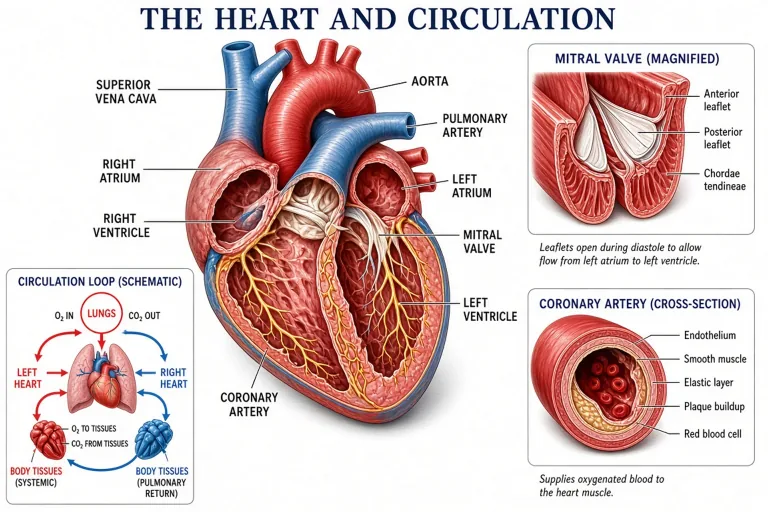
Text to Figure · Anatomical Views
Describe an anatomical view — anterior heart, sagittal brain, dorsal skeleton — and get a clinical-style labeled figure with color-coded structures and leader lines.

LIFE SCIENCES
Organ cutaways, tissue layers, and blood-flow direction with standard anatomical labels.
LIFE SCIENCES
Animal morphology, diagnostic features, and magnified structures in specimen plates.
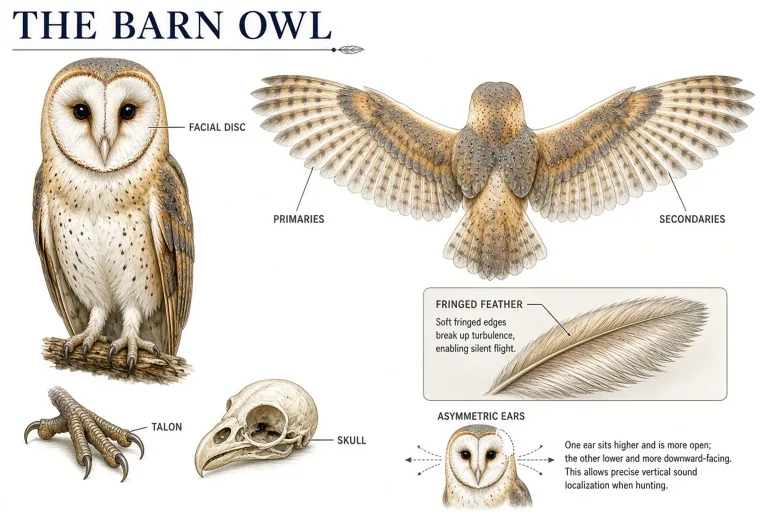
LIFE SCIENCES
Cell structure and tissue-level machinery when the scale drops below organs.
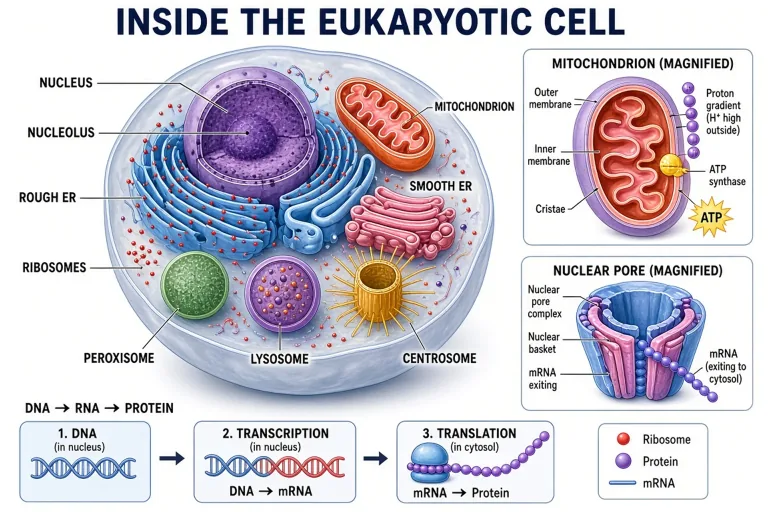
Made with GLMImage
Real results shared by creators who used this exact workflow. Tap any image to view its prompt.
 Human heart blood flow (validation)
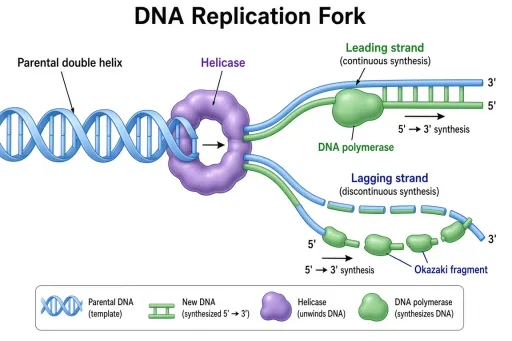 DNA replication fork (validation)
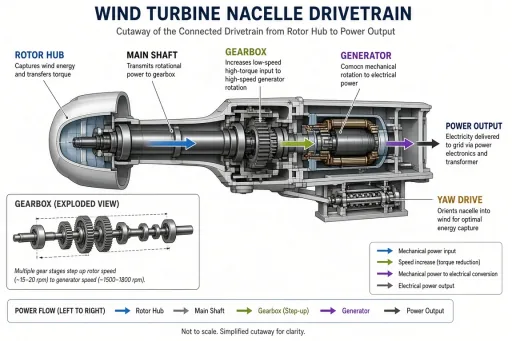 Wind turbine nacelle (validation)
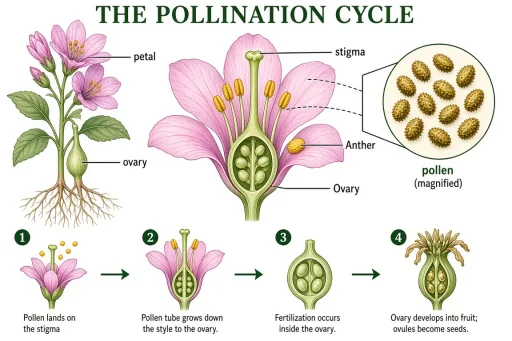 Pollination cycle (validation)
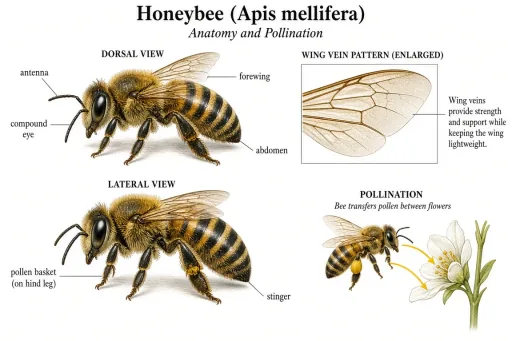 Honeybee anatomy (validation)
 Stratovolcano cross-section (validation)
 Coral bleaching and recovery (validation)
 Sun structure cutaway (validation)
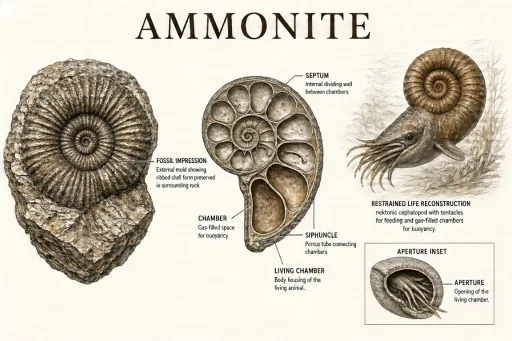 Ammonite comparison (validation)
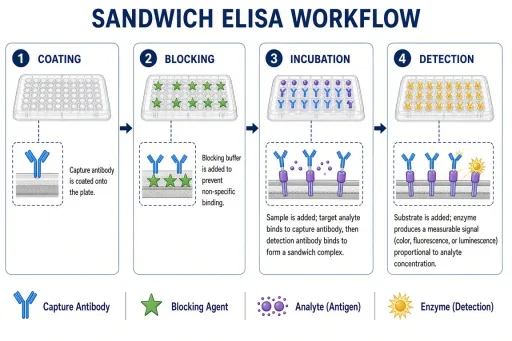 ELISA workflow (validation, free)
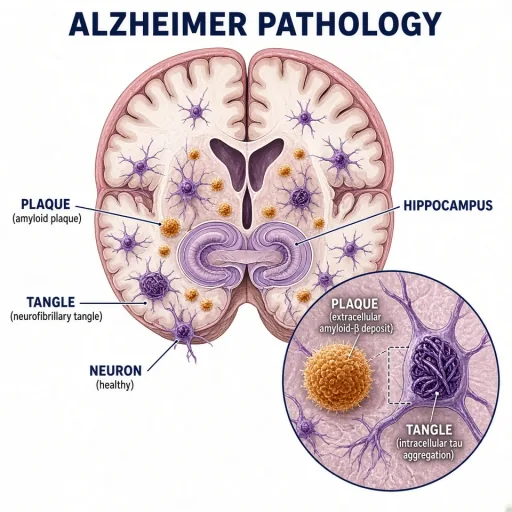 Alzheimer pathology in the hippocampus
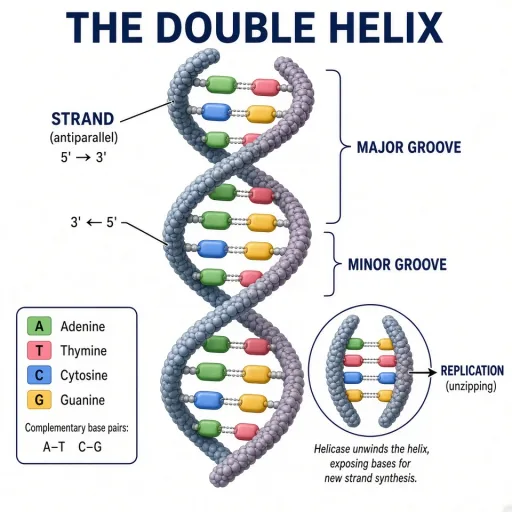 The DNA double helix
 Blockchain network topology
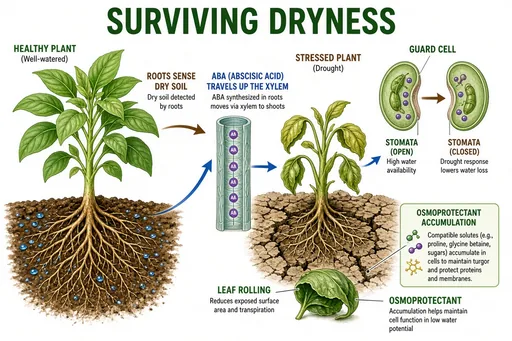 Plant drought response
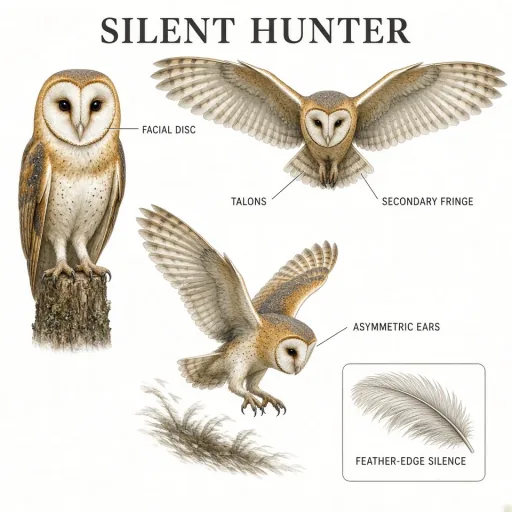 Barn owl hunting plate
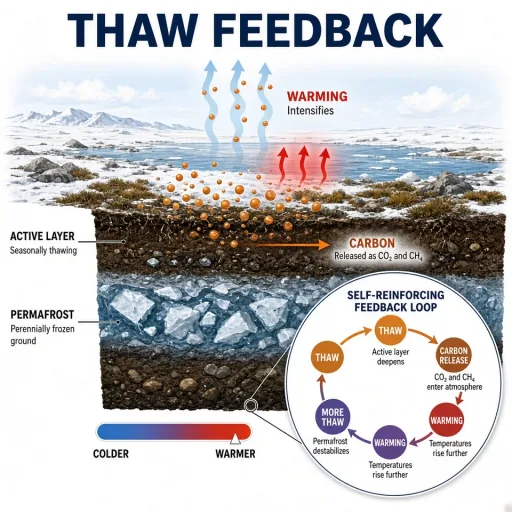 Permafrost thaw feedback
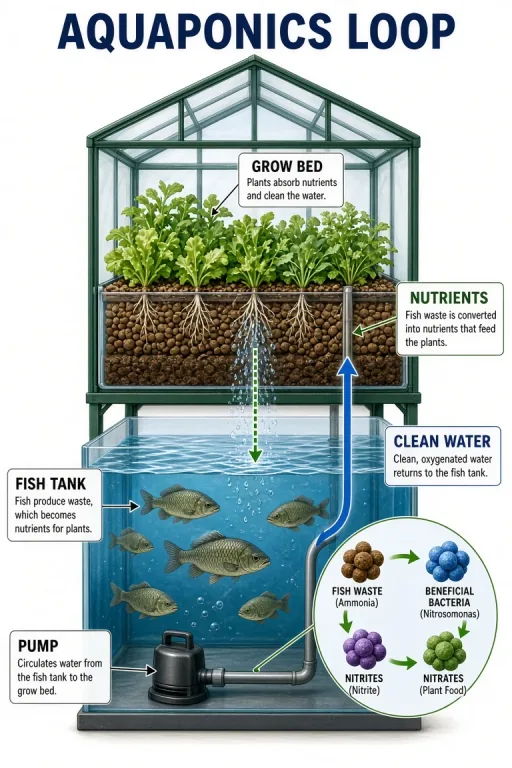 Aquaponics closed loop
 Black hole accretion disk
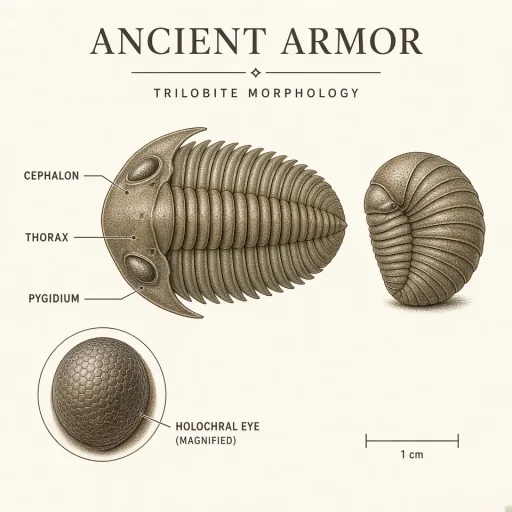 Trilobite morphology plate
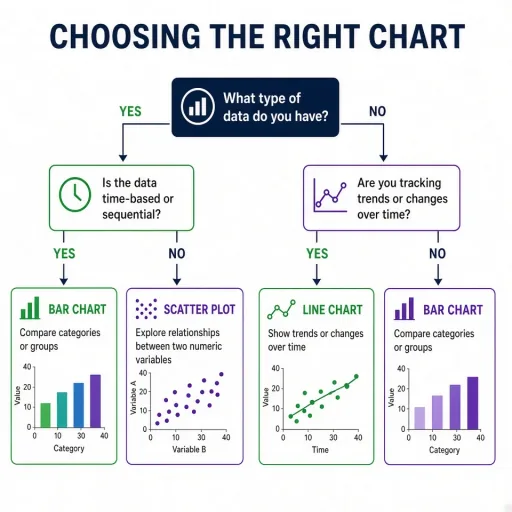 Peer review decision tree (validation, free)
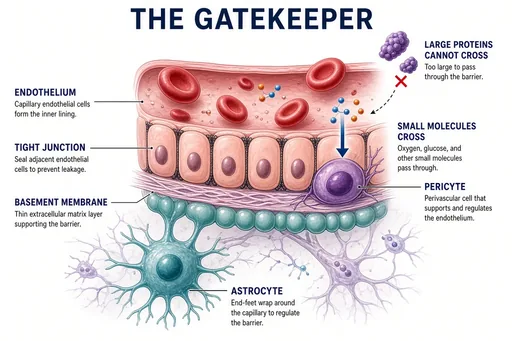 Blood-brain barrier concept
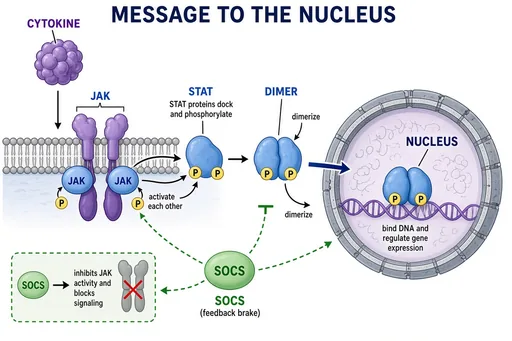 JAK-STAT signaling
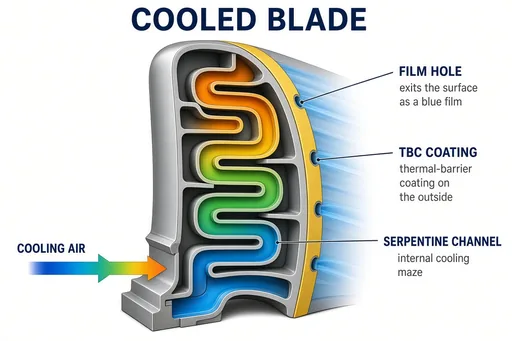 Turbine blade cooling channels
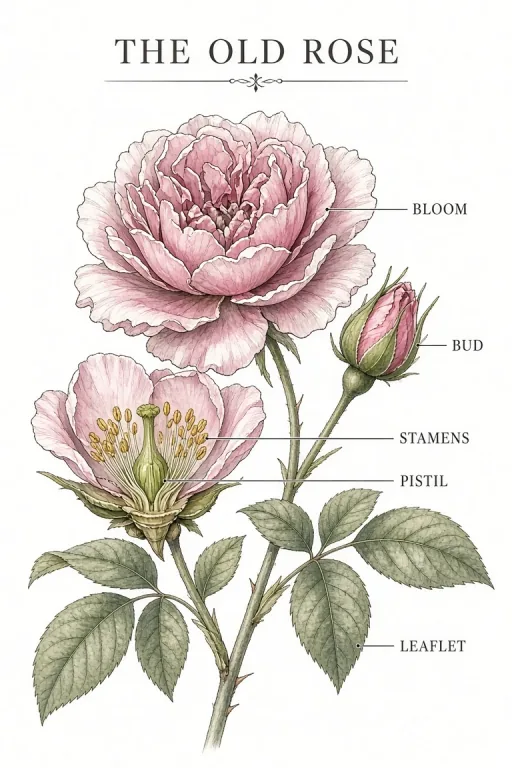 Heritage rose plate
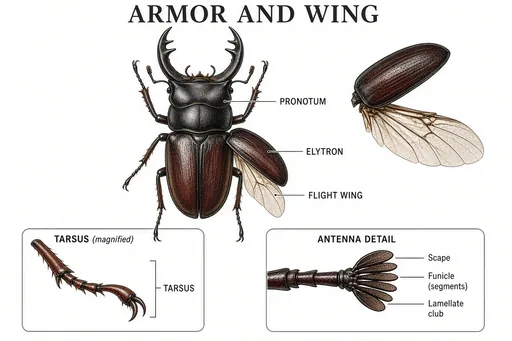 Beetle morphology plate
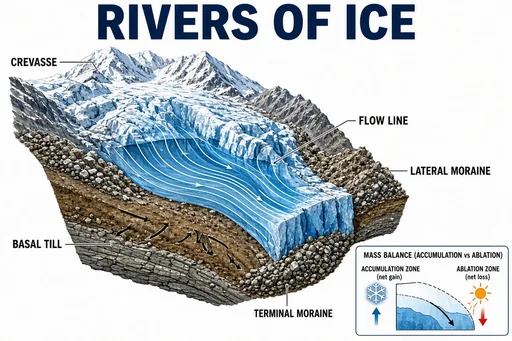 Glacier motion and moraines
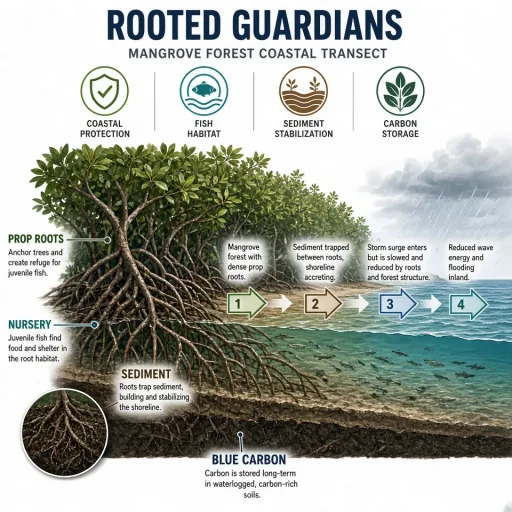 Mangrove ecosystem services
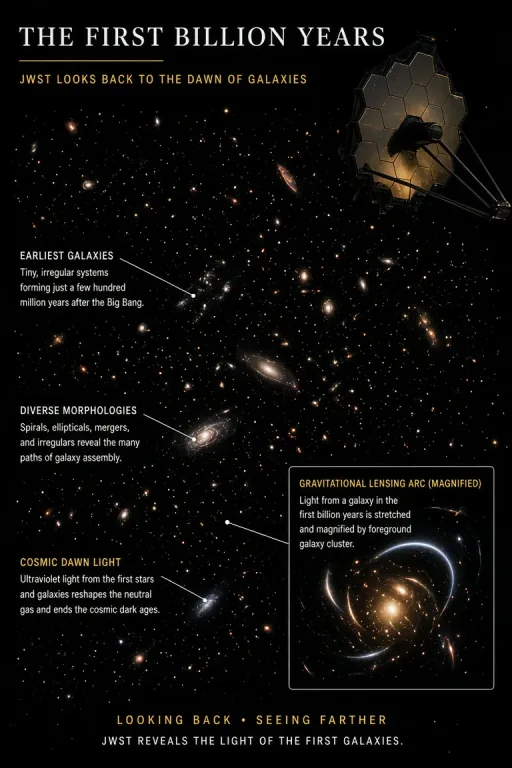 Webb deep field (cover art)
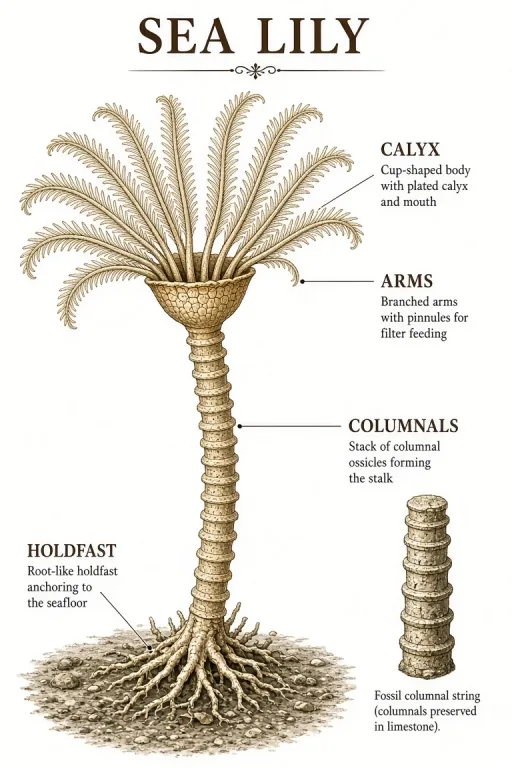 Crinoid reconstruction
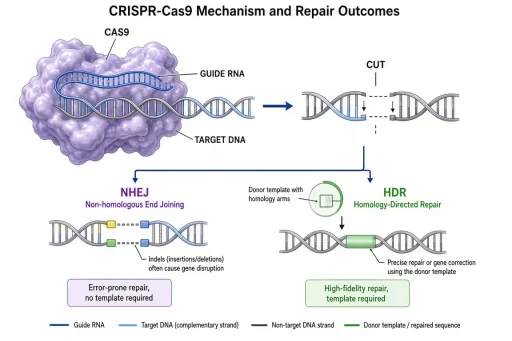 CRISPR-Cas9 mechanism (validation, free)
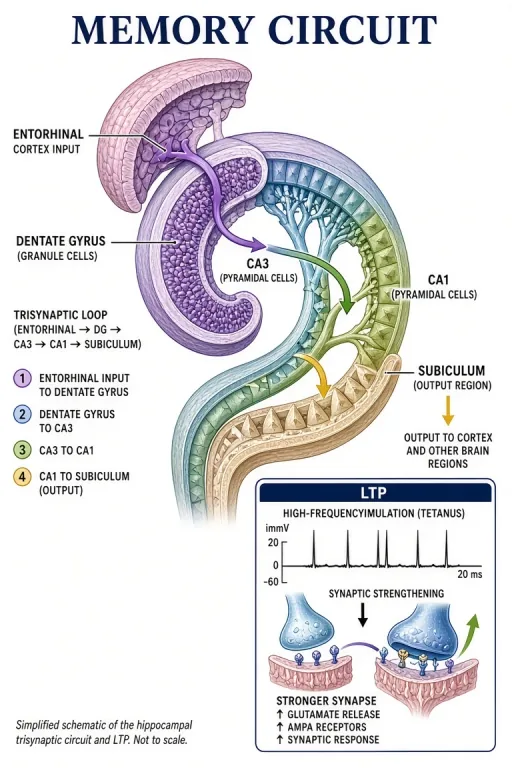 Hippocampus memory circuit
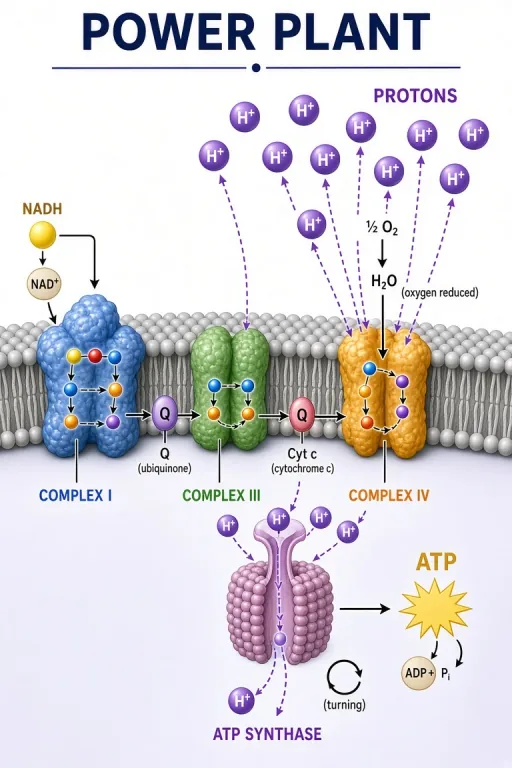 Mitochondrial electron transport chain
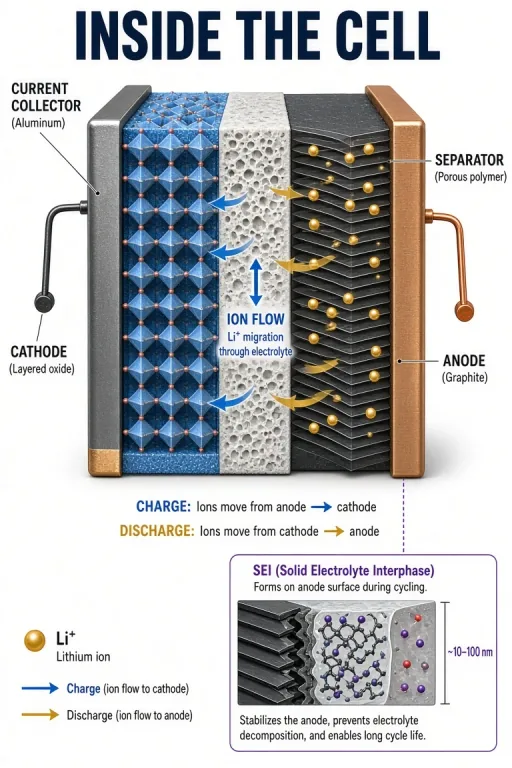 Lithium-ion battery cell
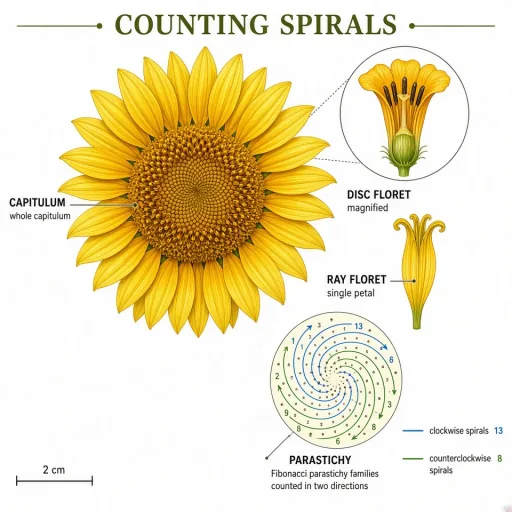 Sunflower phyllotaxis
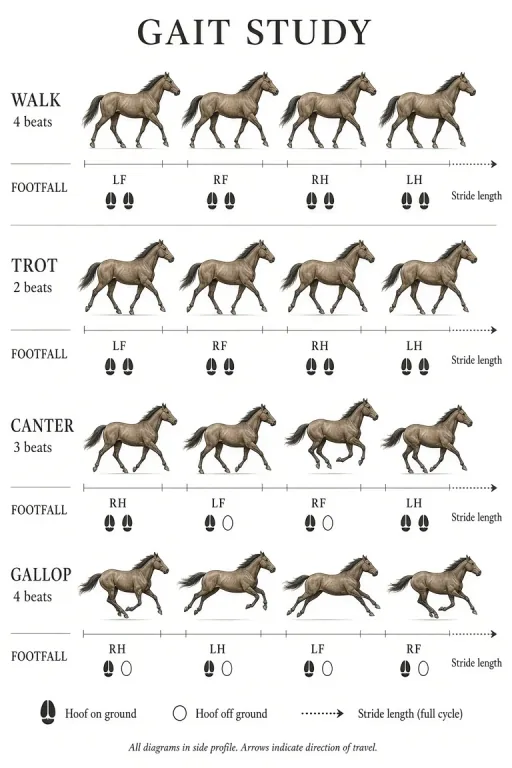 Horse gaits study
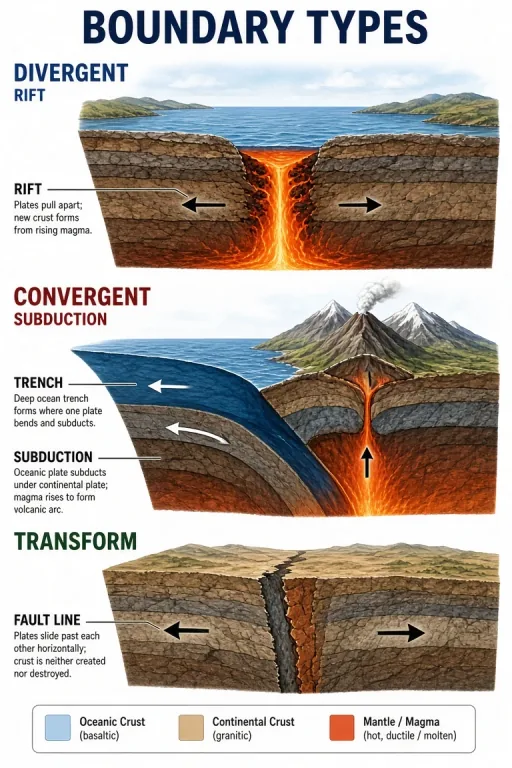 Three plate boundary types
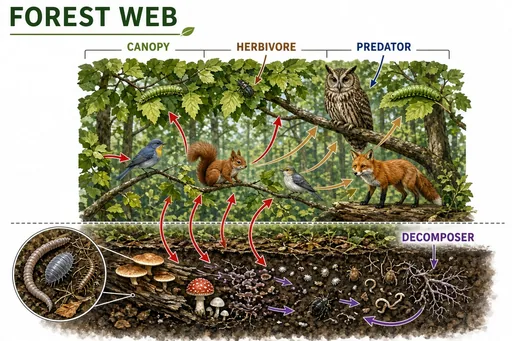 Temperate forest food web
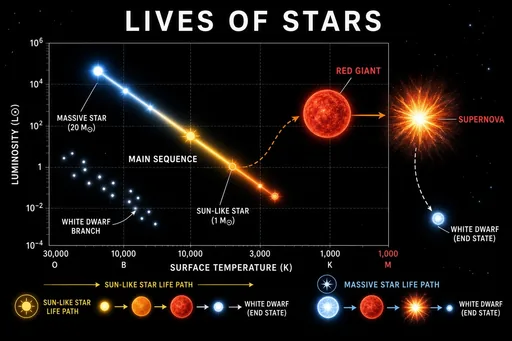 Star life cycle and the HR diagram
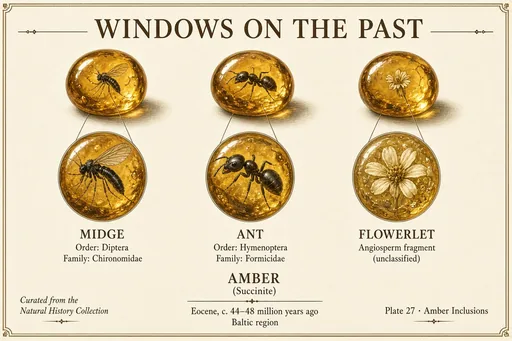 Amber inclusions gallery
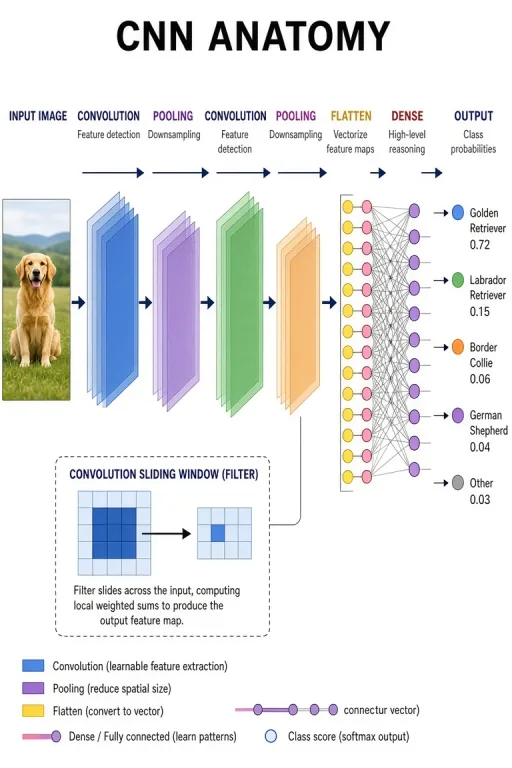 Convolutional network architecture
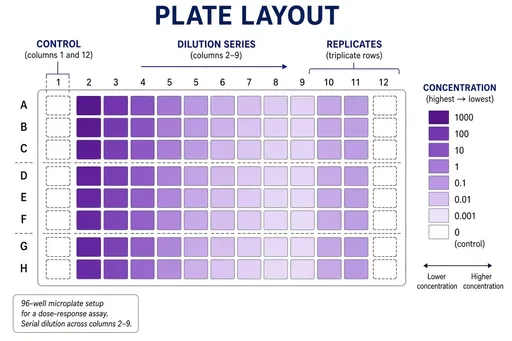 96-well plate assay layout
 Research conference poster session
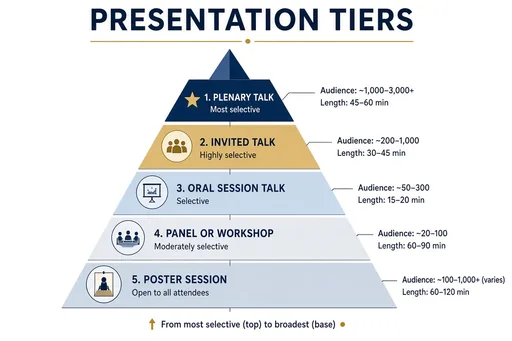 Conference presentation tiers
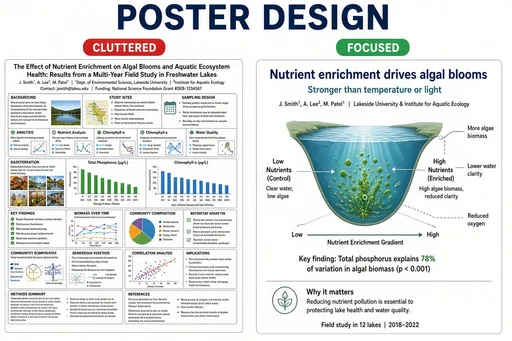 Strong vs weak research poster
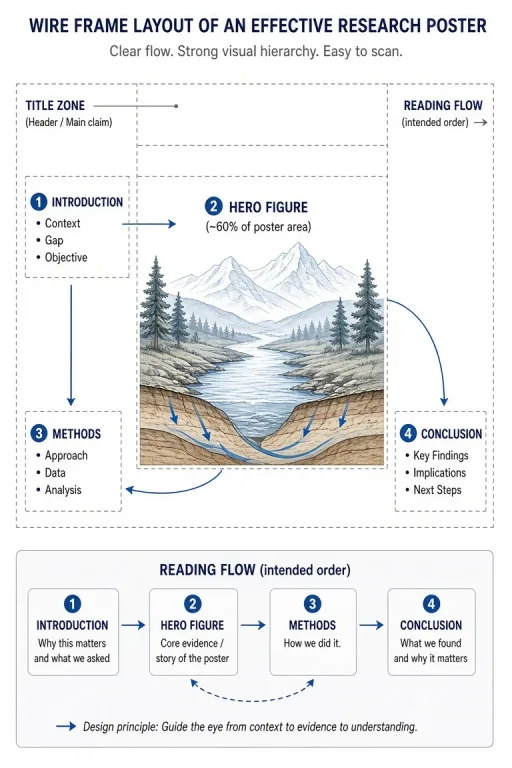 Hero-figure poster architecture
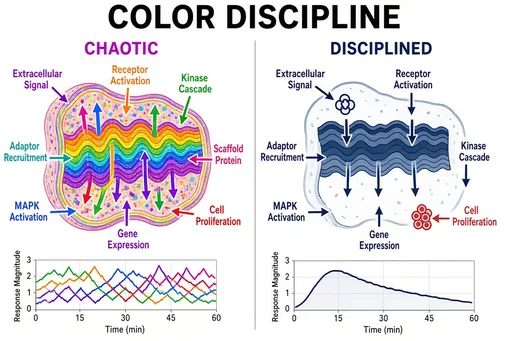 Color discipline in figures
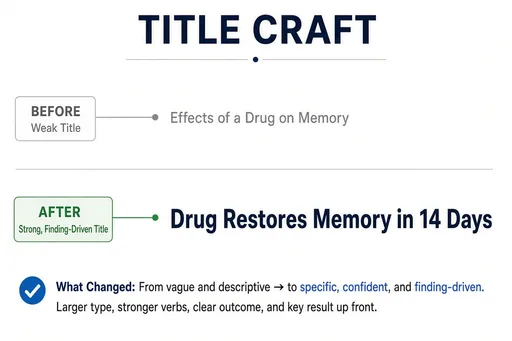 Poster title formulas
 Poster hall overview
Anatomy illustration lives or dies by the view: anterior, posterior, sagittal, coronal, dorsal, ventral. The anatomy recipes accept these terms directly, so "a sagittal section of the human brain labeling the cortex, thalamus, brainstem, and cerebellum" produces a recognizable clinical figure with leader-line labels.
The same workflow covers comparative anatomy — homologous structures across species — and organ-level cutaways with blood-flow direction.
Anatomy is the highest-stakes discipline here: a wrong label in a patient handout is a real error. The generator is designed as a fast first draft — generate the figure, verify every structure and label against a standard atlas, and have a qualified reviewer sign off.
Educators use it for lesson figures, quiz plates, and study sheets; illustrators use it to skip the layout stage and focus corrections where they matter.
Guides for anatomy and zoological illustration.
Practical starting points
Use these as structures, not magic phrases. Replace the subject, purpose and constraints with details from your own project.
Create a labeled anterior view of the human heart showing the four chambers, aorta, pulmonary artery, superior and inferior vena cava, with oxygenated and deoxygenated blood flow color-coded.
Medical recipe · organ cutaway
Create a comparative anatomy plate of the forelimbs of a human, whale, bat, and cat, labeling the "humerus", "radius", "ulna", and homologous digit bones.
Comparative · homology
Create a zoological specimen plate of a honeybee showing dorsal and lateral views, wing venation, antennae, compound eyes, and labeled thorax and abdomen segments.
Zoological · specimen plate
Focused workflow
Anterior, sagittal, coronal, dorsal — one term sets the orientation.
Name what must be labeled; quotation marks force exact spelling.
Verify position, proportion, and terminology before any downstream use.
For clinical or published use, a qualified reviewer approves the final figure.
Yes. The zoological recipe covers animal morphology — specimen plates, wing venation, skeletal comparisons — alongside the human medical recipe.
It is accurate enough for lesson drafts, quizzes, and study sheets once verified. For textbooks, journals, and patient education, an expert must review structure positions and labels — the generator is a draft engine, not a substitute for review.
Yes — standard terms like anterior, posterior, sagittal, coronal, dorsal, and ventral are understood directly in the prompt and set the figure orientation.
Review the current terms and any third-party rights that apply to your source material before publishing. For peer-reviewed journals, textbooks, or patient education, treat every AI illustration as a draft: verify structures against an authoritative atlas and have a domain expert sign off before publication. New accounts can try 2 free images before choosing a plan.
The workflow and its core prompt are already available in the generator. The page gives you the brief; the selected tool turns it into an image.
Open the selected workflow










