
A good AI image prompt is a specification, not a wish. The reliable formula: name the subject precisely, state the style plainly, then add the concrete details — lighting, camera, palette, composition — that the model would otherwise guess. Everything in this guide builds on that structure, with before-and-after examples you can compare against your own prompts. The examples assume GLM-Image, GLMImage's model, but the method transfers to any generator.
The core insight: a prompt is a set of decisions. Every detail you leave unspecified, the model decides for you, and its defaults are average by definition. Generic output is almost never a model problem first — it is an unspecified-prompt problem first.
<!--IMG: The same subject generated from a vague prompt versus a structured, detailed prompt-->
Why do most AI image prompts fail?
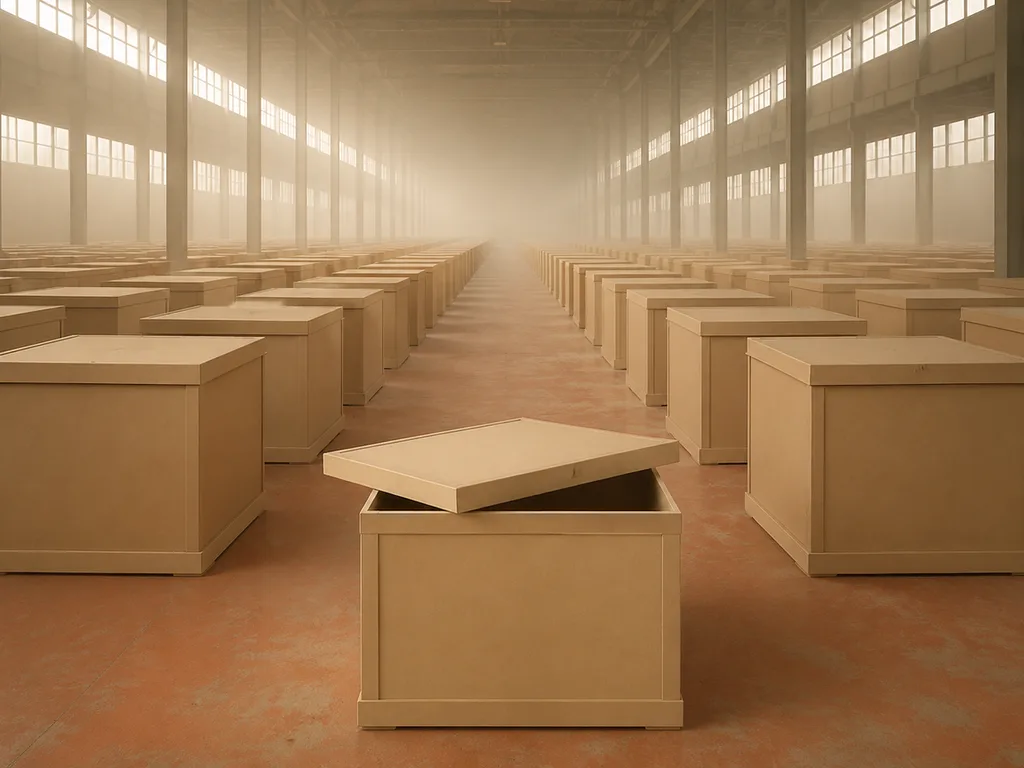
They under-specify. "A coffee shop" contains no decision a model can use: no era, no country, no time of day, no lens, no mood. The model resolves each ambiguity with its training average, and averages look like everything and nothing. The result feels generic because it is literally an average.
Three aggravating habits make it worse. Piling on style keywords without a subject ("masterpiece, 8K, trending on artstation, cinematic") gives the model polish vocabulary with nothing to polish. Contradictions ("minimalist, ornate, busy") split the model's attention into noise. And asking for long text inside the image ("poster with the full event schedule") tasks the model with typesetting, which is not any generator's strength — short phrases are the reliable regime.
None of this means writing more words. It means writing words that each force exactly one decision.
The structure behind prompts that work
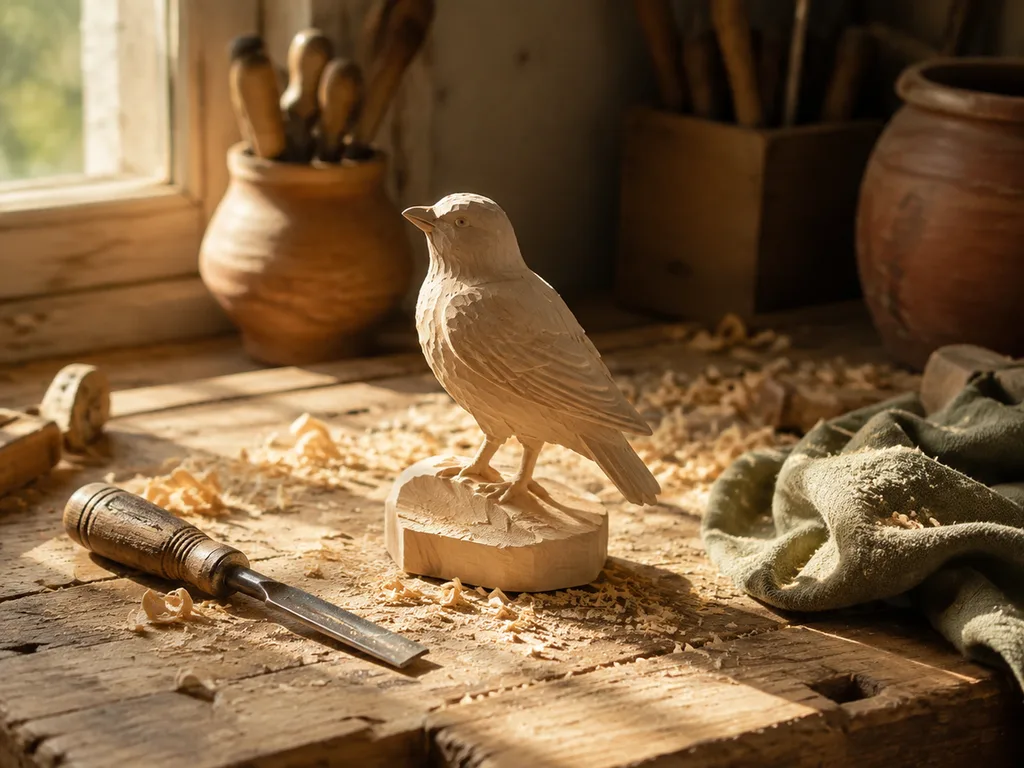
Three blocks, in this order:
[Subject + action] + [Style / medium] + [Concrete details:
lighting, camera or viewpoint, palette, background, composition]
Subject plus action answers "what is this a picture of, and what is happening." Include the specifics that matter to you — age, material, setting, era — because they will not be inferred.
Style or medium answers "what is this a picture as." Photorealistic, editorial photograph, watercolor, flat vector illustration, isometric concept art. One clear choice beats three blended ones.
Concrete details are where quality lives. Lighting ("golden hour from the left," "studio softbox with subtle rim light"), viewpoint ("85mm portrait lens at eye level," "low wide angle"), palette ("muted earth tones," "navy and brass"), background ("clean gradient," "blurred Osaka street at night"), composition ("subject in left third," "centered, symmetrical"). Each phrase removes one degree of freedom.
A worked example, block by block:
A ceramicist's hands shaping a clay bowl on a spinning wheel  ← subject + action
Documentary photography                                       ← style
Warm window light from the left, shallow depth of field,
clay-dusted apron, blurred workshop shelves in the background  ← details
Thirty-five words, and every one of them is doing a job.
Before and after: three weak prompts, fixed

Weak: "a wolf in the forest."
Diagnosis: no style, no light, no mood — the forest is whatever the model's average forest is.
Fixed:
A gray wolf standing alert on a moss-covered rock in a misty
pine forest at dawn, wildlife photography, 300mm telephoto
compression, soft diffused fog, muted greens and grays,
sharp focus on the eyes
Why it works: the fog and telephoto choices alone turn "an animal photo" into a specific photograph.
Weak: "product photo of headphones."
Diagnosis: "product photo" names a genre but no lighting, surface, or angle — the output will look like a stock catalog default.
Fixed:
Matte-black wireless headphones floating above a walnut surface,
single softbox from upper left creating one clean highlight on
the ear cup, deep charcoal gradient background, three-quarter
angle, commercial product photography, sharp focus
Why it works: surface, light direction, and camera angle are exactly the decisions a product shot stands on.
Weak: "poster for a music festival."
Diagnosis: no visual identity, no text handling — and posters live or die on typography.
Fixed:
Music festival poster, bold sans-serif headline "SOUND WAVES"
centered at top, deep purple-to-black gradient background,
a single white line-art wave motif across the middle, small
date line "JULY 18" at the bottom edge, flat modern graphic design
Why it works: the text is short, its placement and typeface are stated, and the layout has one idea instead of five. This is also where GLM-Image earns its keep — text-bearing layouts are its strength.
Tuning the structure for your discipline
Portraits. Identity and light are everything: age and character lines, expression, eye direction ("direct eye contact," "gazing off-frame left"), lens ("85mm f/1.4" for flattering compression), and a background decision ("plain studio gray," "blurred café interior"). For guided results, the portrait generator packages this structure for you.
Product and e-commerce. Name the material and finish ("brushed aluminum, matte ceramic"), the staging, one dominant light source, and the angle. Then hold that template constant across SKUs so the catalog looks like one shoot instead of twelve.
Illustration and technical work. Specify medium and linework ("pen-and-ink with cross-hatching," "flat vector with 2px outlines") and — for diagrams — how labels behave ("clear sans-serif labels with leader lines"). Labeled figures are a text-rendering problem in disguise, which is why the scientific illustration generator exists as a dedicated tool.
Posters and text-bearing design. Quotation marks around the exact copy, a placement for it, a typography direction, and a deliberately short word count. The deeper playbook for typography in generated images is in best AI text rendering.
The mistakes that quietly ruin prompts
| Mistake | Why it fails | The fix |
|---|---|---|
| Vague subject | Model fills gaps with averages | Add era, material, setting, action |
| Keyword stuffing | Polish words, nothing to polish | One style, stated plainly |
| Contradictory style | "Minimalist ornate" splits attention | One direction per prompt |
| No background decision | Background defaults to mush | State it, even as "clean gradient" |
| Long in-image text | Typesetting is not the model's job | Short phrases; layout tool for copy |
| Neglecting light | Light is what makes an image read | Always include direction and quality |
Most of these are the same sin in different clothes: leaving a decision unmade.
Iteration: how good prompts actually get finished
Your first prompt is a draft, and reading the output diagnostically is the skill. Ask: what specifically is wrong, and which phrase in my prompt owns that region of the image? Flat lighting traces to the lighting phrase; a cluttered scene traces to the background you never specified; a boring angle traces to the missing camera note.
Then change one thing at a time. Rewriting the whole prompt after each result resets every variable at once — you learn nothing, and you cannot reproduce luck. A single change plus a reused seed (when your tool shows it) is a controlled experiment: same image, one difference.
When a generation is 80% right, stop re-prompting and switch to image-to-image: feed the result back as a reference and instruct only the fix ("change the background to X, keep everything else unchanged"). The full method is in the GLMImage walkthrough, which covers both modes end to end.
Two calibration habits worth forming: keep a personal file of prompts that worked, with their outputs; and record which small edits produced which effects. Ten minutes of notes turns a hundred generations into a private prompting manual.
Frequently Asked Questions
How long should an AI image prompt be?
Roughly 25–60 words covers most work. Length is not the variable — coverage is. A 40-word prompt that decides subject, style, light, lens, and background beats a 120-word prompt of adjectives.
Do quality keywords like "8K, masterpiece" actually help?
They bias the model toward polish and can help a prompt that is already specific. They cannot rescue a vague subject — detail keywords are seasoning, not the meal.
Can I write prompts in Chinese?
Yes. GLM-Image is natively bilingual, so Chinese prompts are processed directly, not translated away. This is also why it renders Chinese text inside images so well.
Why did the same prompt give me a different image?
Generations use a random seed by default, so each run samples a different outcome. Reuse the seed — your tool's generation details usually expose it — to reproduce a result and then vary the prompt deliberately.
Put the structure to work: open the generator → and rewrite your last prompt block by block.











