
Scientific Illustration Prompts: A Practical Guide (With Examples)
A scientific illustration prompt works when it names four things: the subject, the view, the labels, and the style. Get all four into the prompt and you get a usable plate on the first or second attempt; leave one out and you tend to get an image that looks scientific without explaining anything. This guide covers how each part works, gives example scientific illustration prompts for botanical, zoological, medical, and technical plates, and ends with the mistakes and iteration habits that separate a mediocre prompt from a reliable one.
If you are new to the field itself — why these plates are drawn rather than photographed — read What Is Scientific Illustration? first. The rest of this guide assumes you know why the labels matter.
What Makes a Scientific Illustration Prompt Work
Most image prompts describe a picture. A scientific illustration prompt describes a claim: this structure, from this angle, with these parts named. That is why the same four ingredients show up in nearly every prompt that works.
- Subject. Not "a flower" but "a sunflower head." Not "a heart" but "the human heart, chambers and valves." The more precisely you name the subject, the fewer guesses the model makes — and a guess in this genre is a factual error waiting to be labeled as fact.
- View. Anterior, lateral, dorsal, top-down, cross-section, full habit, life cycle. The view is a scientific decision, not a composition choice: an anterior view answers different questions than a sagittal section, and a life-cycle diagram answers a question no single view can.
- Labels. List them. "With labels" alone invites the model to invent structure names; "labeled dorsal fin, gills, lateral line, caudal fin" pins the plate to real anatomy. The label list is the single biggest difference between an AI picture and an AI illustration.
- Style. Textbook watercolor plate, vintage lithograph, pen-and-ink line art, flat vector diagram. Style words control the rendering, the palette, and the era the plate feels like it came from.
Put together, the pattern looks like this:
[era or style] plate of [precise subject], [view], labeled [structure 1, structure 2, structure 3], on [background].
One note on labels specifically. Generic image models are unreliable at text, so prompts that ask for labels often return garbled words. The GLM-Image model behind our scientific illustration generator was built for exactly this problem: it carries a dedicated Glyph Encoder for in-image text and scores 91.16% on the CVTG-2K text-rendering benchmark (the one benchmark figure this site has verified). In practice that means the label words you write into the prompt come back spelled correctly often enough that labels belong in the prompt itself, not in an editor afterward.
Scientific Illustration Prompt Patterns by Discipline
Each discipline has its own conventions — what a botanical plate must show is not what a technical diagram must show — and the prompt should reflect them. The examples below are written the way the scientific illustration generator expects them, and each one maps to the kind of output its variant produces.
Botanical illustration prompts
Botanical plates conventionally show the diagnostic features: overall habit plus a dissection of the reproductive parts.
- "A botanical plate of a sunflower head, top view, labeled ray florets, disk florets, and seeds, watercolor on a white background."
- "A rose flower dissected, labeled petals, stamen, pistil, and receptacle, vintage textbook style."
- "A monstera leaf, full leaf view, labeled fenestra, midrib, and petiole, pen-and-ink line art."
- "A fern life cycle in four numbered stages: spore, gametophyte, young plant, mature frond, flat diagram style."
The pattern worth keeping: species first, then the diagnostic part, then the label list, then the medium.
Zoological illustration prompts
Zoological plates favor a standard lateral view with fins, feathers, or body segments named — or a life-cycle sequence.
- "A koi fish in lateral view, labeled dorsal fin, gills, lateral line, and caudal fin, natural-history plate style."
- "Butterfly wing anatomy, dorsal view, labeled forewing, hindwing, antennae, and body segments."
- "A bird wing extended, labeled primary feathers, secondary feathers, coverts, and alula, muted watercolor."
- "A frog life cycle in four numbered stages: egg, tadpole, froglet, adult, on a plain background."
Medical illustration prompts
Medical plates lean on textbook conventions — numbered labels, a named view, a restrained palette.
- "A fourth-edition textbook plate of the human heart, anterior view, numbered labels for the four chambers, valves, and aorta."
- "A human brain sagittal section, labeled frontal lobe, parietal lobe, cerebellum, and brainstem."
- "A neuron and synapse diagram, labeled dendrites, cell body, axon, myelin sheath, and synaptic terminals."
- "A cross-section of a tooth, labeled enamel, dentin, pulp, and root canal, muted clinical colors."
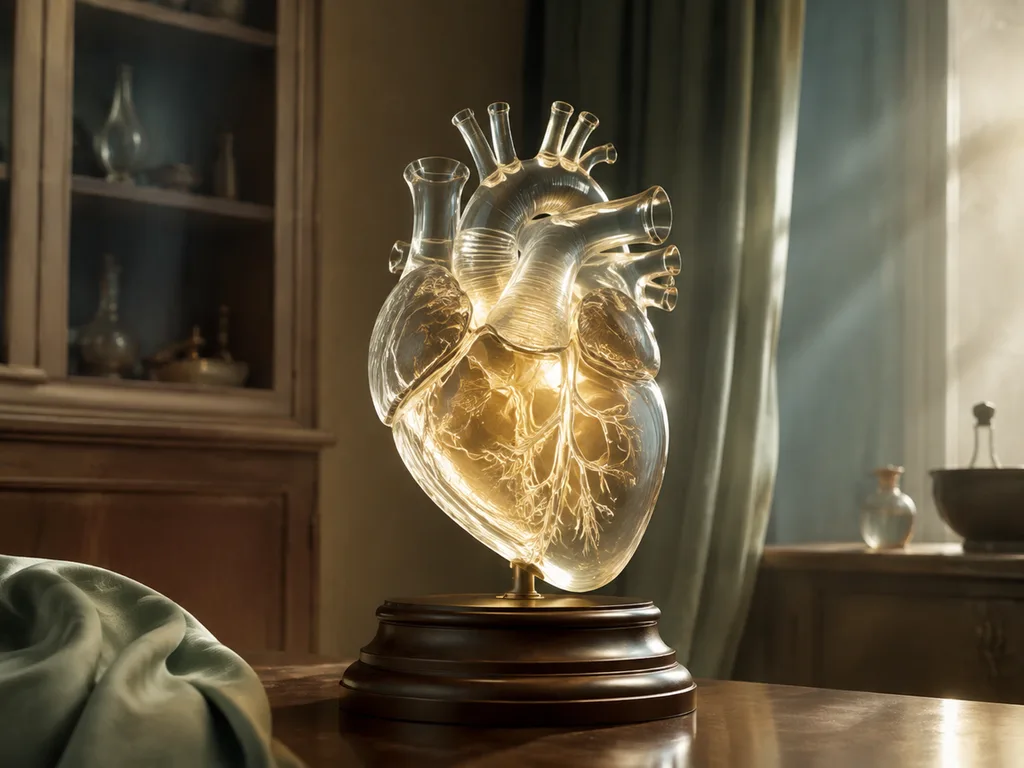
Medical prompts carry the highest accuracy bar of the four. Anything destined for teaching or publication should be checked against an anatomical reference before use — the prompt controls presentation, not truth.
Technical illustration prompts
Technical diagrams are deliberately flat: no shading, no perspective, thin leader lines.
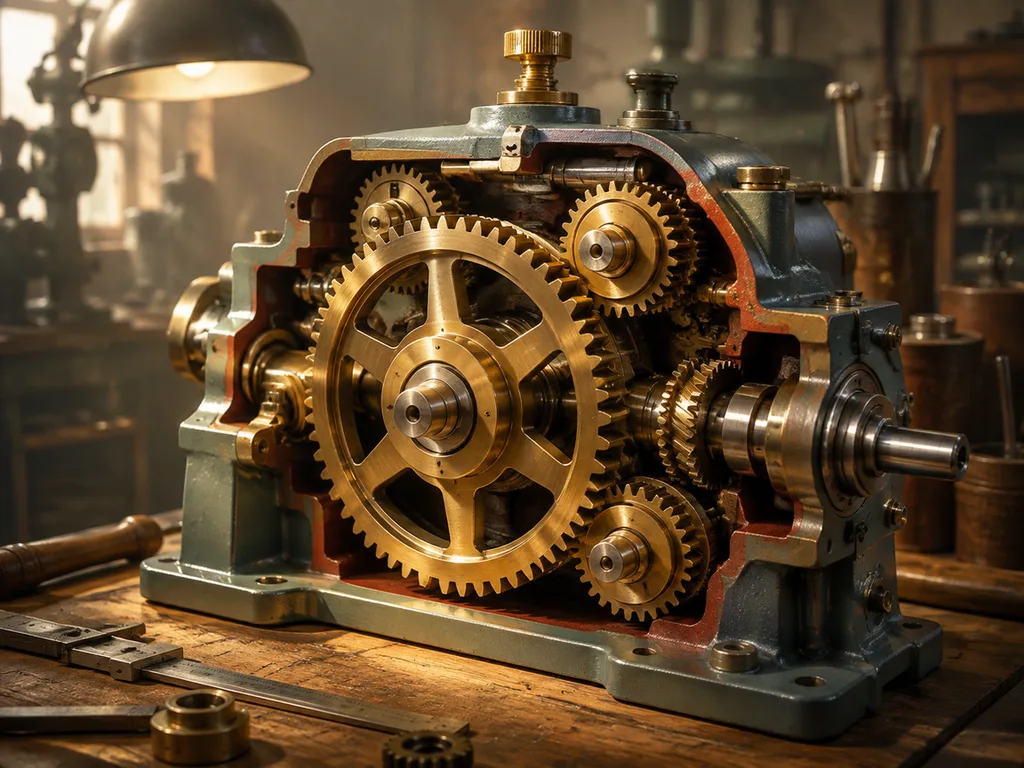
- "A technical diagram of a gear train, labeled driver gear, driven gear, and idler gear, flat vector style."
- "A simple circuit diagram, labeled battery, switch, resistor, and wires, with the current direction shown."
- "A process flowchart, labeled start, input, process, decision, output, and end, black and white."
- "A cutaway of a bicycle brake assembly, numbered parts with thin leader lines, blueprint style."
For more on this family — when to use a flowchart versus a schematic versus a labeled cutaway — see How to Draw Scientific Diagrams.
Common Scientific Illustration Prompt Mistakes
A vague subject. "Draw a scientific illustration of a flower" leaves species, view, and labels to chance. Fix: name the species and the part.
Asking for labels without naming them. "With labels" is where invented anatomy comes from. Fix: type the exact structure names, comma-separated, into the prompt.
Overloading the plate. Fifteen labels on one image makes every label unreadable; published plates typically carry four to eight. Fix: split the subject into two plates — an overview and a detail.
Fighting the style. "Photorealistic labeled diagram" pulls the render in two directions at once, because realism and diagrammatic flatness are opposite conventions. Fix: pick one register per image — photographic or plate.
Trusting the model on facts. A prompt can specify what to label, not whether the label is correct. Structure counts, proportions, and positions still need to be checked against a reference. Fix: verify before the image ships, especially in teaching materials.
How to Iterate on a Prompt
Iterate one variable at a time. If you change subject, view, and style together, the new result teaches you nothing about which change mattered.
- Fix the view first. A plate that answers the wrong question is not worth styling. Compare lateral versus dorsal, whole versus cross-section, single subject versus life cycle.
- Then fix the labels. Trim to the four to eight that matter, and make sure each name matches your reference exactly.
- Style last. Once subject, view, and labels hold up, the era and medium words are cheap experiments — the same plate as an 1890s lithograph and as a flat vector diagram serves different contexts.
- Switch variants instead of fighting one. The generator's botanical, zoological, medical, technical, and natural-history variants each encode their discipline's conventions; a medical prompt pushed through the botanical variant will drift no matter how it is worded.
- Know when to stop. When the draft's composition and labels are right but the linework needs to be publication-clean, the standard workflow is to take the generated draft into a vector tool — Adobe Illustrator for publishing-grade finishing, Inkscape for the free route — and refine there.
FAQ
What should a scientific illustration prompt include?
Four things: a precise subject (species and part), a named view (anterior, lateral, cross-section, life cycle), an explicit list of label words, and a style (textbook watercolor, vintage lithograph, flat vector). Everything else is optional; those four decide whether the output explains anything.
Can AI generate labeled scientific illustrations?
Yes — when the model can render text. GLM-Image was built with a Glyph Encoder for in-image text and scores 91.16% on the CVTG-2K benchmark, so label words written into the prompt come back spelled correctly most of the time. Check the labels against a reference before publication all the same.
How long should a scientific illustration prompt be?
Two to four lines is the working range: one line for subject and view, one for the label list, one for style and background. Longer prompts do not fail outright, but extra clauses start competing, and the label list is usually what gets dropped.
Are AI-generated scientific illustrations accurate enough to publish?
As drafts and teaching visuals, routinely. For peer-reviewed or clinical publication, every structure still needs verification against references — the same standard a hand-drawn plate is held to before print.
Paste one of the patterns above, change the subject, and see what comes back:
Try the scientific illustration generator →
<!-- scientific-authority-bridge:start -->
Test the prompt in the scientific illustration workflow
Paste one of the subject-view-label-style prompts into the scientific illustration generator. Keep the requested view and label list fixed for the first run so you can diagnose one variable at a time.
Before publishing the result, run the scientific illustration verification checklist.
<!-- scientific-authority-bridge:end -->











