
A coloring page looks like the simplest image to make and is one of the hardest to prompt. The failure mode is always the same: the model sneaks in shading, the outlines get thin, and what prints is a gray smudge a crayon can't rescue. Done right, an AI coloring page generator produces clean black line art with big open regions — printable, giftable, and endlessly remixable around whatever your kid is obsessed with this month.
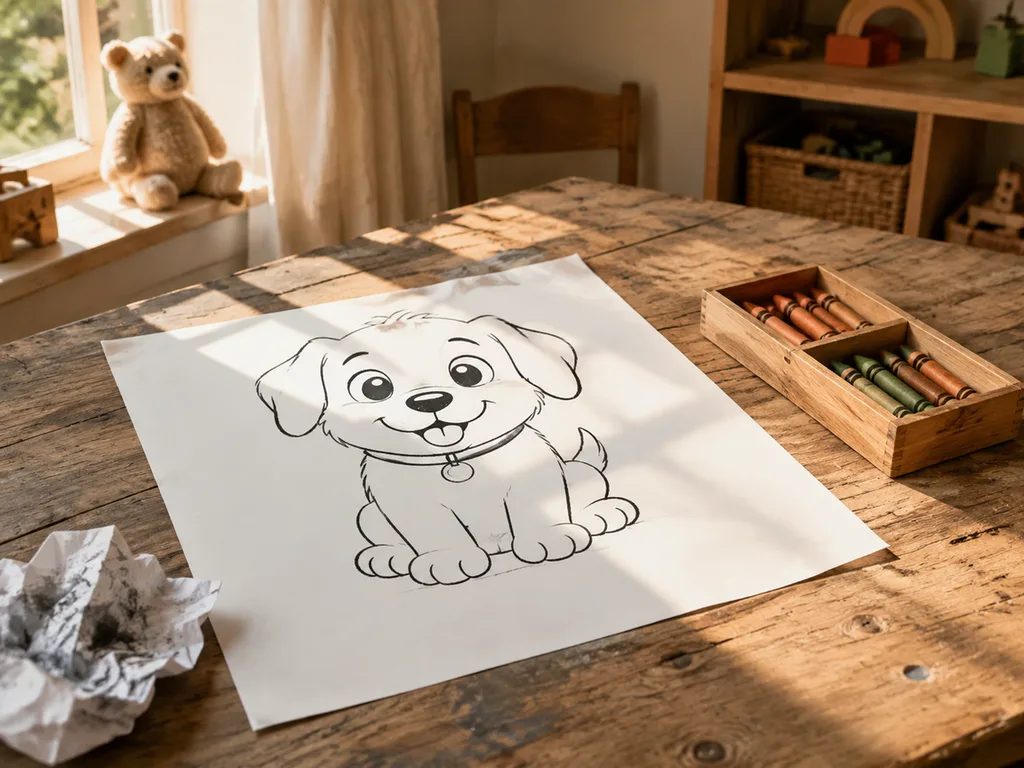
What a printable coloring page actually needs
Three properties, all of them promptable:
- Thick, uniform black outlines. Thin lines break when printed at A4 and frustrate small hands.
- Zero shading, zero gray, zero color. Any tone is a bug — the child supplies the color.
- Large closed regions. Open shapes and scattered detail color badly; big enclosed areas color well.
The printing standard is A4 at portrait, so generate in 3:4 or 2:3 and print "fit to page."
The prompt that works
The reliable formula is explicit negatives plus a medium reference:
"A children's coloring book page of [subject], thick clean black outlines, large simple shapes, pure white background, no shading, no gray tones, no color fills — line art only, in the style of a classic printed coloring book."
The medium reference matters. "Coloring book page" pulls the model toward real coloring-book training imagery; "black and white drawing" drifts into sketchy illustration with hatching — the gray-mess failure mode.
Name coloring pages: the gift that prints
The most-loved variant is personal: a child's name turned into a coloring page — letters big enough to color, each letter decorated with things they love. Prompt: "a large name banner coloring page with the letters outlined thick and hollow for coloring, decorated with [dinosaurs and leaves], white background, line art only."
One honest caveat: text rendering. Short names usually render correctly with text-capable models; longer names may come out with a wrong letter. Always proofread before printing, and if a letter fails, regenerate just that page — or add the name yourself in any editor with a bubble font, which is bulletproof and takes two minutes.
Themes that keep working
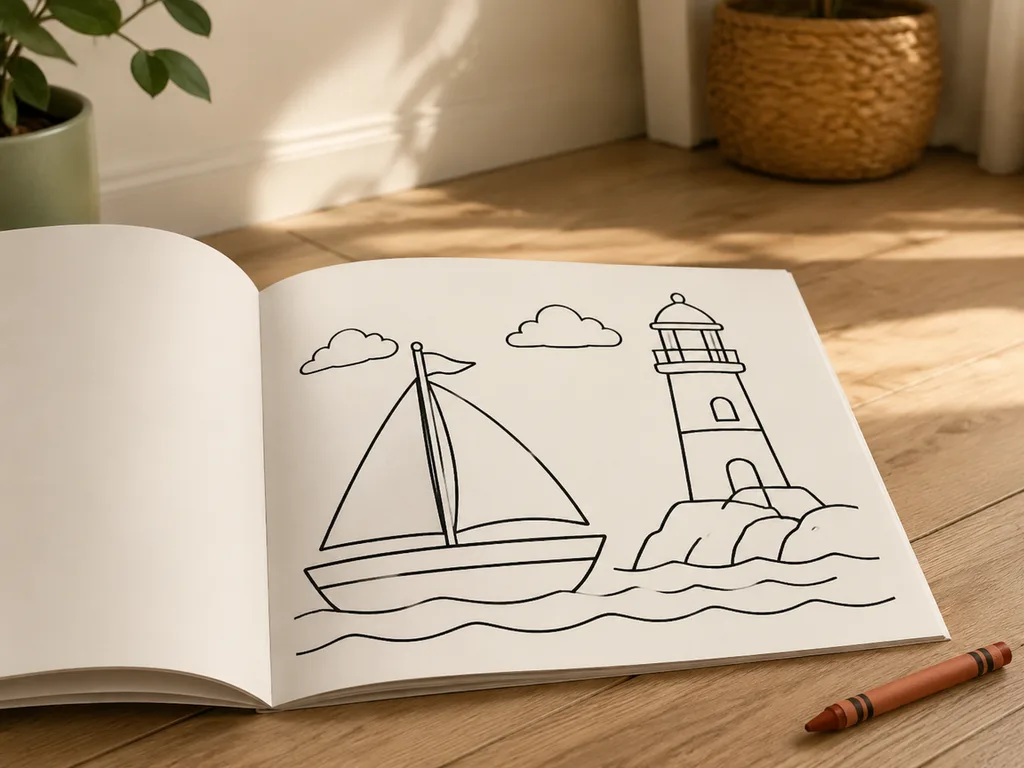
Animal+activity combos beat plain animals: "an octopus having a tea party," "a hedgehog riding a scooter." Scenes with 2–4 elements hold a child's attention longer than single subjects. Seasonal packs — back-to-school, Halloween, winter holidays — are what teachers and room parents actually search for in bulk.
Age calibration is one prompt word: "toddler" gets chunky ultra-simple shapes; "ages 6–8" earns more detail regions; "tween" can handle patterns and mandala-style density.
Classroom and party use
A class set is the killer app: 24 kids, one theme, each page slightly different. Generate 6–8 pages per theme, print a stack, done. For birthday parties, theme pages to the cake design or the party's animal mascot — paired with a coloring table, it buys you twenty quiet minutes.
Road-trip packets, restaurant kits, and rainy-day folders work the same way: generate once, print many. Laminating one set with dry-erase markers turns a printed page into a reusable activity.
From coloring page to keepsake
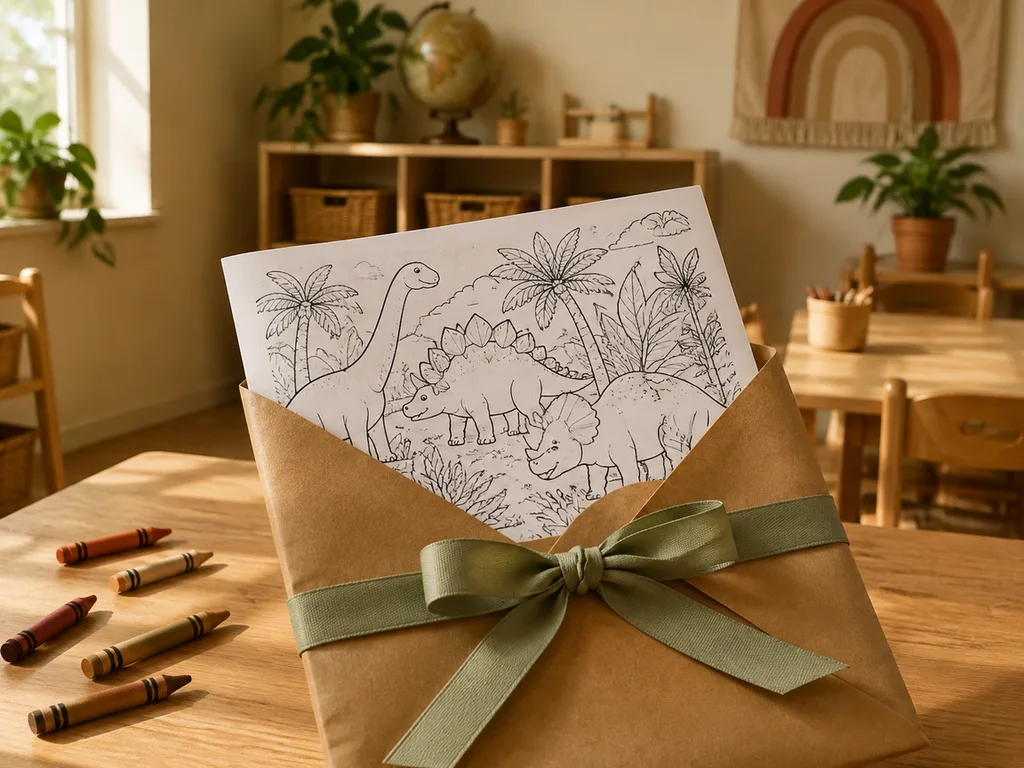
The finished, colored page can go one step further: photograph it and restyle it — "turn this child's colored drawing into a soft watercolor illustration keeping every color choice" — for a printable keepsake. The editing models handle this well; it's the same machinery as the photo-to-painting workflows, pointed at crayon art. Grandparent gifts, end-of-year teacher cards, the front of a memory box.
For older kids drifting from coloring to drawing, anime character generation is the natural next stop — same prompt-thinking, more style control.
Print checklist
- Generate at 1024px-class or larger; A4 needs the headroom.
- Zoom to 100% and check for gray patches before printing.
- Print "fit to page," portrait, on standard paper — cardstock for markers.
- Keep the prompt in a note; the follow-up pack is one edit away.
Try the coloring page generator → — thick outlines, white background, printable by default.
FAQ
Why did my page come out shaded?
The prompt lost the medium anchor. Re-add "coloring book page, line art only, no shading, no gray" — and avoid the words "sketch" or "drawing," which invite hatching.
Can AI spell my child's name right?
Short names, usually yes with text-rendering models. Proofread every letter; if one fails, bubble-font it in an editor — two minutes, guaranteed.
What paper should I use?
Standard 80gsm paper for crayons and pencils; cardstock for markers, which buckle thin paper.
Are these okay for my classroom or small shop?
Paid-plan outputs are watermark-free and commercially usable — classroom use is unambiguous. For selling packs, keep prompts consistent across the set and check your marketplace's AI disclosure rules.
How do I make a themed set of ten pages?
Lock the style sentence ("thick clean black outlines, line art only, white background") and change only the subject line per page. The shared sentence is what makes ten pages look like one book.












