
You have a photo. You want a painting — the kind that used to mean a commissioned artist or a Photoshop plugin that smeared pixels. AI style transfer does it properly now: describe the medium, keep the subject, get a coherent painting back. This guide covers the styles worth using, the settings that keep faces recognizable, and where painted versions actually get used.
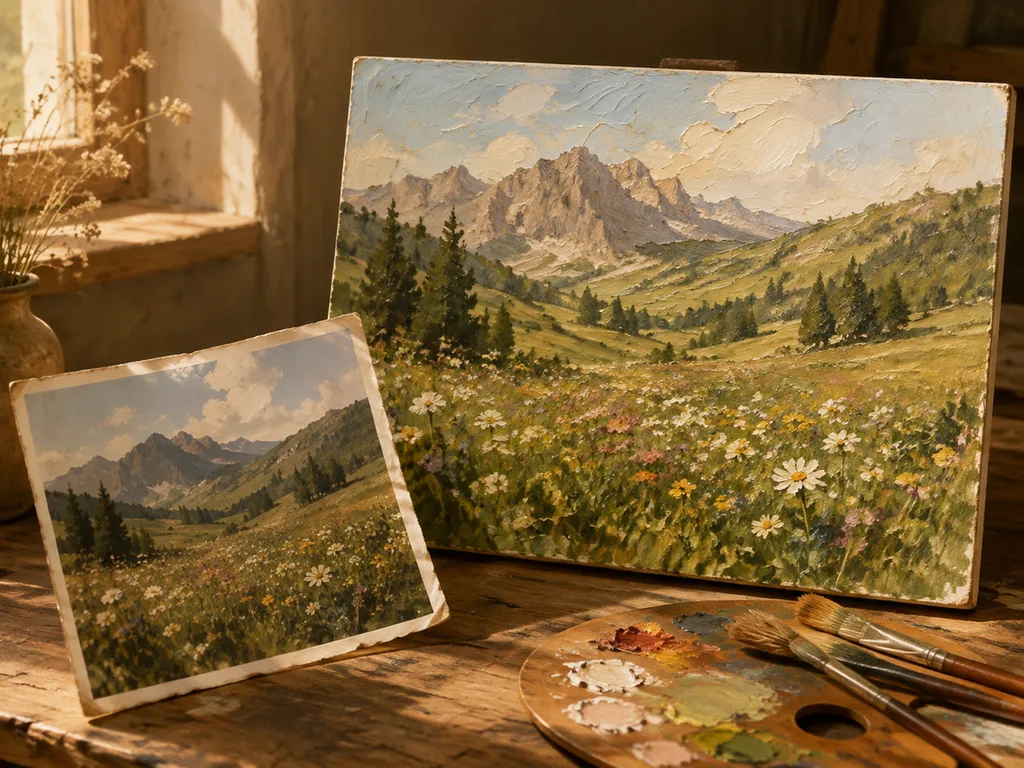
How AI style transfer works, minus the jargon
The model looks at your photo and a description of a painting style, then re-renders the image as if that style had painted it. The subject, composition and lighting of your photo survive; the surface — brushwork, edges, color mixing — becomes the style's.
One knob matters most: how far to push. Heavy stylization makes dramatic art but faces drift toward generic. Light stylization keeps the portrait recognizable but looks timid on landscapes. Portraits: stay close. Landscapes and still life: push hard.
Oil painting style
The most requested transformation, and the most forgiving. Oil styles suit photos with clear shapes and rich color — landscapes, architecture, pets, still life.
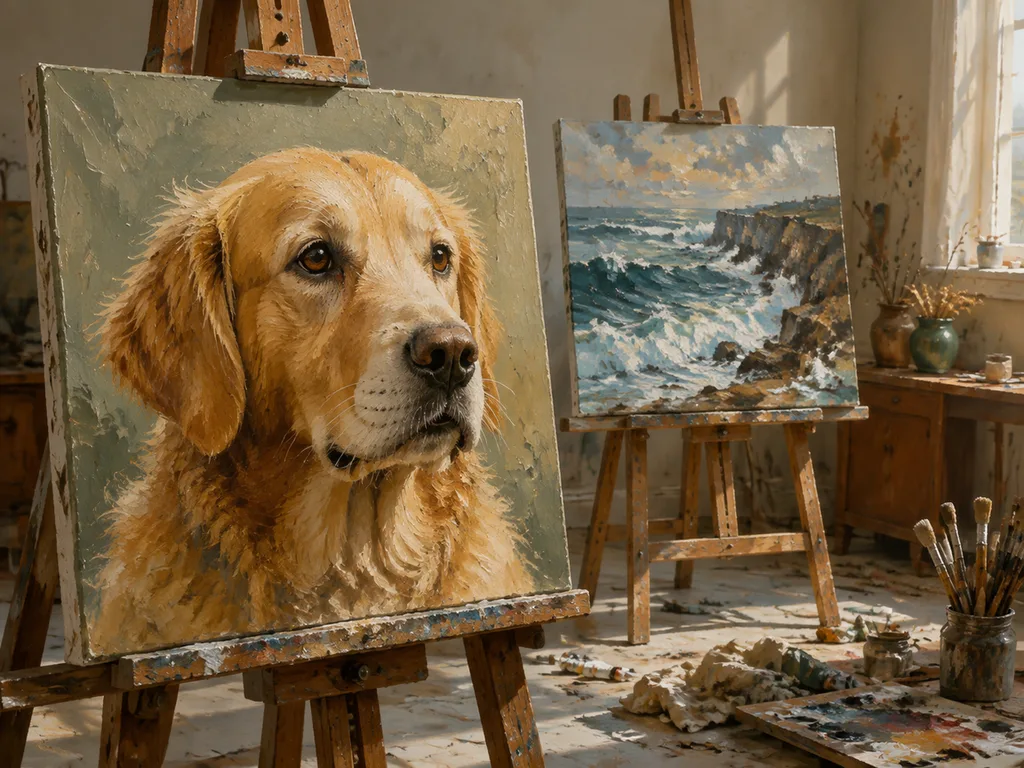
Prompt pattern: "repaint this photo as an oil painting, visible impasto brushwork, canvas texture, warm gallery varnish tone, preserve the composition and light of the original."
Two flavors worth knowing: classical (muted palette, careful glazing, Rembrandt-light feel) and impressionist (broken color, visible dabs, movement). Impressionist hides AI artifacts better; classical rewards sharp source photos.
Watercolor style
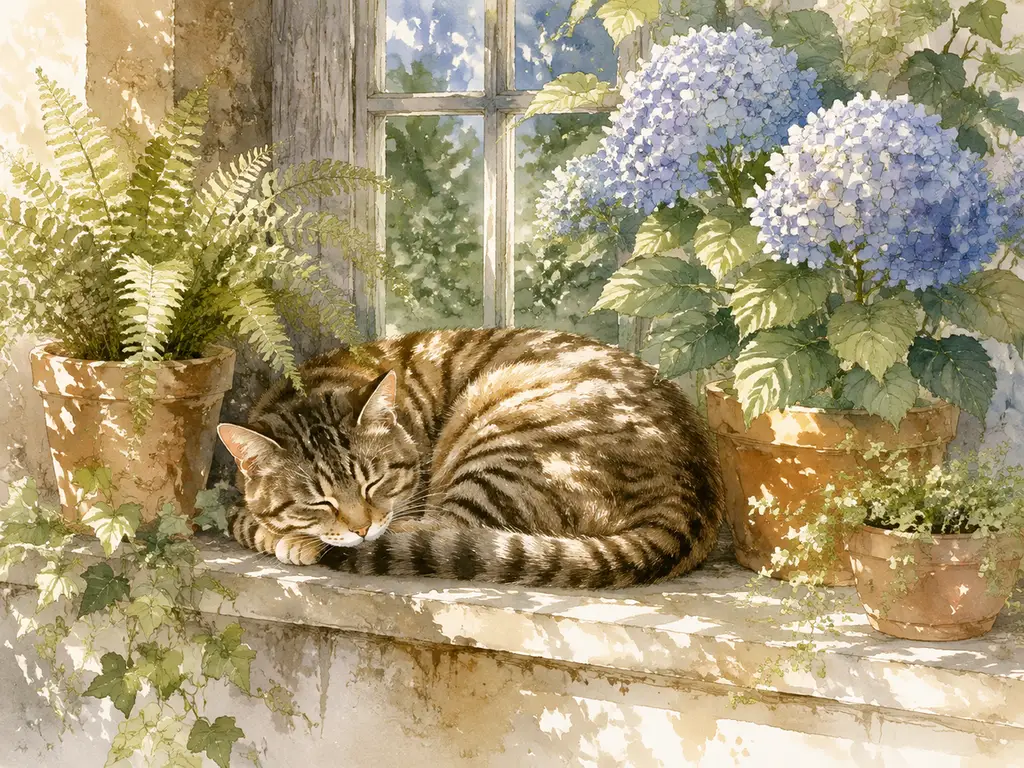
Watercolor is the trickiest medium for AI because real watercolor runs on accidents — blooms, backruns, granulation. The styles that read best leave white paper showing: "loose watercolor on cold-press paper, soft washes bleeding into wet paper, unpainted white paper highlights, delicate ink line accents."
Watercolor suits portraits of houses, botanicals, and pets more than dense, detail-heavy scenes. If the source photo is cluttered, clean it first with the object remover workflow — watercolor punishes clutter twice.
Pop art and graphic styles
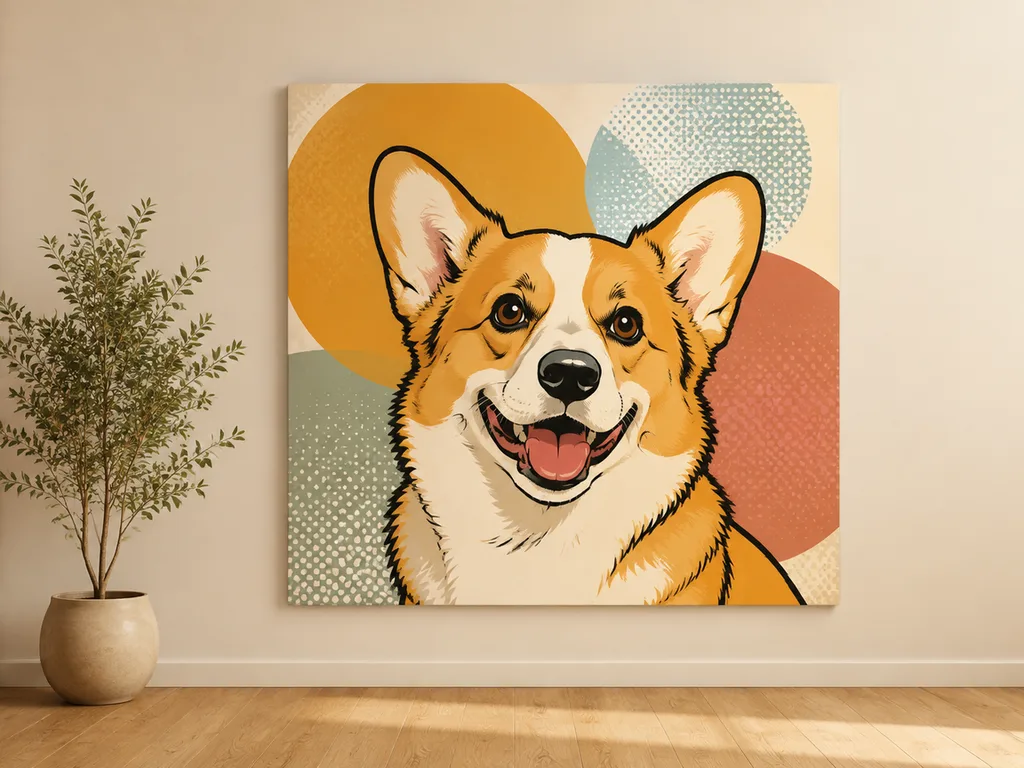
Pop art flattens photos into bold shapes — the most forgiving style for low-quality sources, because the style itself is low-detail. It also prints beautifully on merchandise; a pop-art pet portrait on a tote bag is a whole gift economy. The T-shirt design guide covers taking these graphics to print.
Line art and sketch styles round out the family: single-weight ink drawings, pencil sketches with visible hatching, blueprints. These suit product pages and editorial illustration more than wall art.
Keeping faces intact
The question everyone asks about painted portraits. Three rules:
- Start from a sharp, evenly-lit photo. Style transfer amplifies source flaws.
- Use "preserve the facial identity and expression of the original" in the prompt — with modern editing models this instruction genuinely holds.
- For gifts and memorials, generate three candidates minimum. One of the three usually keeps the likeness; the other two make interesting also-rans.
What people actually use painted photos for
Wall art is the headline, but the volume use cases are smaller: pet portraits as gifts (the biggest single category), wedding photos in painted styles for anniversary prints, house portraits for real-estate closing gifts, food photos in oil style for restaurant menus, and social avatars in stylized art versions. A painted avatar is also the low-stakes entry into anime-style character art, which uses the same machinery in a more illustrative direction.
The workflow
- Pick a photo with one clear subject and honest lighting.
- Clean distractions with object removal if needed.
- Generate in two styles at light and heavy intensity — four candidates total.
- Judge at 100% zoom for brushwork coherence; judge at thumbnail for overall impact.
- Print tests before committing to large formats.
Try AI style transfer on your photo → — upload, describe the medium, keep the subject.
FAQ
Which style looks most like a real painting?
Oil with impasto and canvas texture reads as "painting" fastest. Watercolor reads as painting only if white paper shows — that's the tell.
Will my face still look like me?
With "preserve facial identity" in the prompt and a sharp source, yes, usually. Generate multiple candidates and pick — don't trust a single roll.
What resolution should I start from?
1024px minimum on the subject. Style transfer invents no detail; it repaints what's there.
Can I sell art made from my photos?
On paid plans, outputs carry no watermark and are yours to use, including commercially. Photos of other people need their consent; museum-famous artworks as style references are fine as style descriptions, not as pasted inputs.
Why does my watercolor look like muddy poster art?
The prompt is missing the white paper. Add "unpainted white paper highlights" and "transparent washes" — watercolor without its whites always collapses into poster paint.












