
The AI headshot market split into two products: upload-twenty-selfies studios charging $40 per session, and text-to-image generators producing a person who doesn't exist. There's a third way that gets less press — generate professional headshot-grade portraits from a written description, either as an avatar for yourself or as persona imagery for brands, teams and content. This guide covers both: what makes a headshot read as professional, and how to prompt for it.
What makes a headshot look professional
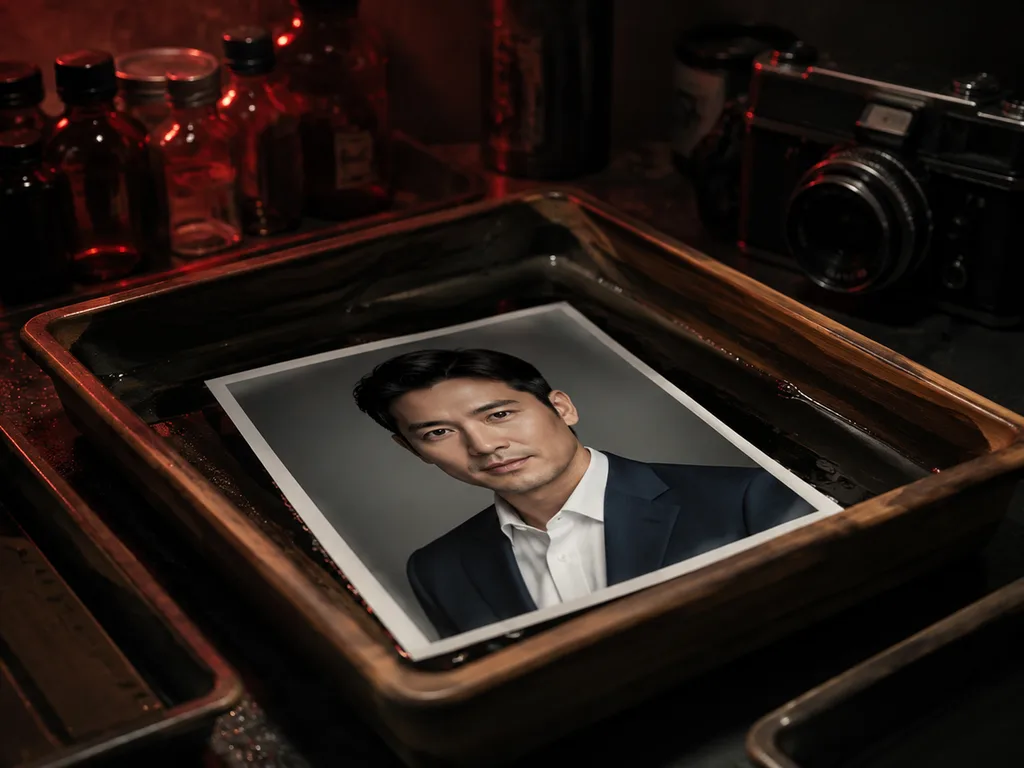
Corporate photography has an unwritten spec. Deviate and the image reads as casual, no matter how sharp it is:
- Lighting: soft, directional, from a large source at 30–45° — the classic window or softbox position. Flat front-lighting reads as webcam; hard light reads as edgy.
- Background: neutral. Light gray, deep gray, or softly blurred office/environmental. Busy backgrounds kill the "professional" read instantly.
- Wardrobe: one structured element — a blazer, a collar, a clean knit. The camera crops mid-chest, so fit matters more than fashion.
- Crop: head and shoulders, eyes on the upper third line, space above the hair.
- Expression: engaged neutrality — the "about to speak" face, not the "say cheese" face.
Prompting the corporate look
Translate the spec into prompt language:
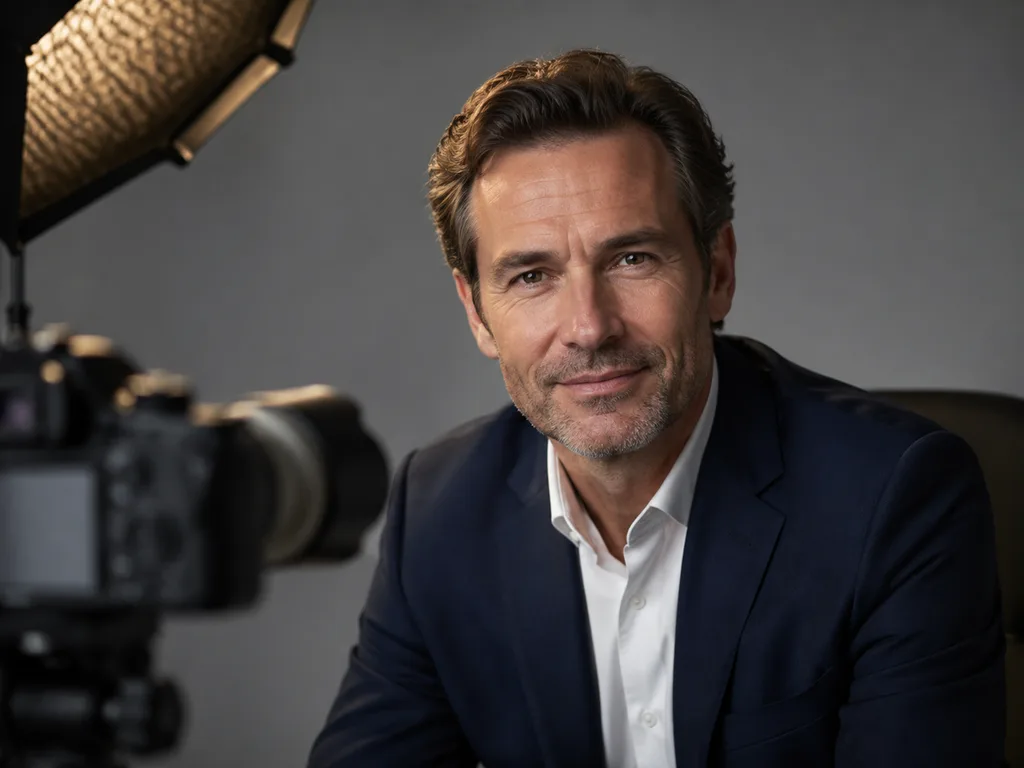
"Professional corporate headshot of a [description], soft directional window light from camera left, neutral light-gray studio background, navy blazer over a white shirt, head-and-shoulders framing, confident approachable expression, shallow depth of field, shot on 85mm lens."
That single sentence reliably lands in professional territory. The lens line matters more than it seems — "85mm" pulls the model toward portrait-photography conventions, including flattering facial proportions.
Avatars vs. persona imagery
For a personal avatar from your own face, the honest route is still photo-based: take one good selfie in window light and enhance or restyle it with editing prompts — "professional headshot version of this photo, soft studio light, neutral gray background, keep my facial identity exactly." The style transfer workflows use the same mechanism.
For persona imagery — the team page of a two-person startup, course characters, brand mascots, testimonial-adjacent "customers" — text-to-image headshots are the main event. Generate a consistent cast by locking a shared style paragraph ("soft directional light, warm gray background, 85mm") and changing only the person description per image.
The consistency trick for teams
Teams need a set that looks shot in one session. The trick is a template with one variable slot:
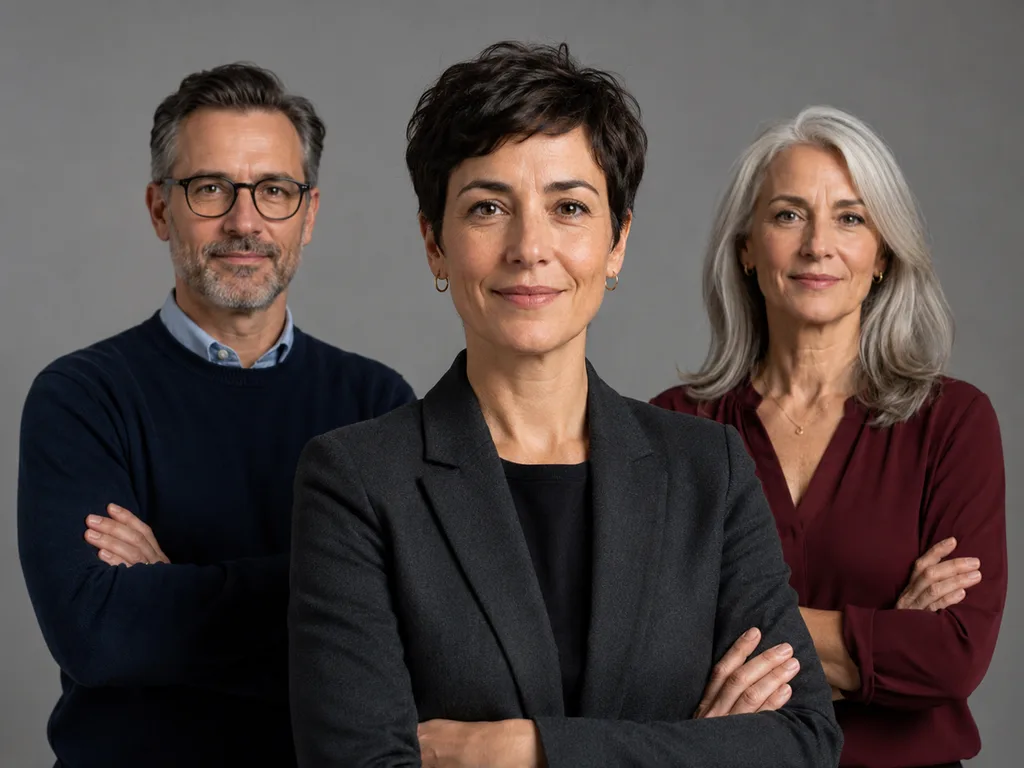
Shared: "professional headshot, soft directional window light from camera left, warm gray seamless background, head-and-shoulders crop, 85mm lens, neutral expression with a slight smile."
Variable: "a woman in her 40s with short dark hair in a charcoal blazer" / "a man in his 30s with glasses in a navy sweater" / "a woman in her 50s with silver hair in a burgundy blouse."
Same light, same background, same crop — different people. The set reads as one studio session even though each person is a prompt.
Where AI headshots are actually used
LinkedIn remains the headline, but the volume uses are quieter: author bios on company blogs, podcast guest cards, course instructor imagery, "meet the team" pages for bootstrapped companies, persona illustrations in decks and sales one-pagers. Designers also use them as realistic placeholders in mockups — far better than the same three stock faces every product page uses.
One line worth drawing yourself: don't present a generated person as a real team member, a real testimonial author, or a real customer. Persona imagery labeled as illustrative is normal practice; fabricated people presented as real is the kind of thing that ends up in a screenshot with a red circle around it.
Common failures and fixes
The plastic skin problem. Add "natural skin texture, visible pores, no retouching" — the airbrushed look is the #1 AI headshot tell.
Dead eyes. Add "catchlights in the eyes, engaged expression." Eyes with no highlight read as vacant.
Webcam flatness. Your lighting line is missing or the source is described as front-on. Directional light at an angle is the fix.
Odd clothing geometry. Lapels and collars still trip models. Prefer simple knitwear or add "correct collar and lapel geometry" — and generate three candidates; one will have the shoulders right.
The workflow
- Write the spec sentence: person + light + background + wardrobe + crop + expression.
- Add the anti-tell clauses: skin texture, catchlights.
- Generate four candidates; check eyes and collar first.
- Crop square at 400×400+ for avatars; keep the 3:4 original for bios.
- For a team set, lock the shared paragraph and vary only the person.
Try the portrait & headshot generator → — free to start, with portrait-specific lighting presets.
FAQ
Can AI make a headshot from my selfie?
Yes — via editing models with "keep my facial identity exactly" in the prompt. Expect to try a few; identity preservation varies by source photo quality. Window-light selfies with no harsh shadows work best.
Do AI headshots look fake?
The unedited ones often do — plastic skin and dead eyes are the tells. The prompt clauses above fix both, and light film-style grain in post seals it.
What background is safest?
Warm or cool neutral gray, softly graded. It matches every website and never dates the way office backgrounds do.
Are AI headshots acceptable on LinkedIn?
For a stylized avatar of you, generally fine. For a generated person presented as you — that's a judgment call with reputational downside. The safe versions are photo-based edits that preserve your real face.
What size do I need?
400×400 square minimum for avatars; 800×1000 portrait for bio pages. Generate at 1024-class and crop — never upscale a small headshot; faces don't survive it.












