
AI Product Photography: The Complete E-commerce Guide

AI product photography lets e-commerce businesses create professional product images without booking photo shoots — a studio-style shot in minutes, at a small fraction of the per-image cost of traditional production. GLM-Image's photorealistic generation and bilingual text rendering make it especially practical for product images that carry text, across international markets. This guide covers the lighting vocabulary, prompt patterns per product category, iteration workflow, and the honest limits of where AI replaces a studio and where it does not.
What AI Product Photography Actually Changes
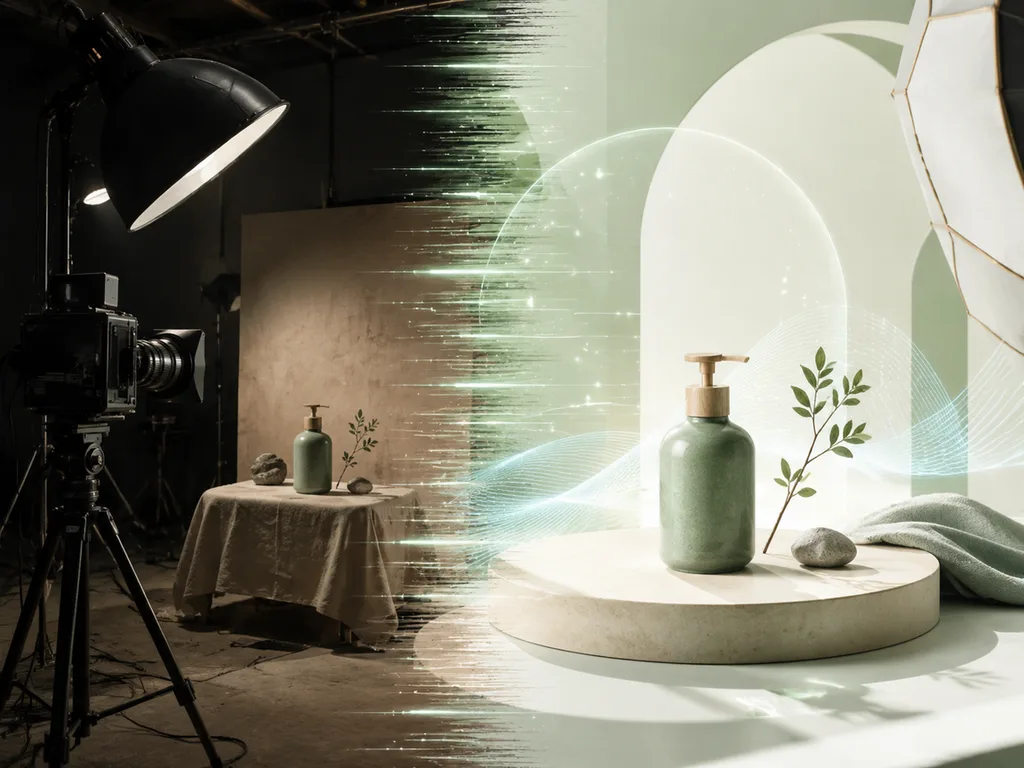
A traditional product shoot stacks costs: a photographer's day rate, studio rental, lighting gear, retouching, plus shipping samples and waiting on the schedule. None of that is free, and for a catalog with hundreds of SKUs it adds up — a single finished image often lands in the hundreds of dollars once everything is counted.
AI generation inverts the economics. GLMImage's plans run $9.90 to $79.90 per month, and at roughly 10 credits per image that works out to about $0.13–$0.20 per generated image. The practical consequences go beyond price: unlimited variations and angles, instant seasonal refreshes, A/B testing different backgrounds without reshooting, localization for Chinese and English markets in one image, and concepting before a physical product exists. For a breakdown of the plans, see our pricing explainer; for the mechanics of the tool itself, how to use GLMImage.
Lighting Setups, Translated into Prompts
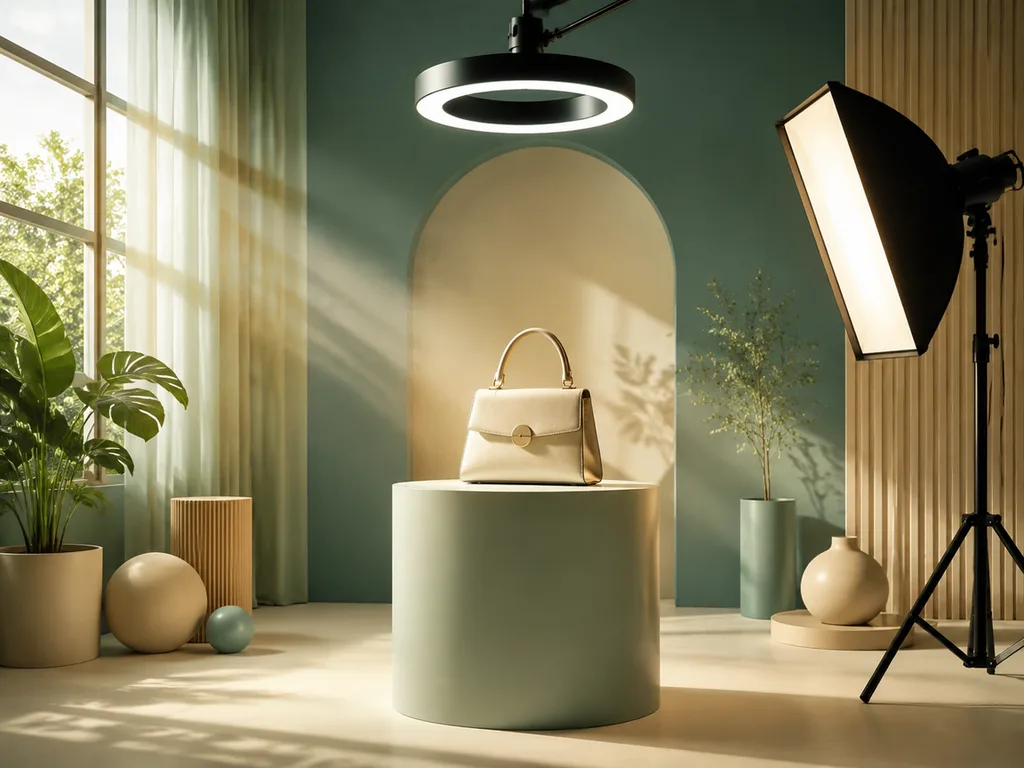
Studio photographers describe light in consistent terms, and those terms map almost directly onto prompts. Learning the vocabulary is the fastest way to get consistent product images.
Softbox / soft diffused light is the e-commerce default: even illumination, gentle shadows, no harsh highlights. In a prompt: "soft diffused studio lighting, even shadows, seamless white background." This is what marketplace listings expect. Rim light outlines the product's edges against a darker background, separating it from the scene: "rim light outlining the bottle, dark gradient background." Ambient / window light reads as lifestyle rather than catalog: "natural window light from the left, soft falloff, warm tones." High-key means bright and airy with near-white shadows; low-key means dark backgrounds with deliberate pools of light for a premium feel.
Two more terms do heavy lifting. Gradient sweep background — "smooth gradient background, light gray to white" — gives that studio infinity-curve look. Specular vs. matte describes how the surface responds: glass and metal need "controlled specular highlights" to avoid blown-out white blobs; matte packaging wants "soft, even lighting, no harsh reflections." Naming the light and the surface behavior in every prompt is what separates controllable output from luck.
<!--IMG: Split comparison of the same bottle under softbox lighting versus rim-lit dark studio setup, each labeled-->
Product Categories and Prompt Patterns
Each product category fails in its own way, so each gets its own prompt pattern.
Packaging and boxes. The label is the product — it must be legible and correctly spelled. Pattern: "[Product] box on [surface], front view, label text '[exact text]' clearly legible, soft diffused studio lighting, seamless background." Check the text on every generation; one wrong letter kills the shot.
Reflective products — glass, metal, bottles. The hardest category. Reflections multiply: the room, the lights, neighboring objects. Pattern: "[Bottle] on dark reflective surface, controlled specular highlights, single softbox reflection on glass, dark gradient background, luxury product photography." Keep the scene minimal — every object you add appears twice, once in the reflection.
Food and beverage. Appetite is about freshness cues: steam, condensation, texture. Pattern: "[Food item] on [surface], [freshness cue: steam rising / condensation on glass], natural side lighting, shallow depth of field, food magazine style." Warm light direction from the side sculpts texture; top-down flat light flattens it.
Beauty and cosmetics. Clean minimalism plus one texture story. Pattern: "[Product] on marble with [water droplets / soft petals], soft diffuse lighting, minimal clean composition, high-end beauty brand style."
Electronics. Screen content and port detail are the accuracy risks. Pattern: "[Device] on minimalist desk, screen displaying [specific screen content], studio lighting, subtle reflections on bezel, premium tech review style." Specify what the screen shows or the model will invent something garbled.
Fashion and flat-lay. Fabric behavior is where AI struggles — specify material and drape. Pattern: "[Garment] laid flat on [linen / concrete surface], overhead shot, natural texture visible, styled with [props], editorial flat-lay style." For on-model shots, describe the model briefly and the garment precisely.
<!--IMG: A grid of four AI product shots — packaged box, glass bottle, food with steam, cosmetics flat-lay-->
Image-to-Image: Iterating One Product Across Campaigns
The professional workflow is not generating from scratch each time — it is generating a base image, then reusing it as the reference for variants.
- Generate or photograph the base — the product on a clean background, correct from every angle you can check.
- Upload it as the image-to-image reference and describe only the change: new background, new lighting, new season.
- Keep the prompt anchored on preserving the product: "same perfume bottle, unchanged, …" — the reference plus the anchoring phrase holds the product while the scene moves.
- Iterate in one direction at a time. Change background first, then lighting, then props; changing everything at once makes drift hard to localize.
A typical sequence from one base: "same perfume bottle, unchanged, white studio background" for the listing; "…Christmas decorations and fairy lights, warm golden lighting" for the holiday campaign; "…cherry blossoms, soft pastel light" for spring; "…dark stone surface, dramatic side light" for a premium refresh. Four campaign images from one approved product reference — that is the loop studios charge per shot for.
Bilingual Promo Images
GLM-Image's strength is text rendering in image — it scores 91.16% on the CVTG-2K text-rendering benchmark, and it handles Chinese and English in the same image, which most models cannot do reliably. That makes single images that serve both markets practical:
"Electronics gift box, embedded English text 'NEW ARRIVAL' at top center in bold sans-serif, embedded Chinese text '新品上市' below in matching weight, clean gradient background, product launch style."
Working rules: keep each text element short; state its exact wording, position, and style; and specify that the two scripts share visual weight so neither reads as an afterthought. Long paragraphs of text are where every model degrades — banners and badges are the sweet spot.
When AI Beats a Studio — and When It Doesn't
AI wins for catalog-scale white-background images, seasonal and regional variants, campaign concepting before the shoot, marketing visuals where the scene is the point (the product against a rendered backdrop), and any image whose job is speed rather than permanence. It also wins when the product does not physically exist yet — pre-launch mockups for a packaging change, or renders of a colorway still in production.
The studio still wins when the image must be evidence. Your actual product, photographed as it actually is, is what consumer-protection rules and marketplace policies generally expect the main listing image to be — an AI visualization that adds sheen, changes proportions, or invents features can cross from marketing into misrepresentation. The studio also wins for hero campaigns with complex fabric behavior or intricate reflections, for anything requiring exact brand-color fidelity across a shot family, and for regulated categories where claims and appearances are scrutinized. A practical split: real photography for the canonical product shots, AI for scale, variants, and scene work around them.
Rights and Practical Notes
A few habits keep AI product images safe to use commercially. Read and keep the licensing terms of whichever tool you use — know whether your plan includes commercial use and whether any restrictions apply to your category. Keep the prompts and final files for every published image so you can document provenance if a marketplace or client asks. Do not use AI to depict your product doing or containing something it does not — features, ingredients, and dimensions are claims, not styling. And when an image pairs your real product with a generated scene, say so where the context matters (ads marked as visualizations, for instance). None of this is legal advice; it is the checklist that keeps the questions from arising. For prompt fundamentals, see how to write AI prompts.
Create studio-quality product shots with AI →
Frequently Asked Questions
How much does AI product photography cost?
GLMImage plans run $9.90–$79.90 per month, which works out to roughly $0.13–$0.20 per image — versus hundreds of dollars per finished shot from a studio once day rates, gear, and retouching are counted.
Can AI product photos look real enough for a store?
For marketplace listings, yes — clean studio-style shots on white are the easiest scenario for AI. For hero shots with complex reflections or fabric behavior, review closely or reshoot.
How do I add a price or promo text to a product image?
Put the exact text in quotes in the prompt and say where it goes ("'50% OFF' in bold red at top"). GLM-Image renders short English and Chinese text accurately — 91.16% on the CVTG-2K benchmark — which most models cannot.
Can I put my real product in an AI scene?
Yes — use image-to-image. Upload the real product photo as the reference, describe the new scene, and keep the prompt anchored on preserving the product unchanged.











