
Most wallpapers fail one test: the home-screen test. The image looks stunning full-screen, then your icons land on it and the whole thing turns into noise. A good AI wallpaper generator should produce images designed around that problem — calm fields of color, one clear mood, busy detail kept away from where widgets sit. This is how to get those results on purpose instead of by luck.
The one rule: wallpapers are backgrounds
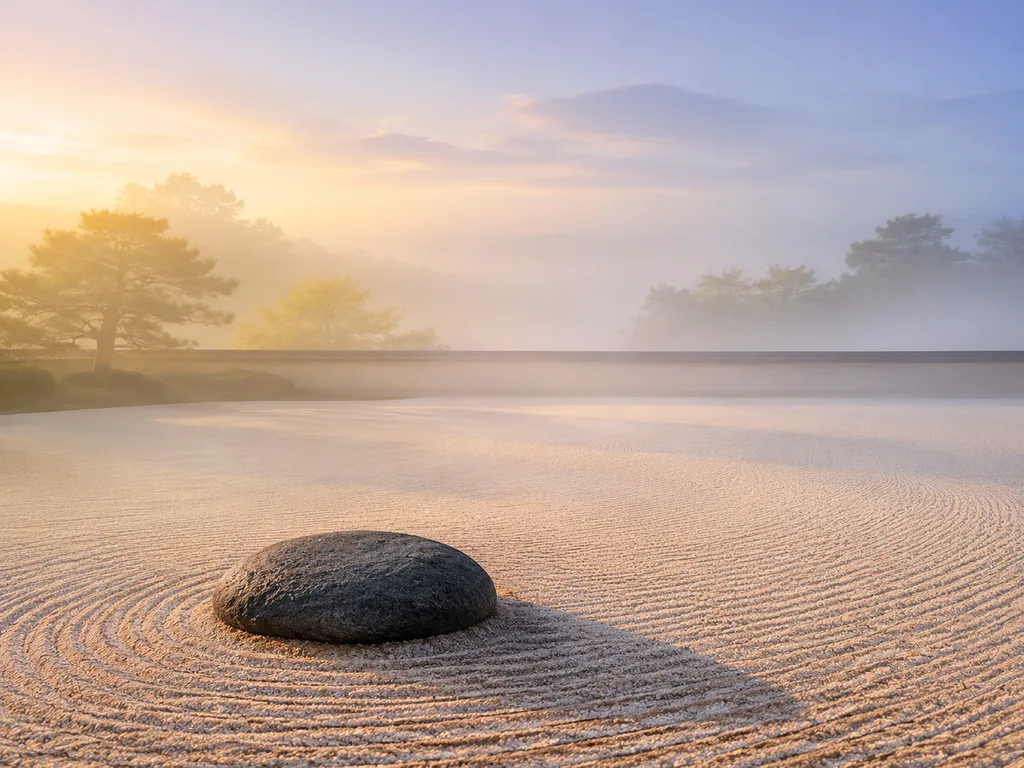
A wallpaper is not a photo of the week. It's a backdrop for a layer of icons and text that you don't control. That single constraint drives everything:
- Flat or gradient zones where icons cluster (center for phones, left half for desktop docks).
- One focal moment, placed off-center or in the upper third where fewer icons live.
- Low edge contrast so app labels stay readable.
When you generate with AI, you can put all of this in the prompt. That's the difference between generating "a mountain photo" and generating a wallpaper.
Getting the ratio right
The fastest way to waste a generation is the wrong aspect. Match the device before you type anything else:
- Phone lock screen: 9:16
- Phone home screen: 9:16 (same image, but compose for the top two-thirds — docks eat the bottom)
- Desktop single monitor: 16:9 or 16:10
- Ultrawide: 21:9
- Dual monitor: 32:9 or a matched pair
Generate at the largest size available and let the device downscale — never the reverse. A 4K-class source stays crisp when the OS crops it for parallax or perspective zoom.
Prompt patterns that work
Wallpaper prompts have three slots: subject, palette, and negative space.
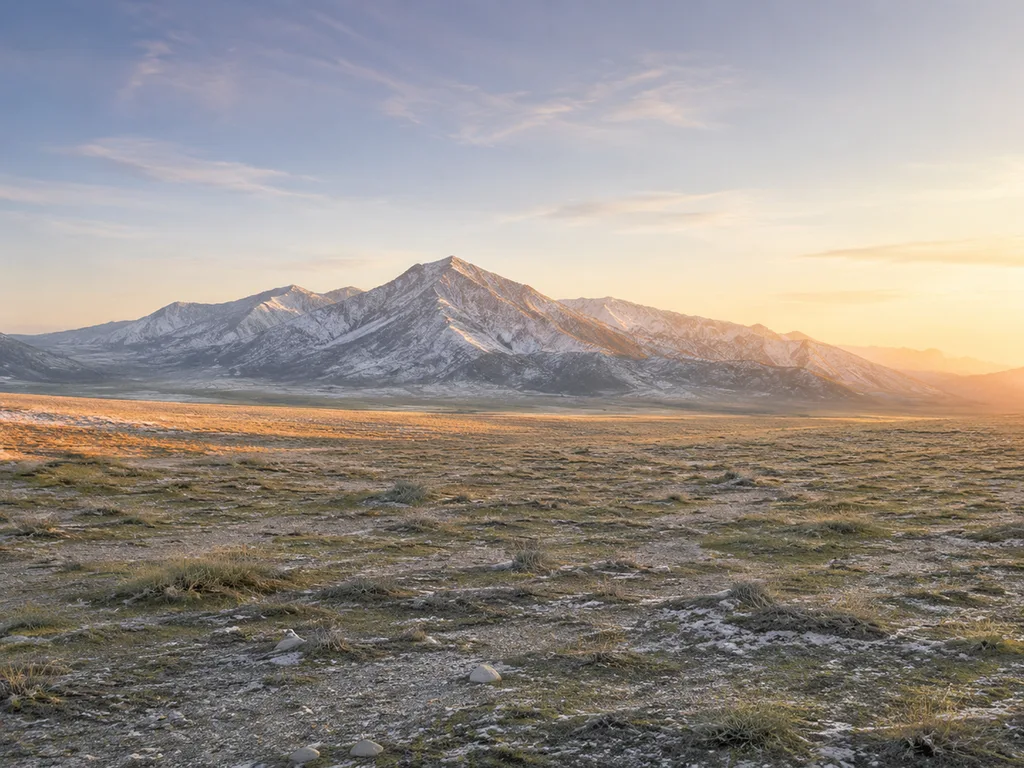
Strong example: "minimal desktop wallpaper, layered misty mountain ridges at dawn, deep teal fading to warm gold, generous smooth gradient sky occupying the upper half, no detail in the center-left, calm and uncluttered."
The phrases doing the heavy lifting: "generous gradient," "smooth negative space," "calm," "uncluttered." They push the model toward compositions that survive an icon layer.
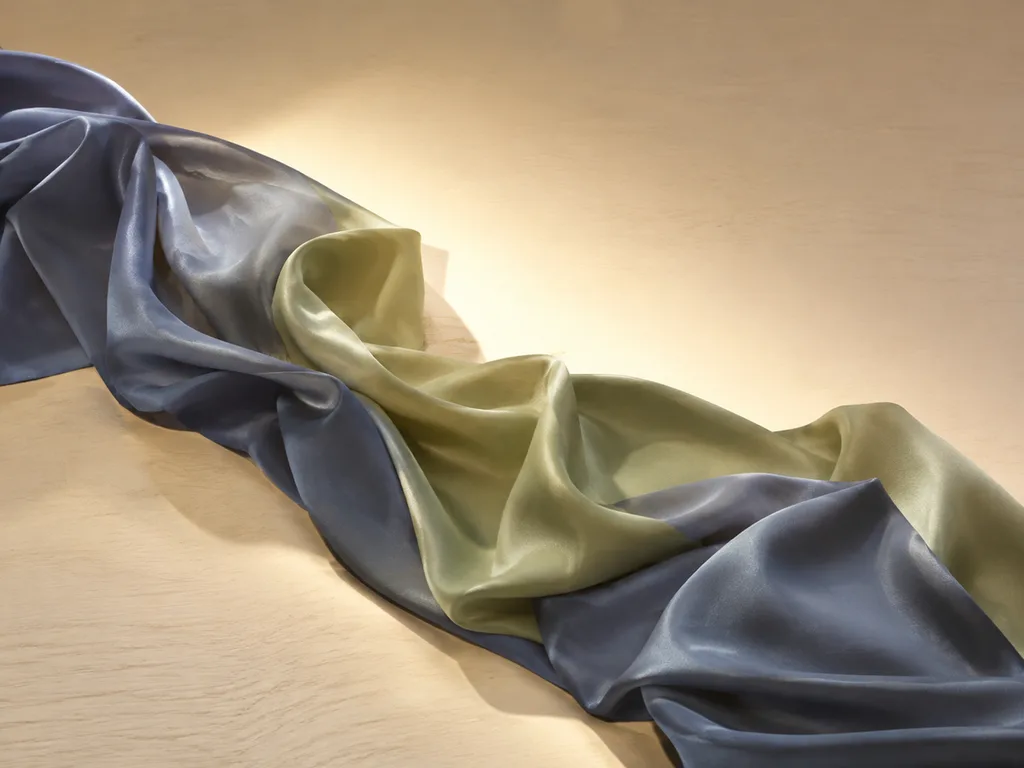
For abstract wallpapers — the most reliable category — describe motion and material instead of objects: "slow silk waves of deep blue and violet, one soft light bloom off-center, matte finish." Abstracts have no faces to break and no objects to clutter, which makes them the highest hit-rate wallpaper category.
Three wallpaper styles that never get old
Layered landscapes. Ridges, dunes, coastlines at dawn or dusk. The repetition of horizon lines creates natural calm bands for icons.
Fluid gradients. Silk waves, aurora smears, slow color blends. Zero clutter risk, infinitely variable, and they pair with any icon pack.
Minimal scenes. One object, huge amounts of space: a single lamp in a dim room, one moon over water. The hardest to prompt well — the model wants to add detail — so include "vast empty space around the subject."
Phone wallpapers deserve their own generation
Resist reusing a desktop image for your phone. The crop kills compositions designed for landscape, and phone home screens need detail concentrated in the top third while the dock area stays clean. Regenerate in 9:16 with the focal point stated as "upper third."
From photo to wallpaper
Your own travel photo can become a wallpaper with the same editing models: prompt "extend this photo into a 16:9 wallpaper composition, keep the subject in the upper right third, smooth out the lower left for icon space." Photo-to-painting styles from the style transfer guide also make excellent wallpaper source material — oil-style gradients hide icon noise better than sharp photos.
And for animated or illustrative tastes, anime-style scenery renders wallpaper-grade skylines and dreamscapes that photographs can't reach.
The 10-minute workflow
- Decide device and ratio first; write it in the prompt.
- Pick one of the three styles above and one palette.
- Generate four candidates; test each by screenshotting your home screen over it.
- Keep the one where icons stay readable — usually not the one that looked best full-screen.
- Export at max size; set device crop to minimal.
Try the AI wallpaper generator → — free to start, desktop and phone ratios included.
FAQ
What resolution do AI wallpapers come in?
Generate at 1024px-class or larger and export at max size. For true 4K display on desktops, upscale 1.5–2×; gradients and landscapes upscale cleanly, fine textures less so.
Why does my wallpaper look blurry on my phone?
It was generated too small, then cropped and zoomed by the OS. Regenerate at the largest size rather than upscaling a small crop.
How do I keep icons readable?
Prompt for negative space where your icons sit, and pick images with low local contrast — gradients beat forests for icon legibility.
Do dark wallpapers save battery?
On OLED screens, yes — black pixels emit no light. Dark-palette wallpapers are also gentler at night; worth prompting "deep dark palette" for the evening set.
Can I sell wallpaper packs made with AI?
On paid plans, outputs are watermark-free and commercially usable. Wallpaper packs are a real niche on marketplace sites — consistent prompt language across a pack matters more than any single image.












