
This sunflower plate — with its labeled capitulum, disc florets, ray florets and counted spiral families — was created from a single prompt. The first draft did not require drawing or vector software. This guide shows the workflow behind it: how to pick a subject, write a prompt for the required labels, iterate on the result, and verify the science before you use it.
Generate your first illustration · Jump to the prompt template · More examples
A scientific illustration fails in two ways: the drawing is wrong, or the labels are unreadable. Pretty is optional; correct is not. So the workflow below is built around those two failure modes — the prompt exists to force a correct structure, and the last step exists to catch what the model got wrong.
What you need before you start
Three things, none of them artistic:
- A subject narrow enough to draw on one plate — "the water cycle" is a diagram, "how water moves through a leaf" is an illustration.
- A reference source you trust: a textbook page, a university lab guide, a journal figure. You will check your result against it in Step 4.
- A label list — the 3–6 structures that must be named on the final image. Write it before you write the prompt. The label list is the specification; the picture exists to point at the labels.
Step 1: Choose the subject and steal its vocabulary
Start from the reference, not from imagination. Open your source, list the structures it names, and use those exact terms — the scientific ones, not the casual ones. "Disc floret" instead of "the middle part"; "conduit" instead of "the tube."
For the sunflower plate above, the reference vocabulary was: capitulum, ray floret, disc floret, parastichy (the spiral arrangement). Those four terms decided everything downstream — the model drew one large head, one floret close-up, and a spiral overlay because the labels demanded places to point.
| Subject | Sunflower head (botany) |
| Model | grok-imagine-image-2.0, generated on glmimage.app |
| Aspect ratio | 16:9 (1792×1024) |
| Labels | CAPITULUM, RAY FLORET, DISC FLORET, PARASTICHY |
| Worked well | Clear three-panel layout; spiral overlay is countable; labels sit outside the drawing with room to read |
| Verify before use | Parastichy counts should be Fibonacci-family numbers (21/34/55); check the ray/disc floret distinction is anatomically right for a sunflower rather than a daisy |
The prompt behind it:
A mathematical-botany plate of the sunflower head: whole capitulum, a disc-floret
close-up, and an overlay spiral diagram showing Fibonacci parastichy families
counted and numbered in two directions. Label "CAPITULUM", "DISC FLORET",
"RAY FLORET", "PARASTICHY". Title: "COUNTING SPIRALS".
Notice what the prompt does: it names the panels, it fixes the label vocabulary, and it gives the plate a short title. You are not describing a mood; you are specifying a figure.
Step 2: Write the prompt
Every prompt in this guide uses the same five-slot template:
A [STYLE] plate of [SUBJECT]: [MAIN VIEW], [INSET OR SECOND PANEL],
[WHAT THE INSET SHOWS]. Label "LABEL 1", "LABEL 2", "LABEL 3",
"LABEL 4". Title: "SHORT TITLE".
Fill the slots like this:
| Slot | What it controls | Example values |
|---|---|---|
| STYLE | rendering style of the whole plate | botanical plate, textbook diagram, museum infographic, cutaway, field-guide page |
| SUBJECT | the organism, organ, or system | animal cell, stratovolcano, bicycle drivetrain, DNA double helix |
| MAIN VIEW | the primary orientation | top view, cutaway, cross-section, Z-scheme flow |
| INSET | the detail panel that earns its labels | magnified organelle, close-up of florets, calculation panel |
| LABELS | 3–6 terms, quoted, in caps | keep them short enough to spell correctly at plate size |
| TITLE | the caption printed on the plate | 2–4 words, all caps |
Three rules that matter more than the rest:
- Quote the labels. Labels wrapped in quotes come out as text far more reliably than labels buried in a sentence.
- Cap the label count at six. Every extra label is another chance for a spelling error and another line crowding the drawing. Six labeled structures done correctly beats twelve done approximately.
- Ask for panels, not crowds. "One large cutaway plus one magnified inset" produces readable figures; "everything visible at once" produces soup.
Here is the same template applied to a cell-biology subject:

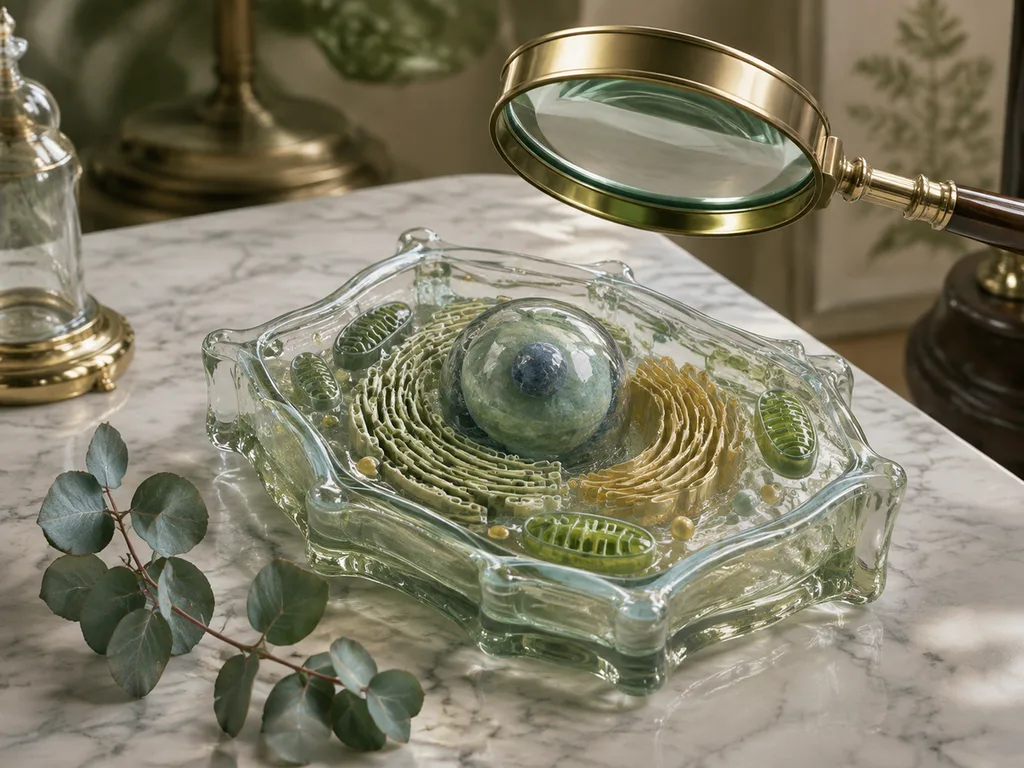
A large cutaway animal cell with its organelles arranged realistically, each
organelle shown once with a short functional caption beside it in a small grid
around the cell. Label "NUCLEUS", "MITOCHONDRION", "ROUGH ER", "GOLGI",
"LYSOSOME". Title: "THE ANIMAL CELL".
| Subject | Animal cell organelles (biology) |
| Model | grok-imagine-image-2.0, generated on glmimage.app |
| Labels | NUCLEUS, MITOCHONDRION, ROUGH ER, GOLGI, LYSOSOME |
| Worked well | Five labels all rendered correctly; organelles in plausible positions |
| Verify before use | Rough ER should sit near the nucleus; check the caption grid did not attach a caption to the wrong organelle |
Step 3: Generate, then read the result like a reviewer
Generate, and before admiring it, interrogate it: Are all labels present? Spelled correctly? Pointing at the right structure? Is anything anatomically mirrored or invented?
An earth-science example, from prompt to result:
A stratovolcano cutaway from crater to magma chamber: layered lava and ash
strata, central conduit, branching dike and horizontal sill, and convection
swirls within the chamber, eruption column above. Label "CRATER", "CONDUIT",
"DIKE", "SILL", "MAGMA CHAMBER". Title: "ANATOMY OF A VOLCANO".
| Subject | Stratovolcano internal structure (earth science) |
| Model | grok-imagine-image-2.0, generated on glmimage.app |
| Labels | CRATER, CONDUIT, DIKE, SILL, MAGMA CHAMBER |
| Worked well | Dike vs. sill distinction came out correctly (dike cuts across strata, sill runs between them) |
| Verify before use | Check the dike/sill orientation against the strata; confirm the eruption column matches the conduit geometry |
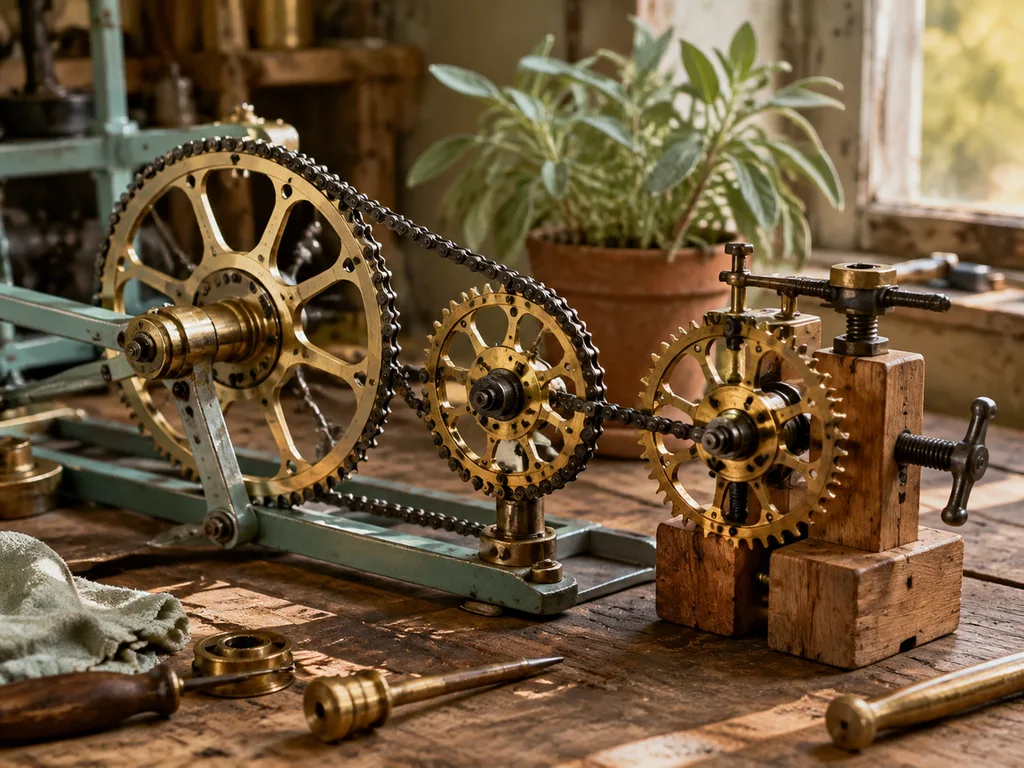
When something is wrong, fix it in the prompt, by name: "the sill must be horizontal, between two strata layers" beats rerolling and hoping. One targeted correction per regeneration keeps the parts that already work. For a mechanical subject, the same loop applies — this bicycle drivetrain figure needed its gear-ratio inset specified explicitly to avoid a decorative-but-meaningless gear collage:
Step 4: Verify against your reference before using it
AI output is a draft until a human checks it. This is the step that separates a usable scientific illustration from a plausible-looking wrong one.
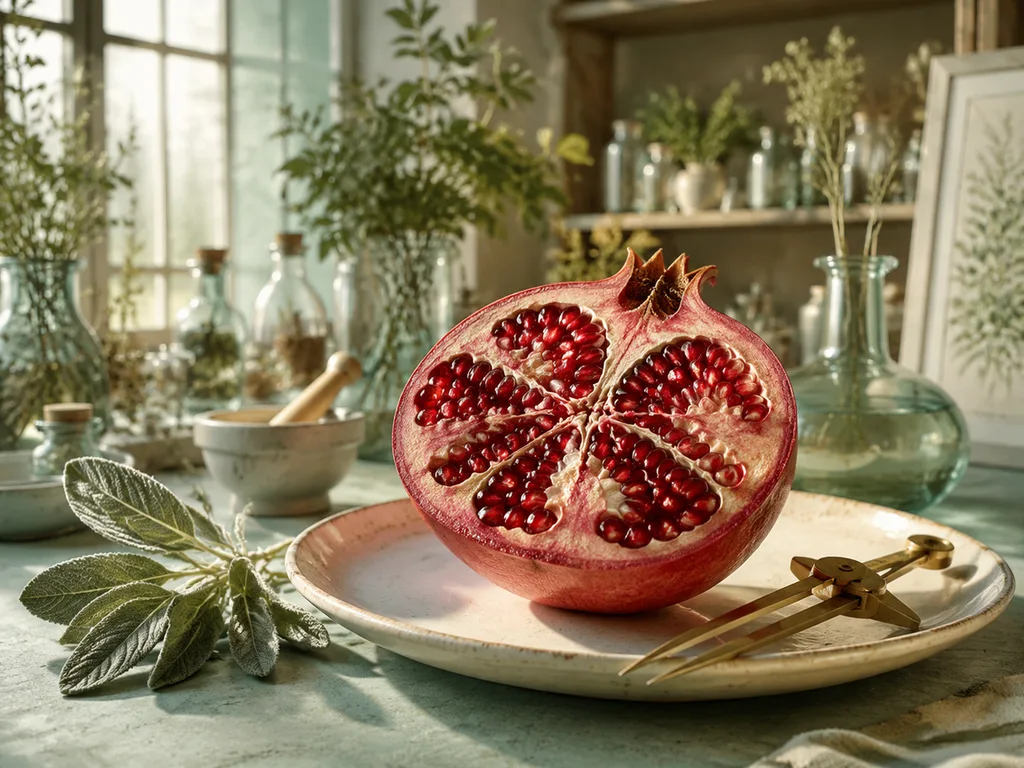
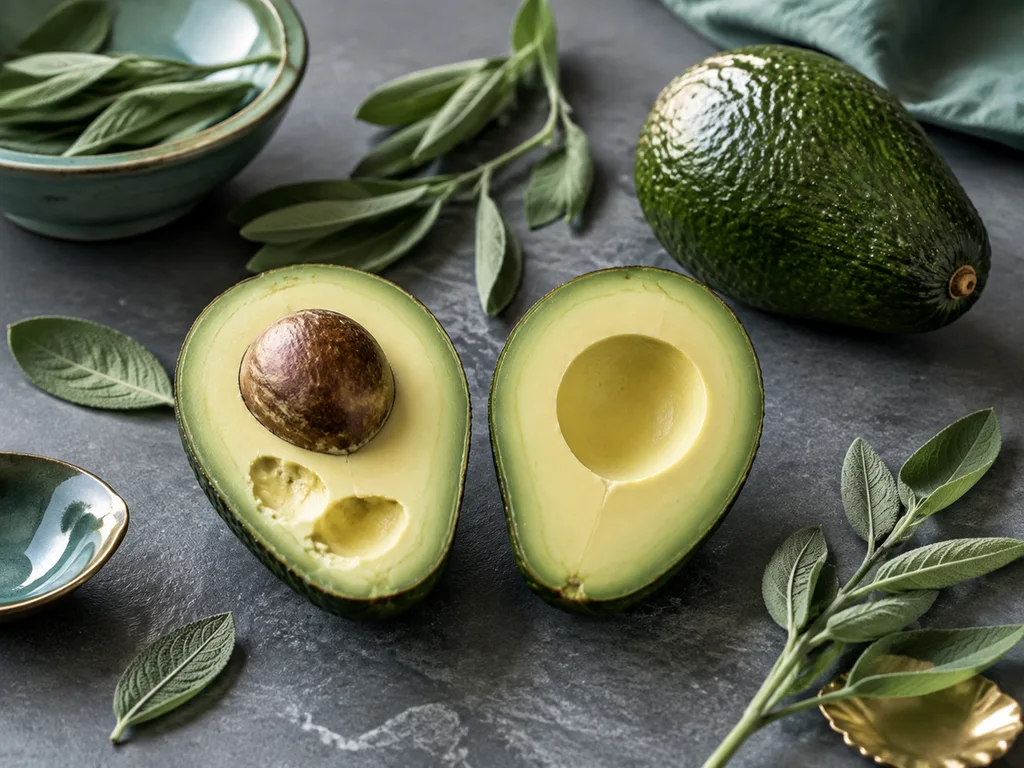
The image below is what verification looks like in practice: two generated heart cutaways side by side, the flawed one annotated with its actual errors — mirrored chambers and a stray vessel.
Run every result through this checklist:
Scientific review checklist
- [ ] Are all labels spelled correctly?
- [ ] Are all requested structures present?
- [ ] Are positions and proportions reasonable against your reference?
- [ ] Do arrows or flows point the right way?
- [ ] Are stages shown in the correct order?
- [ ] Has it been checked against a trusted source?
If any box fails, correct via the prompt loop in Step 3 or fix it by hand in a vector editor — then say so. For classroom use, a note like "AI-drafted, human-verified" is honest and increasingly expected; for publication or public science communication, treat the AI draft as the underdrawing and finish it properly. Our scientific drawing guide covers the hand-finishing path in more detail.
Make one prompt cover a dozen subjects
Because the template is slots, you can re-point it without rewriting it. Take the sunflower prompt and swap the subject line:
rose flower dissection— petals, stamens, pistil, receptaclehibiscus flower anatomy— stigma, style, ovary, stamen columndaisy flower head— ray florets, disc florets, phyllarieslotus flower cross-section— seed pod, receptacle, petal nodes
Same structure, new vocabulary from Step 1, same verification in Step 4. That is the entire method — which is why it scales across disciplines without you learning to draw each one. The botanical illustration guide and animal illustration guide apply it to their own kingdoms; the medical and anatomical guide applies it where the stakes — and the verification bar — are higher.
Five mistakes that ruin scientific illustrations
- Describing a vibe instead of a figure. "Beautiful science art of a cell" gets you wallpaper. Panels, views and labels get you a figure.
- Too many labels. Beyond six, spelling errors multiply and leader lines tangle.
- Trusting the first correct-looking output. Mirrored anatomy and invented structures are plausible — that is exactly why Step 4 exists.
- Letting the model invent the vocabulary. If the prompt does not fix the terms, the model will label the mitochondrion "powerhouse" — or something worse.
- Skipping the audience slot. A plate for a 7th-grade classroom wants bolder labels and fewer insets than a plate for a journal figure. Style follows audience.
FAQ
Can I use AI scientific illustrations in teaching materials?
Yes, as drafts or as verified figures — with the checklist above run honestly, and ideally with a disclosure. For graded exams or published curricula, verify every label personally; models occasionally produce confident, plausible, wrong anatomy.
How accurate are the labels, really?
Text rendering in current models is good for short, quoted, all-caps labels in English — that is exactly why the template enforces them. Accuracy of what the labels point to is a separate question and only Step 4 answers it. Never conflate the two.
Which disciplines work best?
Discrete structures with stable vocabulary work best: cells, organs, organisms, cutaways of machines and geological features. Highly quantitative figures (exact graphs, precise circuits) still need real tools — see our comparison in what is scientific illustration.
Do I own the output?
Generation on glmimage.app follows the site's standard content terms; scientific claims in the image are your responsibility either way. Attribute honestly when the science matters.
Start one now
Pick a subject you actually need, list its labels from a reference, and run the template. The scientific illustration page has discipline-specific presets for all nine areas — anatomy, botany, cell biology, engineering, astronomy and the rest — so the style and vocabulary slots are already filled in.
<!-- scientific-illustration-cluster-links:start -->
Continue through the scientific illustration collection
Create a scientific illustration · Browse the scientific illustration resource hub
Related: Scientific Illustration Prompt Refinement: Before and After Examples · From AI Draft to Editable Vector: GLMImage and Inkscape Workflow
<!-- scientific-illustration-cluster-links:end -->
<!-- scientific-authority-bridge:start -->
Choose a focused scientific illustration workflow
Use the broad scientific illustration generator when you are still choosing a discipline. For a defined deliverable, start with the focused workflow:
- Botanical illustration generator for specimen plates, plant anatomy, and flower cross-sections.
- Medical illustration generator for anatomy, physiology, and patient-education drafts that will receive qualified review.
- Scientific diagram generator for mechanisms, cycles, system cutaways, and experimental setups.
Whichever route you choose, keep the same sequence: define the brief, generate a draft, verify structures and labels, then revise before export.
<!-- scientific-authority-bridge:end -->











