
Packaging is the most expensive design mistake a product can make: print runs start in the thousands, and a weak label stays weak on every unit. AI packaging design erases that tuition — concepts and mockups that took a designer a week now take one afternoon at near-zero cost, so you can kill twenty bad directions before paying for one good one. No software to learn, no designer queue: generate your first packaging design free →
This guide covers the workflow, the label-specific rules, and where generated work hands off to a print professional.
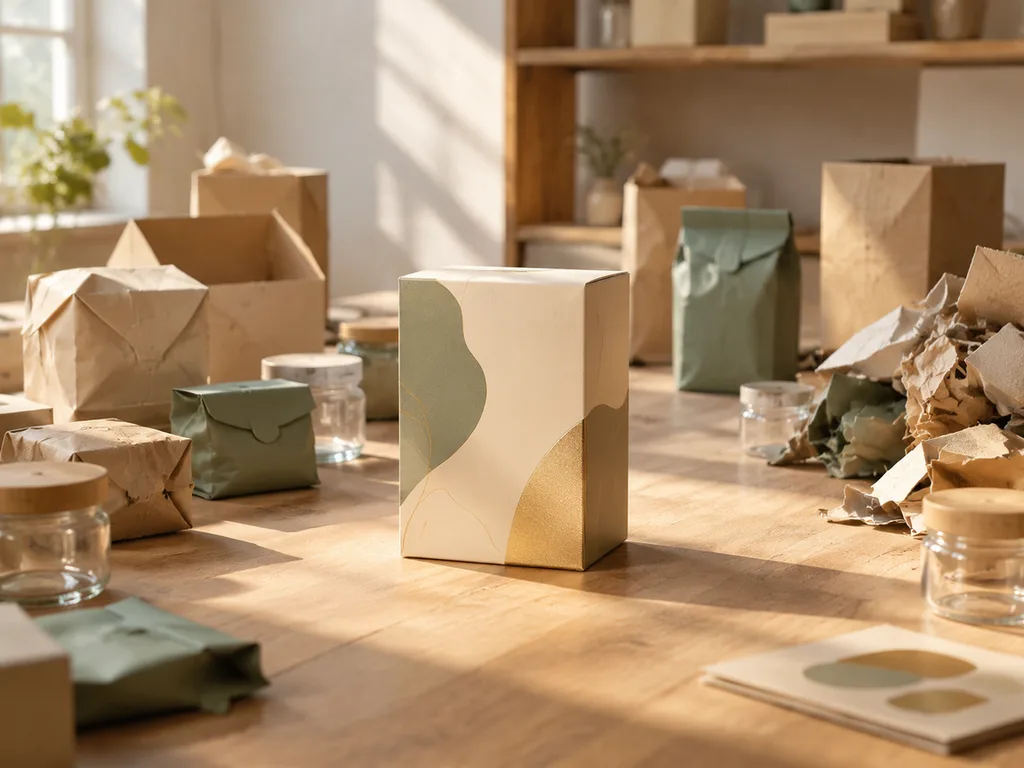
What you get (the short version)
- 20 packaging directions in one hour. Pouch, box, bottle, jar — switch format, palette and style with one sentence. A single designer concept round costs more than a full year of trying here.
- Shelf mockups before tooling exists. Your package on a shelf, in a hand, on a bathroom counter — photoreal enough to show retailers and partners an "already launched" product with zero physical samples.
- E-commerce visuals the same day. Listing-ready renders of the package long before the first photoshoot.
What AI does well in packaging — and what it doesn't
Strong at: concept exploration (twenty directions in an hour), mockups for validation (show retailers and investors a shelf-ready product before tooling exists), art direction for the label's visual system, e-commerce renderings of the package for the listing.
Weak at: dielines, regulatory text, print-ready files with correct color profiles. Those stay with a packaging designer or printer — AI compresses the journey to that handoff, it doesn't replace it.
The concept round
Start with a written brief in three lines: product, buyer, feeling. Then generate:
"Premium packaging design for [product], [format — pouch / box / bottle / jar], minimalist label layout with abstract color blocks, [palette], neutral studio background, soft shadow."
Generate eight directions across two or three format assumptions. Judge thumbnails first — packaging is a shelf-distance medium; if it doesn't work at 15% zoom, it won't work at the store.
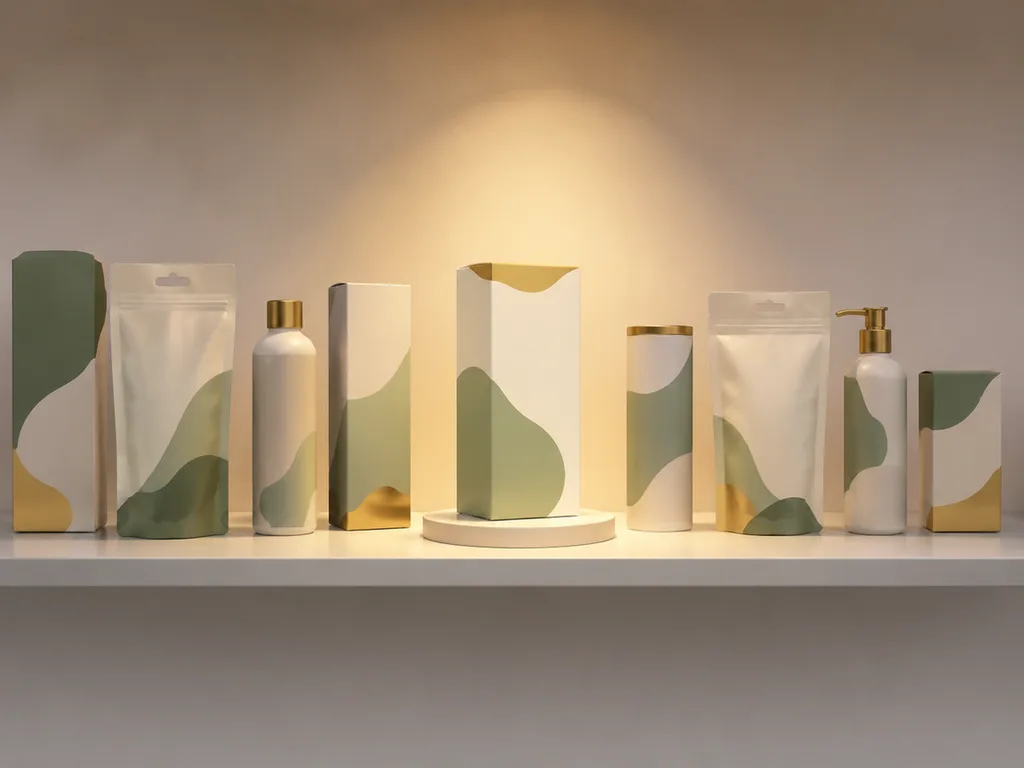
The label itself: rules that matter
A product label is a regulated, printed, small object. Four rules survive every category:
- Hierarchy: name → variety → claim. The product name wins at distance; everything else is secondary by law of contrast, not size alone.
- Abstract blocks, real text later. Generated labels should carry shapes and proportions, not readable words — you'll set the real name, weights, and ingredients in a layout tool anyway, and generated text garbles.
- Respect the printer's white. Printers want CMYK, bleed, and dielines; a label designed edge-to-edge with no bleed dies at press. Keep 3mm of design slack on every edge mentally.
- Legal lines live outside the art. Ingredients, net weight, barcode — these are compliance furniture, placed per your market's rules, never "designed into" the illustration.
Mockups that sell the concept
The mockup is the persuasive artifact: your package on a shelf, in a hand, on a bathroom counter. Prompt: "[package] standing on [surface], soft daylight, shallow depth of field, premium product photography." Generate the same package in three contexts — shelf, use, unboxing — and you have a mini campaign before any physical sample exists.
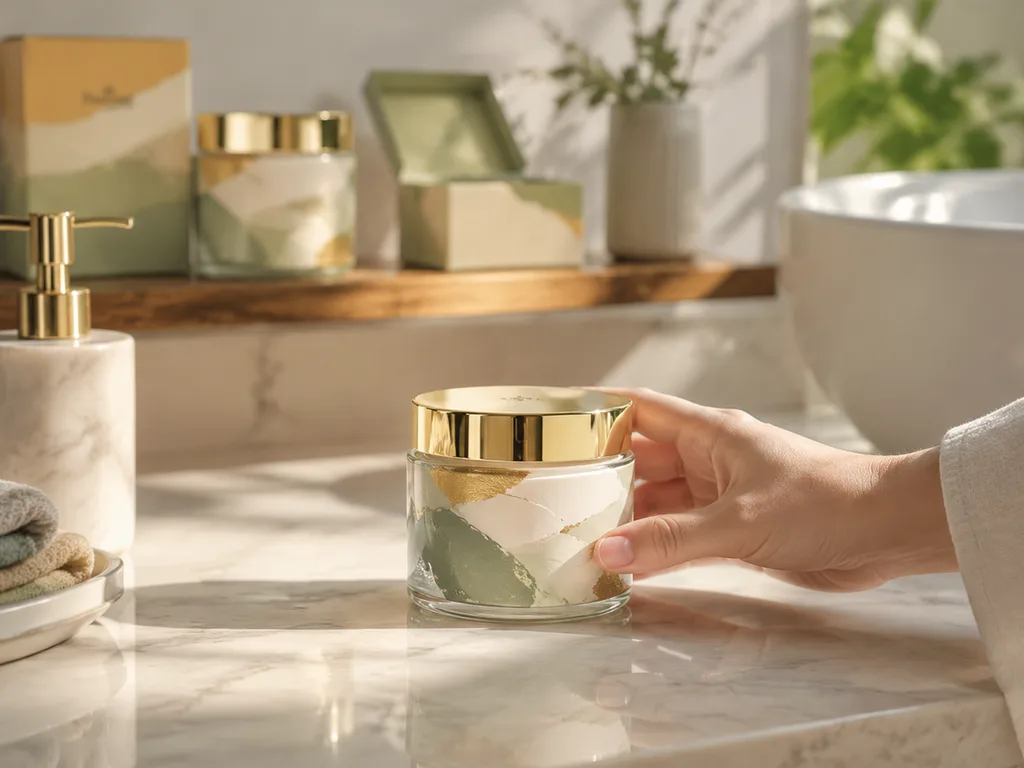
Consistency across a set matters more than any single shot: lock the package description verbatim ("frosted glass bottle, sage cap, cream label with leaf mark") and change only the scene around it. This is the same discipline as team-consistent AI headshots — the description is the object's DNA.
From concept to print
- Lock the concept and palette in generated form.
- Redraw the label in a layout tool (Illustrator, Affinity) at real dimensions with real text — generated art as reference, vector type for the words.
- Buy the dieline from your supplier; design inside it with 3mm bleed.
- Proof colors — screen color is not print color; ask the printer for a hard proof on the actual material.
- Photograph the first run properly; then use those photos for the listing. Generated mockups got you here; real photos take over.
The e-commerce listing itself can lean on AI again — the package rendered in lifestyle scenes via the AI product photography workflow, long before you shoot the real thing.
What categories are doing with this
Small food brands running limited flavors (a new label per batch, generated concepts in a day), cosmetics micro-brands validating before minimum order quantities, DTC teams mocking retail shelf presence for investor decks, and creators designing private-label products for print-on-demand style suppliers. The common thread: decisions made against images instead of guesswork, at the cheapest possible stage.
Start now (the 15-minute version)
- Open the packaging design module and type your product — "kraft coffee pouch, cream and deep green label" is already enough.
- Generate 8; kill down to 2 directions by thumbnail.
- Give each survivor a shelf mockup: "the package standing on a wooden shelf, soft retail lighting."
- Send the two or three images to your group chat or your supplier — that decision material already beats most competitors' full decks.
Free to start, your first packaging image today: generate my first packaging design →
FAQ
Can AI design the whole package, dieline and all?
No — and be suspicious of anything claiming it can. Dielines, regulatory layout and print prep are structural work for designers and printers. AI owns concepting, mockups and art direction.
Why is the text on my generated label gibberish?
Text rendering remains display-size-or-nothing. Design labels with abstract blocks and set real type in a layout tool — that's the professional workflow anyway.
How many concepts should I generate?
Twenty, judged in thumbnails, before choosing. The cost of a bad concept at generation time is seconds; at press time it's the whole run.
Can I show retailers mockups of packaging that doesn't exist yet?
That's the standard use — labeled honestly as concepts. They've been closing deals that way for years; AI just made the mockups fast.
What about matching an existing brand's style?
Describe your brand in the prompt (palette, typography vibe, mood) rather than naming competitors — style transfer from your own brand assets beats imitating someone else's shelf.












