
A poster has one job: make someone walking past stop. Good poster design nails three things before anything else — a focal image, a readable headline, and visual hierarchy that pulls the eye in the right order. AI poster generators handle the craft; you still need the ideas. This is a working set of both: directions that consistently produce strong posters, and the prompts that get them out of the model.
What makes a poster work in 2026
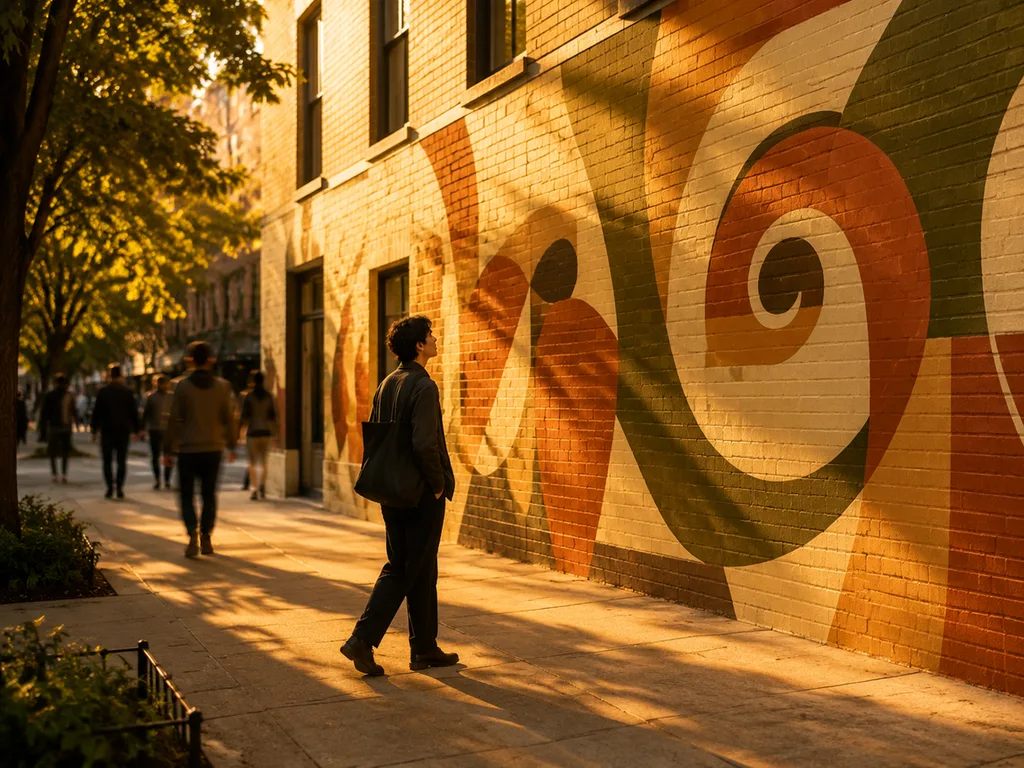
The same rules that governed Swiss design still apply: one idea per poster, contrast big enough to read from five meters, and type hierarchy you can parse in two seconds. What changed is production. A free AI poster generator drafts a full poster — image, layout, headline lettering — from one sentence, which turns poster design from a layout exercise into an art-direction exercise.
The practical shift: you spend your time choosing, not arranging. Generate eight directions, kill six, refine two.
Poster design ideas by scenario
Music and event posters
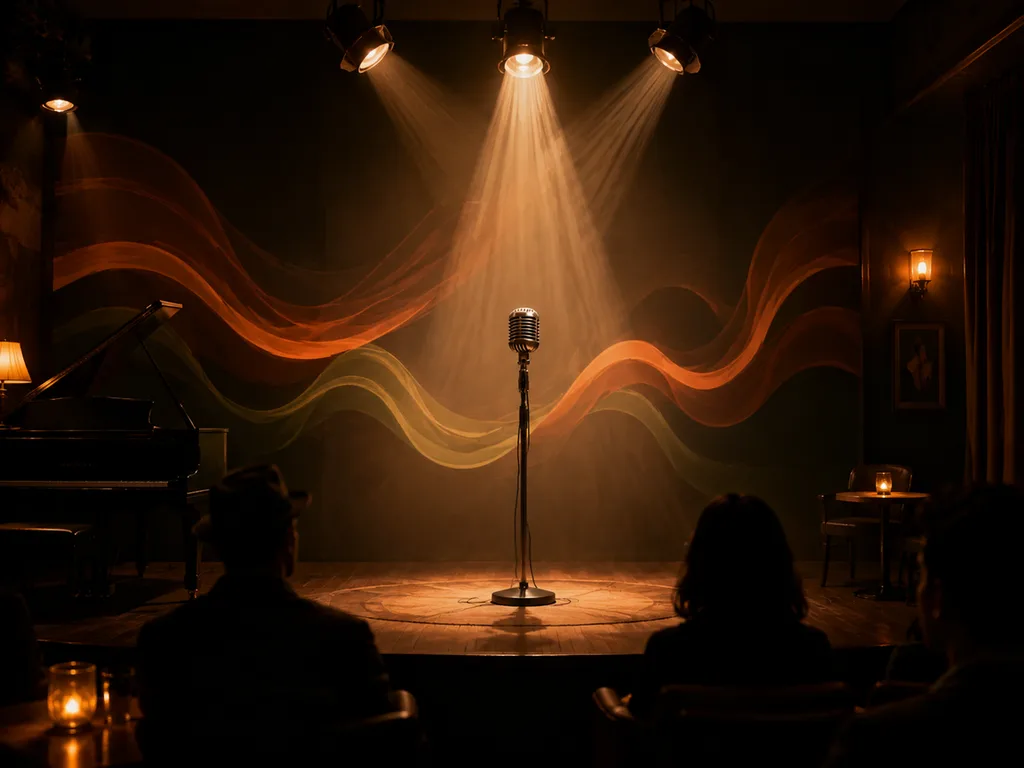
The format that gives AI the most room. Strong music posters lean on atmosphere over literal depiction — a stage in haze, an abstract soundwave, a crowd reduced to silhouettes.
Prompt pattern: "poster for an indie rock night at a small club, moody crimson and black palette, grainy texture like a risograph print, bold headline area at top, date and venue block at bottom." Keeping the date and venue out of the model and adding them yourself is often smarter — generated small text garbles, and event details change.
Café, restaurant and local business promos
Local promo posters live or die on appetite appeal and price clarity. The image does the appetite; you do the price. Try: "promotional poster for a specialty coffee shop's new autumn menu, warm burnt-orange palette, latte with latte-art steam, generous blank space in lower third for offer text." That blank space is deliberate — it's where your offer goes.

Product launches and campaign posters
The poster is the campaign's visual anchor: one hero image, one line, one date. Generate the hero with the product placed dramatically — center or rule-of-thirds — and keep 40% of the frame as clean space for the campaign line. For the product itself, start from a real photo with the AI product photography workflow, then build the poster composition around it.
Typographic posters
Pure type posters — a single word or number treated as the image — are having a moment in interior and brand spaces. AI handles these well when you describe the lettering as shape, not content: "bold condensed letterforms filling the frame, ink-black on off-white, subtle paper texture, slight baseline shift for hand-set feel." Then replace with real type in your editor if the wording must be exact.
The prompt skeleton that works for posters
Every strong poster prompt slots into the same five parts:
- Format — "vertical poster, A2 proportion" to lock the frame.
- Scenario — the event, product or message.
- Palette and mood — two colors plus one texture word ("risograph grain", "glossy", "matte").
- Composition — where the headline zone and the detail zone sit.
- Exclusions — "no photographs of real people, no small readable text."
That last line matters more than people expect. Small generated text is where posters die in review.
Layout rules worth keeping
Headline contrast should survive a grayscale test — convert to gray; if the headline stops popping, the contrast was color-only. Keep one alignment system: everything on a grid, or deliberately off it, never both. And respect the reading triangle most cultures scan: headline, image, details, top to bottom.
For anything going to print, ask for the composition at the target ratio and leave 3–5mm bleed mentally — AI output at poster ratio crops fine at A3/A2 sizes for short-run prints.
From poster to full campaign
A poster rarely ships alone. The same prompt language extends to Instagram crops and story formats — the Instagram post ideas guide covers adapting one visual system across feed, carousel and story. When the campaign needs to explain rather than tease — data, process, comparison — that's infographic territory, and the infographic walkthrough picks up from there.
Working with an AI poster generator, step by step
- Write the one-line brief: event, audience, feeling.
- Generate 6–8 compositions; judge only thumbnails at first pass.
- Pick two, refine the palette and headline zone in follow-up prompts.
- Add real text for anything under 24pt — dates, venues, prices, URLs.
- Export at the largest size, keep the layered source for future edits.
Try the AI poster generator → — the headline lettering renders in both English and Chinese, which is still rare among generators.
FAQ
Can AI posters render text correctly?
Headline-scale text, usually yes — modern models handle short display text in common fonts, and Chinese headline rendering is a genuine strength of GLM-image-class models. Paragraph text and fine print, no. Add those in an editor.
What resolution do I need for printing?
For A3 at 150dpi, roughly 2480×3508px. Generate at the largest available size, then upscale if needed. Short-run digital print tolerates AI output well; fine art giclée less so.
How do I keep a consistent style across a poster series?
Reuse the exact same prompt skeleton and change only the subject line. Consistent palette words and texture words do more for series cohesion than any other single thing.
Are AI posters okay for commercial use?
On our platform, generated posters carry no watermark on paid plans and are yours to use commercially. Avoid third-party trademarks, real celebrity likenesses, and styles that imitate a living artist closely.
What if the layout ignores my composition instructions?
Models drift when instructions compete. Put the composition ask first and keep it singular — "headline zone at top third" beats "headline at top, logo at bottom left, badge at right."












