
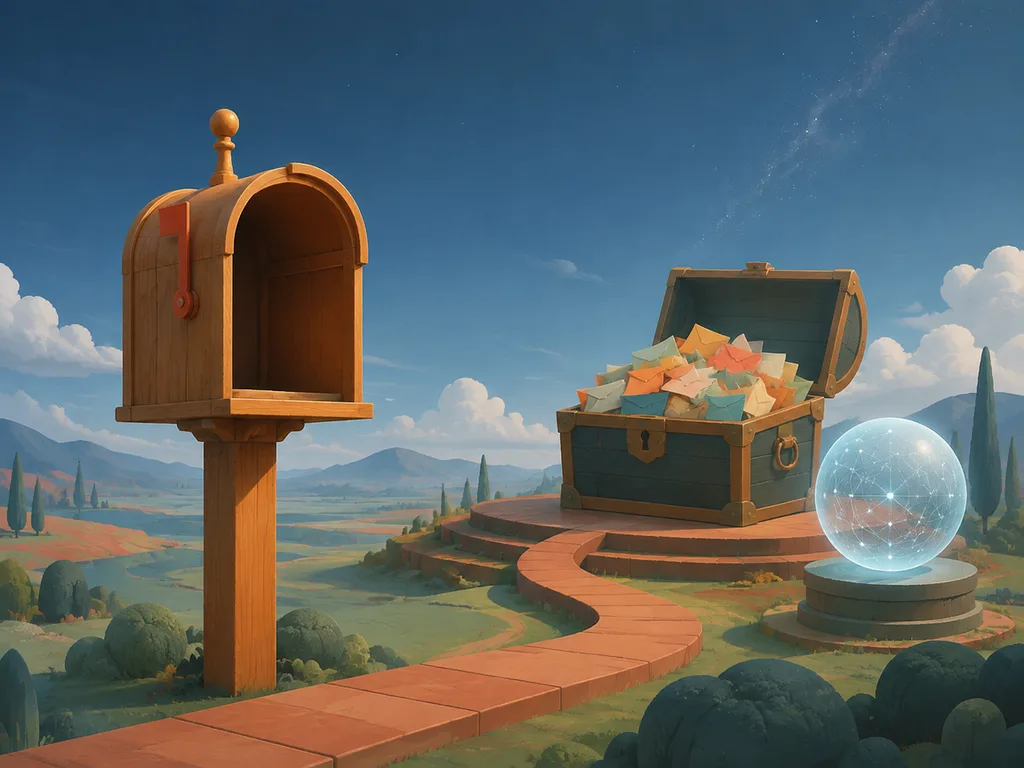
The blank post box kills more accounts than the algorithm does. This is a working idea bank — post formats that consistently perform, organized by what you actually want (reach, saves, sales) — plus the AI workflow that turns any of them into finished graphics without a designer on call.
Ideas that earn reach
1. The transformation carousel. Before/after, draft/final, messy/polished — five slides, one payoff. Works for renovations, design, fitness, editing, code. AI angle: generate the before/after pair from one prompt with two intensity levels.
2. "I tested X so you don't have to." Numbered findings, one per slide, honest verdict at the end. Saves and shares because it does the reader's homework.
3. The prompt reveal. For anything AI-adjacent audiences: show the output, then slide two is the exact prompt. Screenshotted and shared more than almost any other format right now.
4. POV scenes. Generate atmospheric POV images — the desk at 7am, the studio at midnight — caption with one honest sentence about the work.
5. This-or-that graphics. Two generated options, bold split layout, audience votes in comments. Comment velocity is the point.
Ideas that earn saves
6. Checklists as carousels. "8 things to check before you publish" — one per slide, clean typography over a flat background. Saved as reference material.
7. Cheat sheets. Prompt lists, size guides, color pairings — the reference-poster format, compressed to 4:5.
8. Step-by-step tutorials. Three steps, one image each. Generate each step's illustration separately for consistency.
9. Templates. "Steal this caption structure" — the fill-in-the-blank post. Zero pride, high utility.
Ideas that earn sales
10. Product-in-life scenes. The product inside a generated lifestyle scene — morning table, desk setup, packed luggage — without booking the shoot. This is the AI product photography workflow pointed at social.
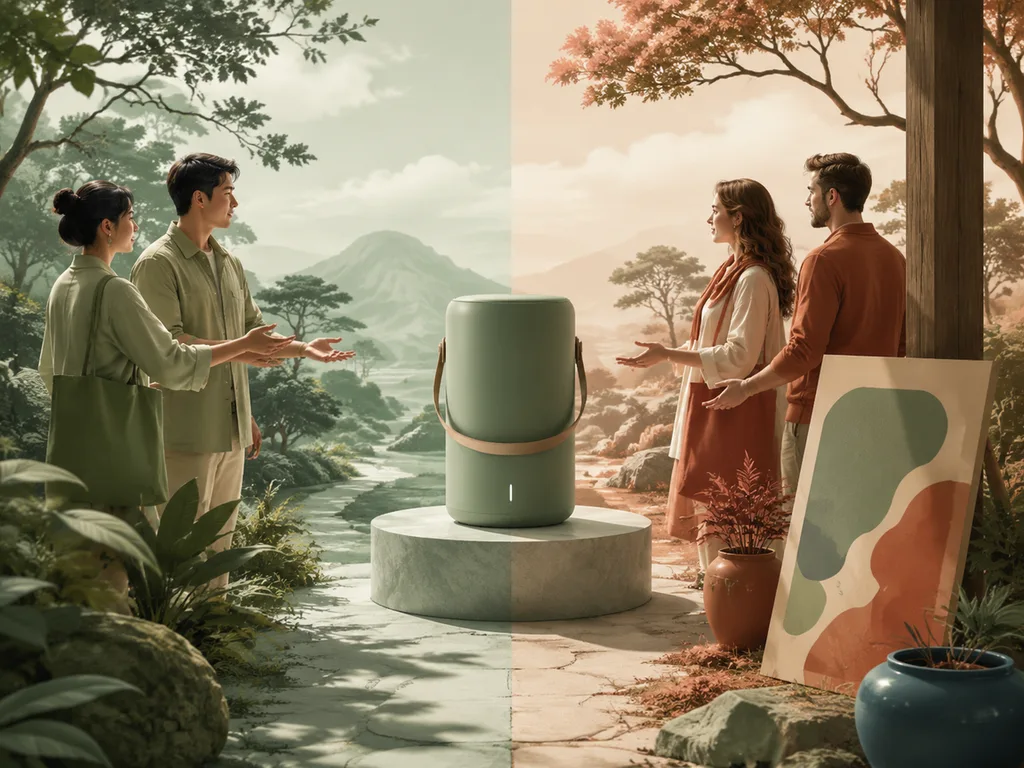
11. The "who is this for" split. Two panels, two customers, one product. Clarity sells.
12. Announcement posters. Launches, restocks, events — a single bold poster graphic per announcement, generated in your brand palette. The poster design guide covers the format at full size; the same prompts crop to 4:5.
The AI workflow for post graphics
The sequence that holds a grid together:
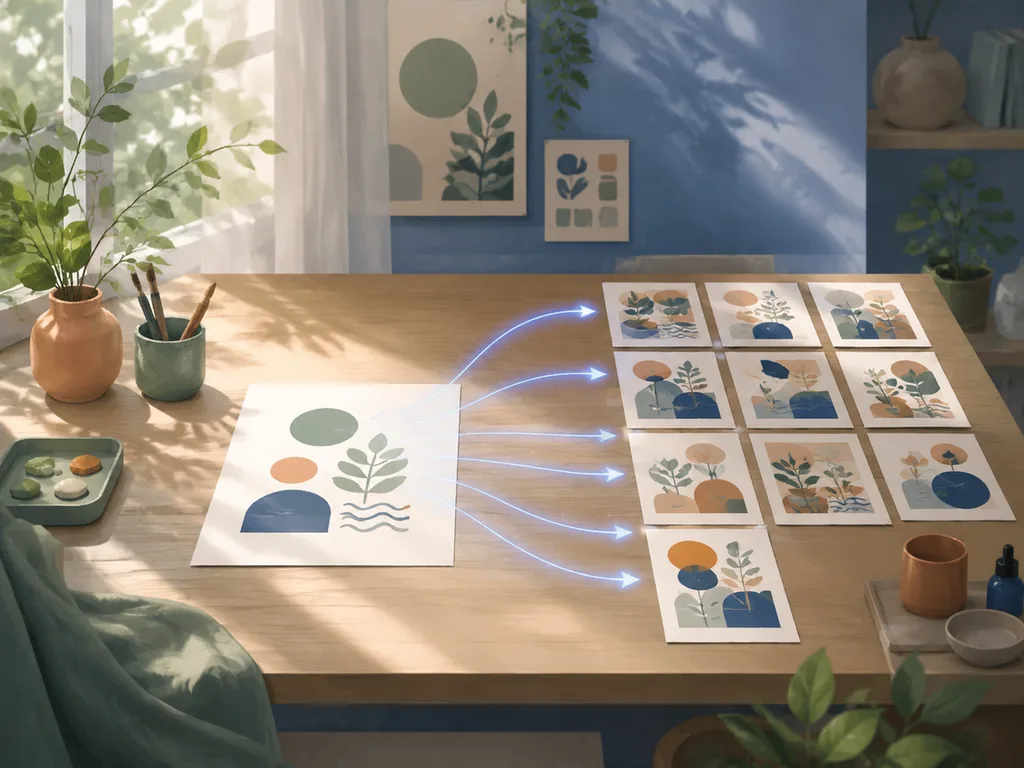
- Write a style paragraph once — palette, mood, one texture word ("matte", "grainy film", "glossy") — and reuse it verbatim in every prompt.
- Generate at 4:5 (1080×1350) for feed, 9:16 for stories. Square is a fallback, not the default — 4:5 owns more screen.
- Add text in an editor, never in the image — captions and hooks stay editable and crisp.
- Batch by the week: eight graphics in one sitting with one style paragraph beats four sittings with four vibes.
The style paragraph is the whole trick. Ten posts generated with the same forty words of style description look like one account; ten posts generated ad hoc look like ten accounts.
Caption structure that carries
Hook line (under 8 words) → body (one idea, line breaks every sentence) → CTA (save, share, comment) → 3–5 niche hashtags. The caption is a UX element: phones skim, so write for the thumb.
Measuring what to keep
Track the only two numbers that matter per format: saves/comments for reach ideas, link clicks for sales ideas. Kill formats after three posts of flat data — the idea bank above exists so you can rotate without sentiment.
Try the social media graphics generator → — free to start, feed and story ratios included.
FAQ
What's the best image size for Instagram?
1080×1350 (4:5) for feed posts — it occupies the most screen. 1080×1920 for stories. Generate at 1024-class and crop.
How do I keep my grid looking consistent?
One reusable style paragraph (palette + mood + texture) pasted into every generation prompt. It's the single highest-leverage habit in AI social graphics.
Should text be in the generated image?
No — add headlines and hooks in an editor over the generated background. Image-baked text garbles at small sizes and locks you out of edits.
How often should I post?
Three to five feed posts a week beats daily when consistency of style holds. Batching with AI makes that cadence sustainable for one person.
Do AI-generated posts underperform?
Indistinguishable-from-photo graphics perform identically; obviously synthetic graphics perform on novelty, which fades. The variable is art direction, not the tool.












