
A t-shirt design lives a harder life than most graphics: it gets stretched over curved fabric, washed forty times a year, and judged from six meters away. AI t-shirt design generators can produce print-ready art, but only if you prompt for the constraints of printing rather than for a pretty picture. This guide covers what "print-ready" actually means, the design styles that transfer well, and how to take a generated motif from screen to shirt.
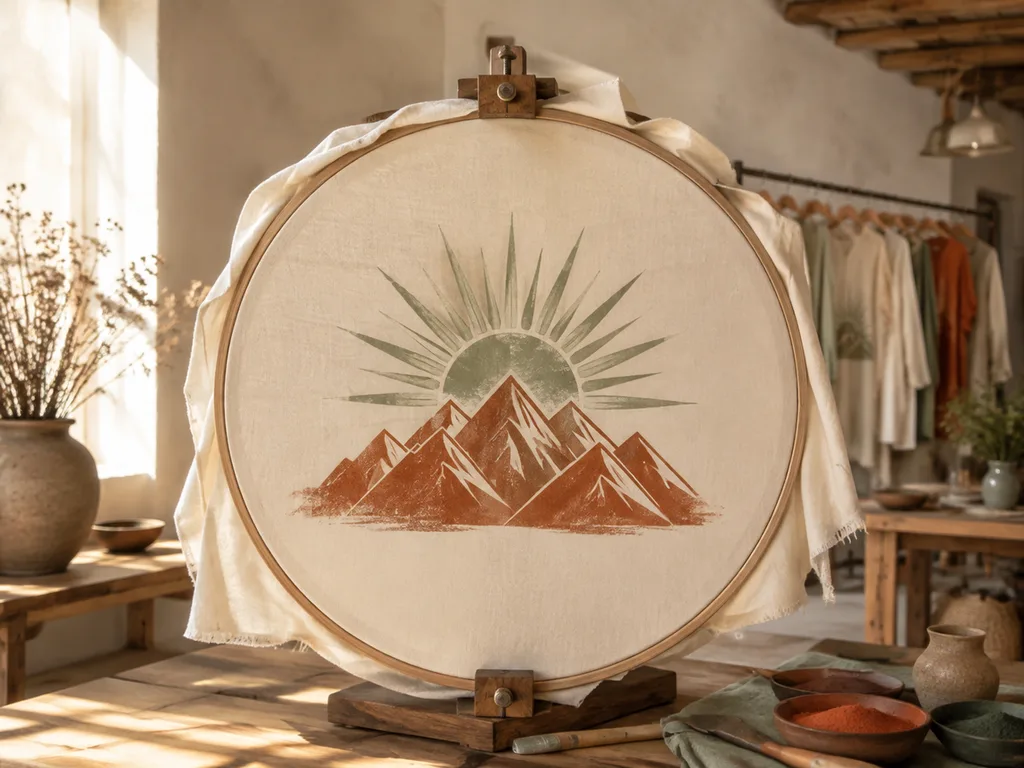
What print-ready means
Four requirements, all promptable:
- One centered motif — the design occupies a defined area (commonly 30×40cm for a full front print), not the whole canvas.
- Flat, limited palette — screen printing charges per color; DTG handles more but flat art still prints cleaner than gradients.
- Plain background, no mockup — you want the graphic itself, not a photo of a shirt.
- No thin text — generated text under display size garbles; and on fabric, hairline strokes vanish after three washes.
The prompt anchor for all of it: "flat vector-style t-shirt print design, one centered motif, isolated on a plain background, bold shapes, limited palette, no shirt mockup, no readable text."
Styles that print beautifully
Retro badge. Suns, waves, mountains in rings and banners — the most reliable AI shirt style because it's built from simple geometry. Terracotta, sand, cream palettes read vintage instantly.
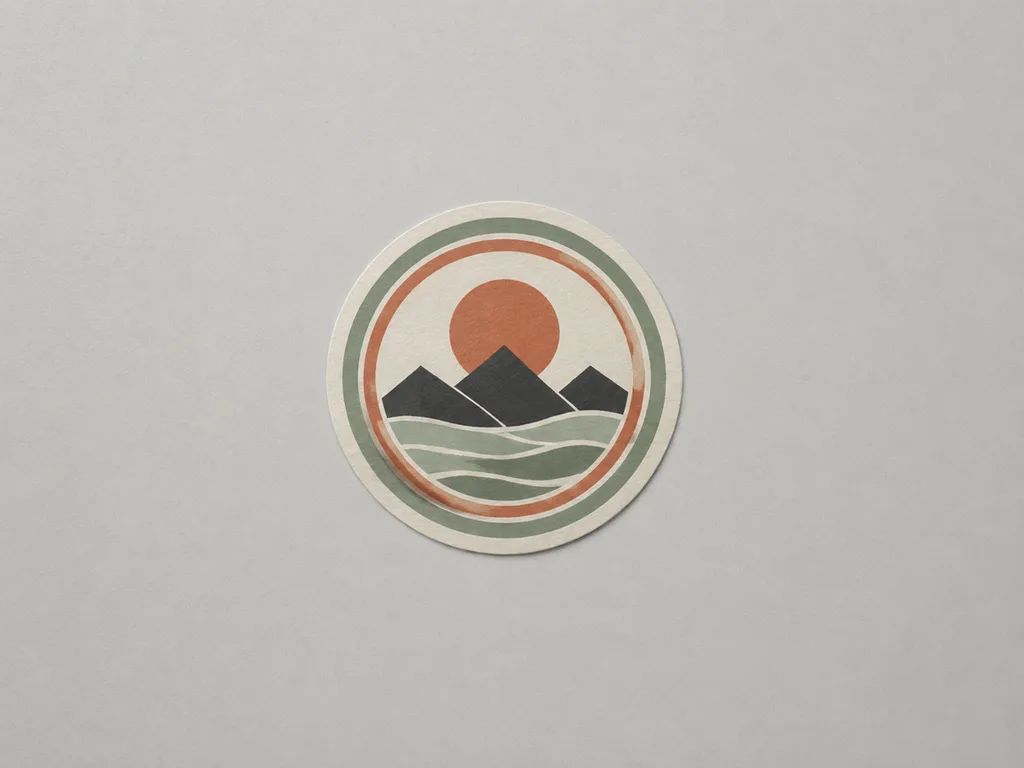
Line art. Single-weight outlines of animals, plants, bicycles. One color, maximum wash survival, works on any shirt color.
Bold graphic pop. Halftone dots, thick duotone shapes, comic energy. The pop-art conversion trick from the style transfer guide applies: your photo becomes a two-color graphic that prints like a dream.
Japanese wave and nature. Hokusai-style curls, cranes, koi — a durable aesthetic with strong silhouettes.
Typographic tees. The exception to "no text": generate the decorative frame and letterforms at display size, or add your slogan in an editor with a licensed font. Slogan tees are written, not drawn — the shirt just carries the sentence.
The workflow from idea to printer
- Write the motif in one line: subject + style + palette.
- Generate 6–8 candidates with the print-ready anchor sentence.
- Judge at thumbnail size — shirts are seen from distance before they're seen up close.
- Take the winner to a transparent background (editors' background-removal, or generate with "isolated on plain light-gray" and key it out).
- Upscale to 300dpi at print size — 4500×5400px is the common POD standard for full-front.
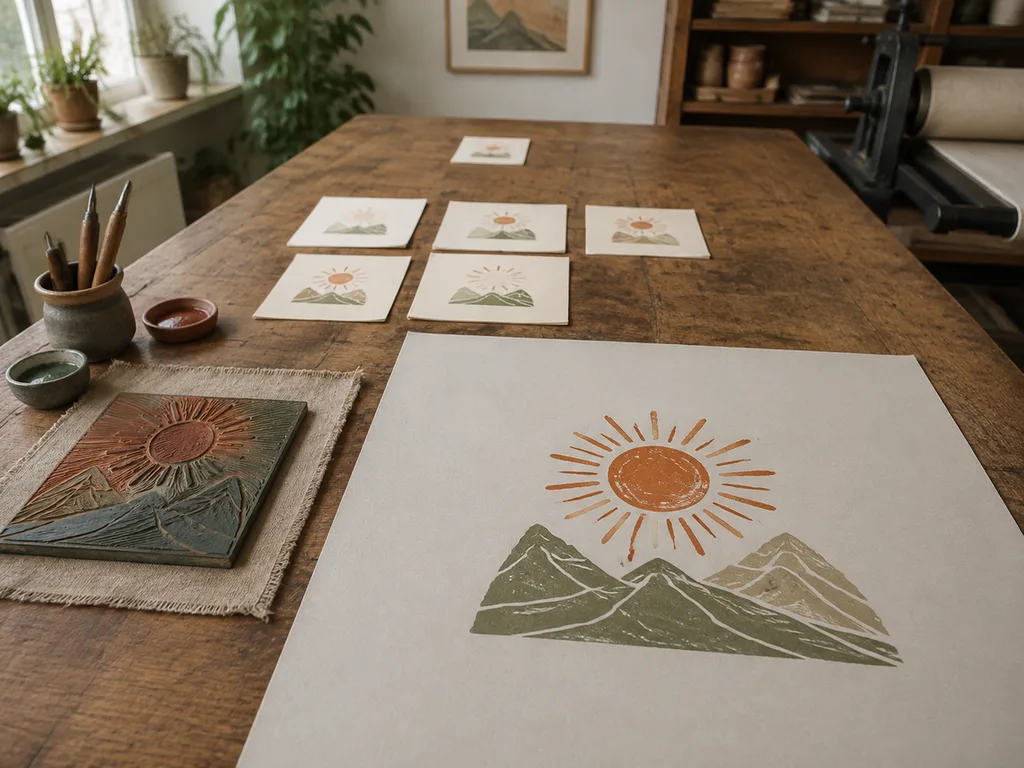
POD platform specifics
Print-on-demand is the natural outlet. Printful, Printify and Gelato all want PNG at 300dpi, ideally transparent background. Dark shirts: either a design with its own outline or a light ink variant — flat designs with dark outlines survive every shirt color. Sublimation (all-over prints) tolerates full-bleed art and gradients; DTG handles photos but mutes fine detail; screen printing rewards flat color count discipline. Prompt accordingly: "flat colors, crisp edges" for screen, "rich gradient" only for sublimation.
A practical cadence for a first drop: one visual theme, six designs, one product type. Six designs in one visual language read as a brand; twelve in twelve styles read as a random generator output — because that's what they are.
Legally clean designs
The perennial question. Keep three lines uncrossed: no trademarked logos and team names, no celebrity likenesses, and no style so directly imitative of a living artist that their lawyer would recognize it. Everything else — geometry, waves, animals, slogans you wrote yourself — is ordinary design territory. Check your POD platform's AI-content disclosure policy; most now just require honesty in the listing.
For series ideas beyond shirts, the same flat-graphic skills extend to tote bags and stickers, and poster design ideas covers the large-format cousin of these motifs.
FAQ
What size should a t-shirt design file be?
4500×5400px at 300dpi for a full-front POD print; 1500×1800px minimum. Generate at the largest available size and upscale — flat art upscales much better than photos.
Why can't the AI put my design on a shirt?
It can render mockups, but you don't want that — upload the flat graphic to your POD platform and preview on real product photos there. The mockup adds nothing to the print file and everything to the confusion.
How many colors should I use?
For screen printing, count them and charge accordingly — 2–3 is classic. For DTG, up to ~6 flat colors still prints cleaner than photo gradients.
Do I need a transparent background?
For POD, yes — PNG with transparency. Generate on plain light gray and remove the background in any editor; flat art keys out perfectly.
Can I sell AI-designed shirts?
Paid-plan outputs are watermark-free and commercially usable. Keep the legal lines above uncrossed, keep a consistent visual identity, and disclose per your platform's AI policy.












