
<!--heroUrl https://img.glmimage.app/uploads/blog/ecommerce-requirements-hero-1789656135654.webp-->
Lifestyle product photography is the part of a listing that sells the story: the candle on a rainy windowsill, the running watch on a trail at dawn, the keyboard on a desk that looks like your desk. It converts because it answers the question a white-background shot can't — "what does this look like in my life?" The traditional version needs a location, a stylist, and a shoot day. The 2026 version needs one clean product photo and a scene prompt. This guide covers why lifestyle shots convert, the scene formulas that work per category, styling rules that keep shots credible, and the AI workflow that produces a full lifestyle set from a single reference photo.
Key Takeaways
- Lifestyle images convert by adding context: scale, use case, and aspiration in one frame.
- The best-performing marketplace sets pair a white-background MAIN with 2–4 lifestyle shots in the additional slots.
- Scene credibility comes from light logic (one light source story), realistic wear, and props that share a color family — not from more props.
- Every product category has scene formulas that outperform: kitchen counter for home goods, morning desk for tech, golden-hour street for fashion.
- AI generation from a locked product reference now produces in-context shots that keep the SKU exact while the scene changes.
- Generate scenes as a set (3–4 variants) and A/B them in the additional-image slots; keep the winner as the listing's "hero lifestyle."
Why Lifestyle Shots Convert Better
A white-background image answers "what is it." A lifestyle image answers "what is it like to own." That shift does three jobs at once:
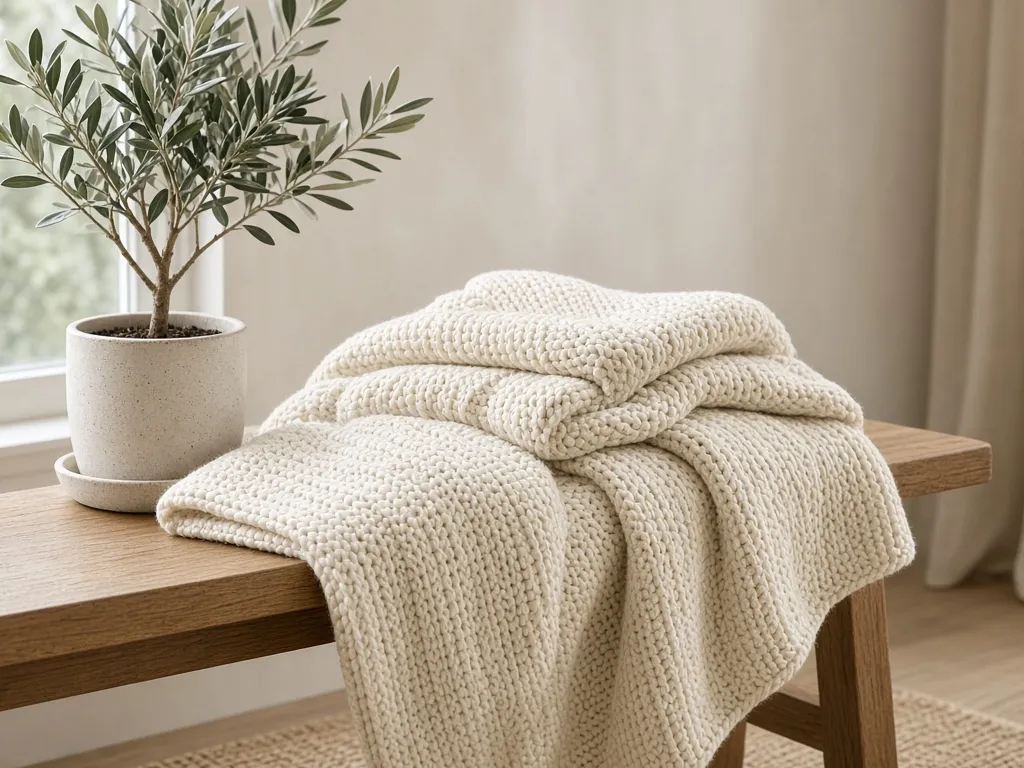
- Scale — a plant next to a familiar mug fixes size doubts that specs tables don't kill.
- Use case — the yoga mat unrolled on a wood floor shows the texture and the scenario in the same glance.
- Identity — buyers purchase scenes they want to belong to; the lifestyle shot is where that happens.
Marketplace listings that fill additional-image slots with lifestyle and detail mix typically hold attention longer than all-white catalogs, and the pattern generalizes across home, tech, and fashion categories. The standard playbook: white-background MAIN for search compliance, then lifestyle shots doing persuasion work from slot two.
The Scene Formula: Context + Light + One Story
Every credible lifestyle scene has three layers you can design deliberately:
- Context — where the product lives (kitchen counter, desk, bathroom shelf, trail, café table). Choose contexts your buyer recognizes from their own week, not from magazines.
- Light — one believable light story per frame. Morning window light from the left, or overcast balcony light, or a single warm lamp at dusk. Mixed light directions read as fake instantly.
- Props — a maximum of two supporting objects, sharing either a color family or a material family with the product. Props should look used: an open book beats a stacked book.
The "one story" rule keeps it together: a frame about morning coffee should not also be about productivity gadgets and a gym towel. One scene, one moment.
Scene Formulas by Product Category
| Category | Scene formulas that convert | Why it works |
|---|---|---|
| Home & kitchen | Kitchen counter with raw ingredients; set table at breakfast time | Daily ritual; scale via crockery |
| Tech & accessories | Morning desk with coffee; evening desk with warm lamp | Maps to work-life moments |
| Fashion & wearables | Golden-hour street; mirror at doorway before leaving | Identity + fit context |
| Beauty & skincare | Bathroom shelf daylight; vanity with soft lamp | Routine realism |
| Sports & outdoor | Trail at dawn; garage prep before a ride | Performance context |
| Kids & toys | Playmat mid-play with natural mess | Lived-in credibility |
| Food & beverage | Steam on a rainy window table; picnic spread | Sensory trigger |
For each formula, generate three variants (angle, time of day, prop rotation) and test which holds as the listing's lifestyle anchor.
Styling Rules That Keep Shots Credible
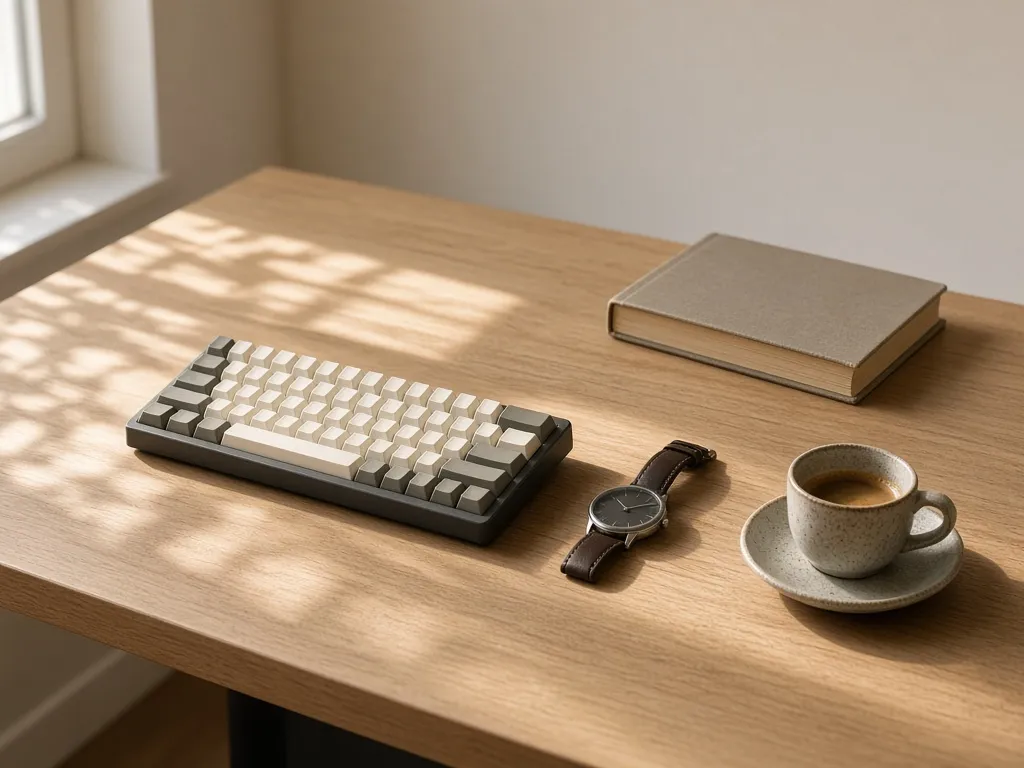
- Wear things in. Pristine props look like a catalog showroom; a creased page, a used cutting board, a dog-eared mat sell reality.
- Keep one hero. The product must be the brightest or sharpest element; if a prop outshines it, reshoot or regenerate.
- Negative space is a feature. Leave breathing room around the product — cluttered frames reduce add-to-cart on mobile thumbnails.
- Match the marketplace's tone. Etsy tolerates (and rewards) warmth and imperfection; Amazon lifestyle slots stay cleaner and more literal.
- Keep people partial. Hands using the product are fine and effective; full faces pull attention and complicate rights and localization.
The AI Workflow: One Product Photo, Full Scene Set
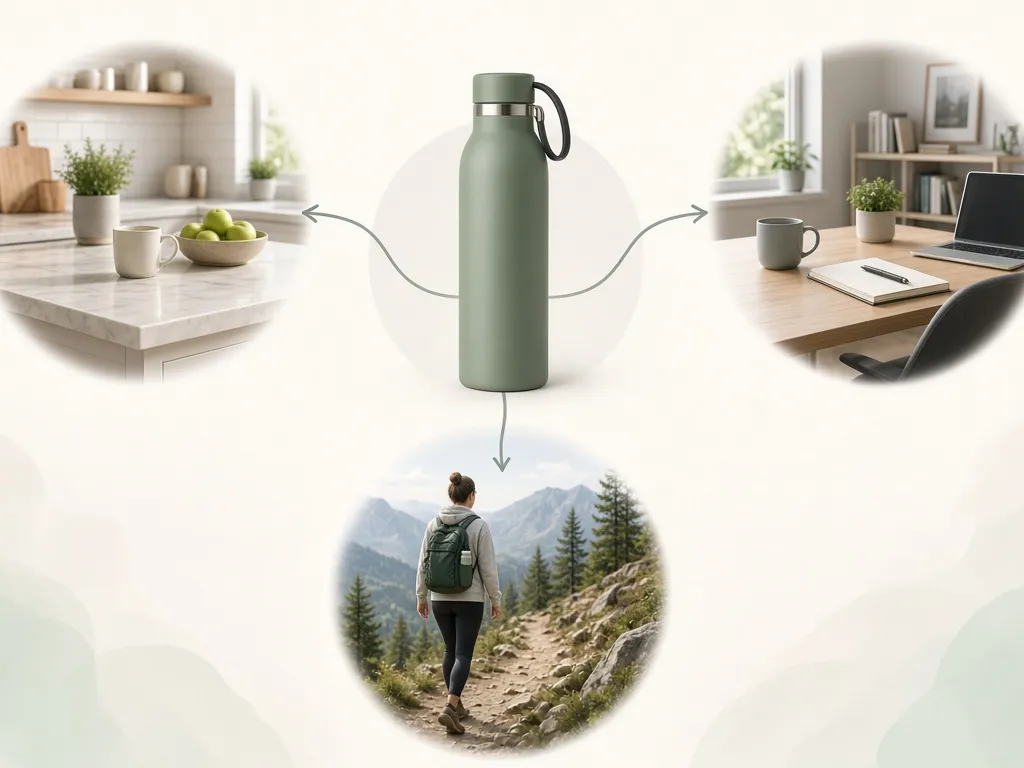
The studio-free version of the workflow starts from one reference photo and generates the scene around it, product locked:
LIFESTYLE SET, product locked to reference:
- same product: exact color, material, logo, proportions
- scene: [kitchen counter / morning desk / golden-hour street …]
- light: single believable source (window left / dusk lamp)
- props: max 2, color-family with product, lightly worn
- composition: product is the sharpest, brightest element
- natural shadows and reflections consistent with the light story
- no added text, no watermark
Run it as a batch: three scenes × one product = a full additional-image row. The E-commerce Studio's lifestyle card does this against marketplace presets — the platform choice quietly enforces background and text rules so the lifestyle set stays listing-legal. Generate lifestyle shots in the E-commerce Studio →
Common Lifestyle Shot Mistakes
- Two light stories. Window light on the product, lamp glow on the props — the frame fights itself. Pick one.
- Prop soup. Five props tell zero stories; two tell one.
- Product too small. Context shouldn't swallow the SKU — the product keeps at least a third of the frame.
- Generic scenes. "White studio with plant" is not a lifestyle; buyers scroll past it like another catalog shot.
- Inconsistent set. If slot two is morning-light and slot three is dusk, the listing feels stitched together — keep one time-of-day per set.
How to Brief a Lifestyle Set (Prompt Template)
Scene brief per shot:
1. Product + one-line role: "insulated bottle, daily-commute hero"
2. Context: "car cup holder, morning light through window"
3. Light story: "soft directional sunlight from left, 8am"
4. Props (≤2): "canvas tote, phone face-down"
5. Mood words: "quiet, practical, warm"
6. Constraints: product locked, no text, natural shadows
A brief this tight keeps generated sets coherent across angles and re-rolls, and doubles as the shot list if you ever shoot the scene physically.
Frequently Asked Questions
How many lifestyle images should a listing have?
Two to four in the additional-image slots, after a compliant white-background MAIN. Rotate variants and keep the best performer anchored in slot two.
Do lifestyle images help or hurt on Amazon?
They help in the additional slots — Amazon's own guidance encourages in-use and detail imagery. Only the MAIN must stay pure white.
Can AI lifestyle images match the actual product?
With product-lock — generation constrained to your reference photo — color, material, and proportions stay exact. Without the lock, you get a generic lookalike; don't ship that.
What's the cheapest way to get variety?
Generate scene variants from one reference: change context, keep light story constant. Cheaper than any studio day and faster than prop shopping.
Should lifestyle shots include people?
Partial people (hands, silhouettes) add scale and use context without stealing focus or creating localization headaches.
Sources
- Marketplace image guidance — Amazon Seller Central additional-image recommendations (G1881 family)
- GLMImage E-commerce Studio lifestyle card workflow
- Category scene patterns from top-performing marketplace listings (comparative review, 2026)
Related: white background product photos that pass audits →, ghost mannequin for apparel →, and the full marketplace image requirements breakdown →.








