
Free style
Describe any e-commerce shot yourself, with optional style presets.
Describe what you want to create.
E-commerce · 9 Modes Including Free Create
One studio for the shots marketplace listings actually need: product replacement that keeps the original composition, lifestyle scenes, model pose changes, marketplace-ready white backgrounds, virtual try-on, three-view sheets, bundle shots and ghost-mannequin views. Free creation opens the media picker directly; only workflows with distinct image roles add one short role-selection step.

Describe any e-commerce shot yourself, with optional style presets.
Describe what you want to create.
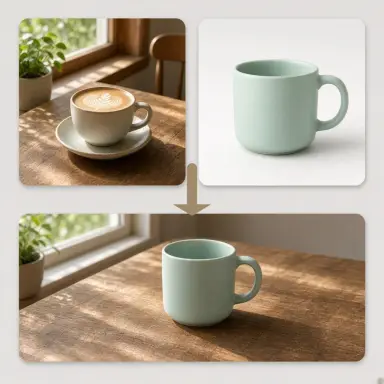
Keep the scene, lighting and composition — swap in a new product.
Scene photo with the product to replace + Reference images
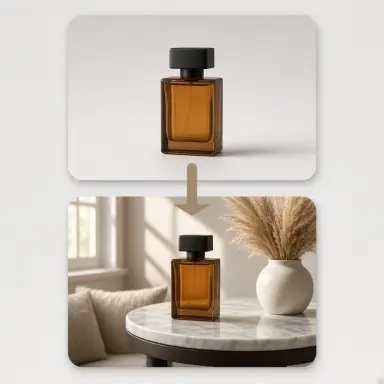
Drop your product into a lifestyle scene — pick a template or describe your own.
Product photo
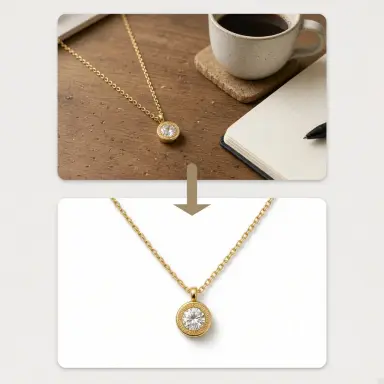
Marketplace-ready product shot on a clean seamless background.
Product photo
Upload 1–4 photos of one garment and one model photo for identity-preserving virtual try-on.
Garment photos (1–4, same product) + Model photo (required)
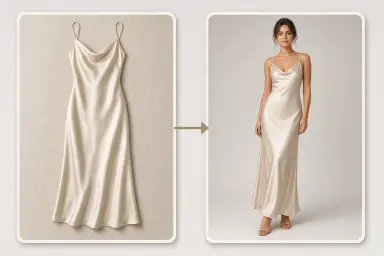
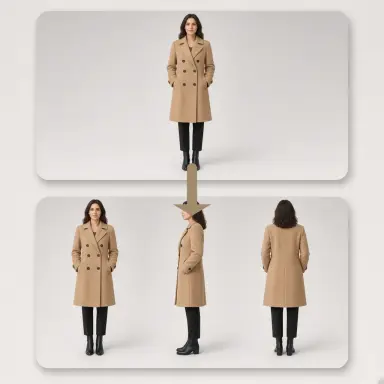
One image with front, side and back views of the same model and outfit.
Describe what you want to create.
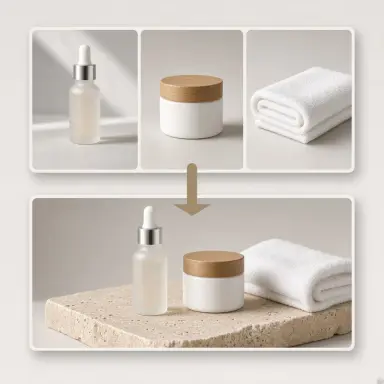
Combine 2-4 products into one professional bundle image.
Product photo + Product photo
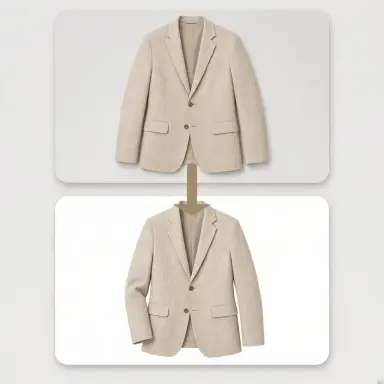
Invisible-mannequin garment shot with natural 3D volume.
Garment photos (1–4, same product)
Made with GLMImage
Real results shared by creators who used this exact workflow. Tap any image to view its prompt.
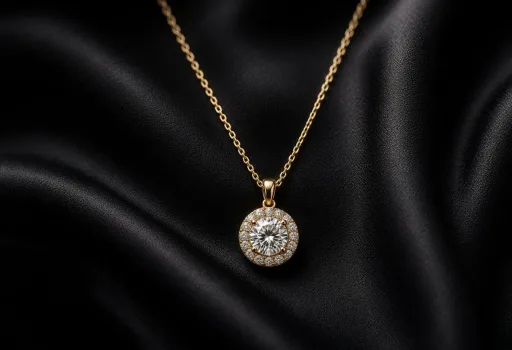 Jewelry Hero in the Dark
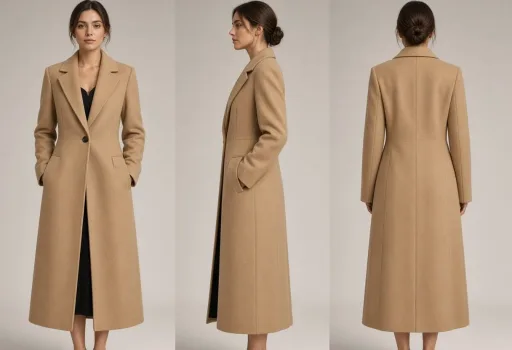 Camel Coat Three-View Sheet
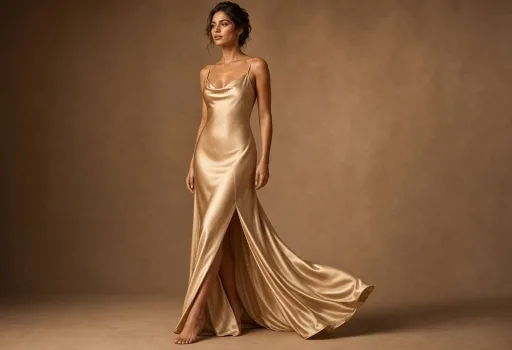 Champagne Silk On-Model
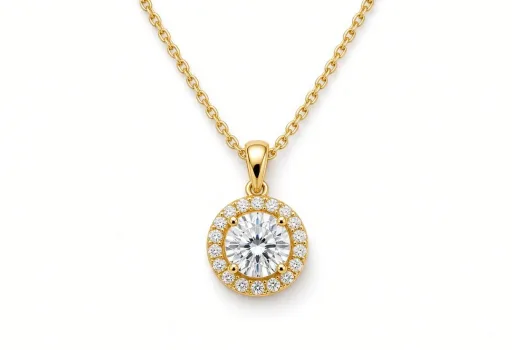 Diamond Necklace Main Image
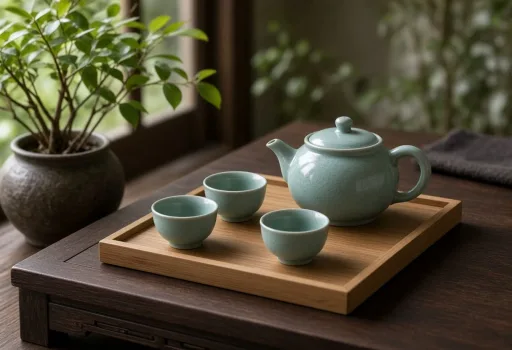 Celadon Tea Set Scene
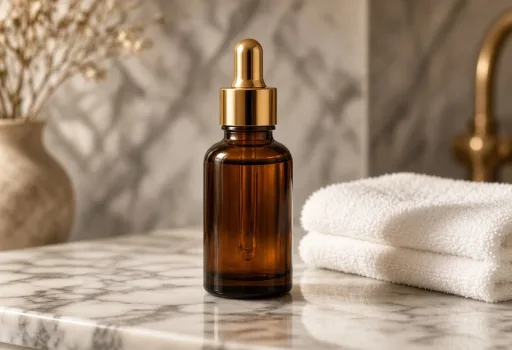 Serum on the Vanity
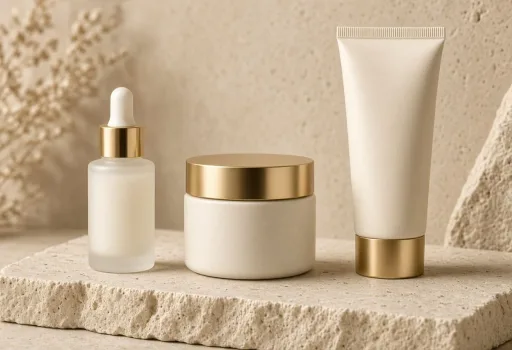 Skincare Family Bundle
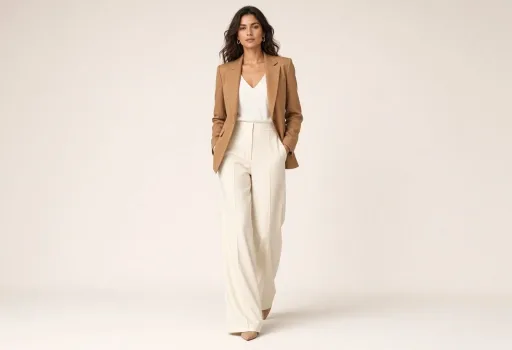 Blazer Walk Pose
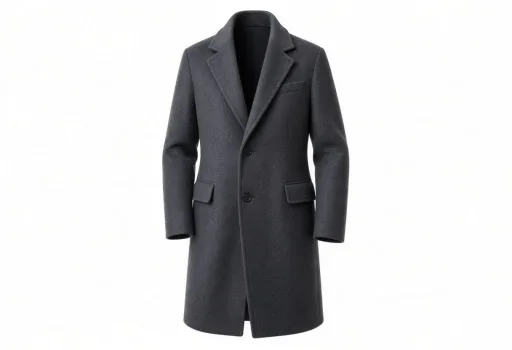 Cashmere Ghost Mannequin
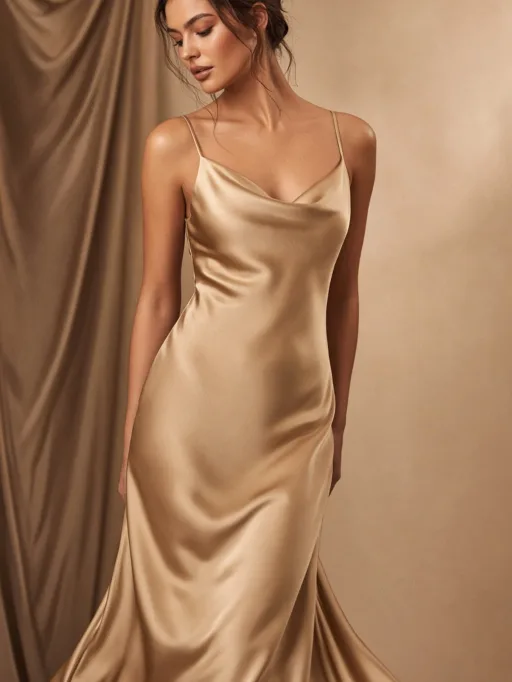 Silk Dress Try-On
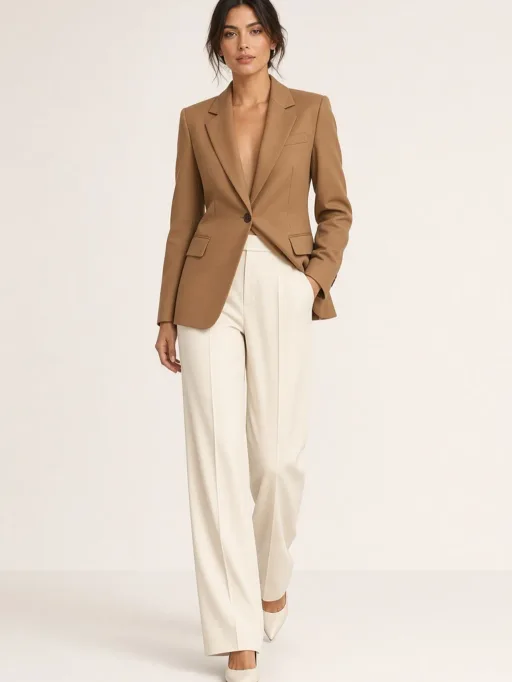 Confident Stride
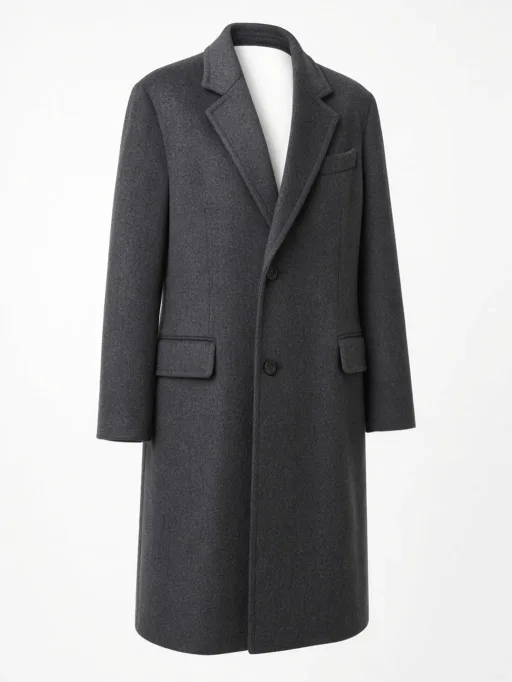 Cashmere Ghost Mannequin
 Festive Promo Scene
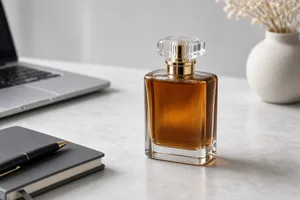 Office Desk Scene
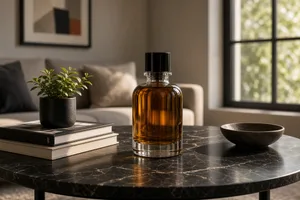
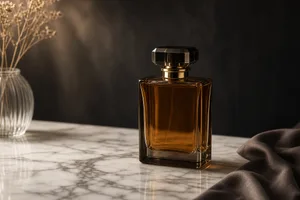 Marble Table Scene
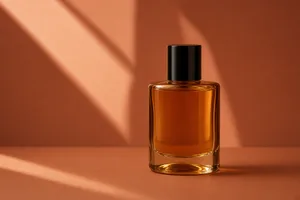 Minimal Studio Scene
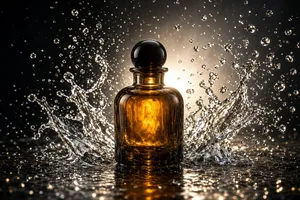 Water Splash Scene
 Modern Home Scene
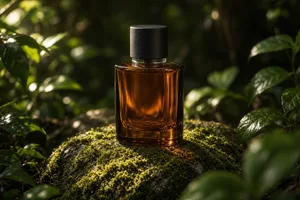 Outdoor Nature Scene
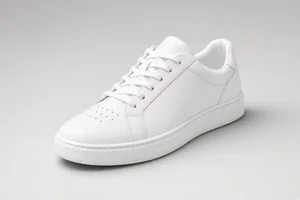 Soft Grey Main Image
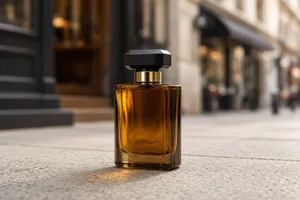 City Street Scene
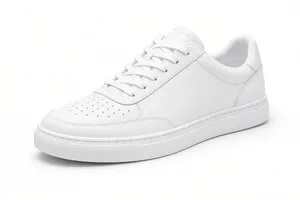 Pure White Main Image
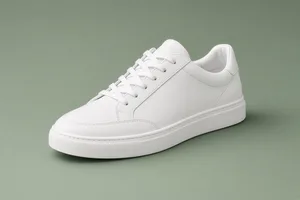 Brand Color Main Image
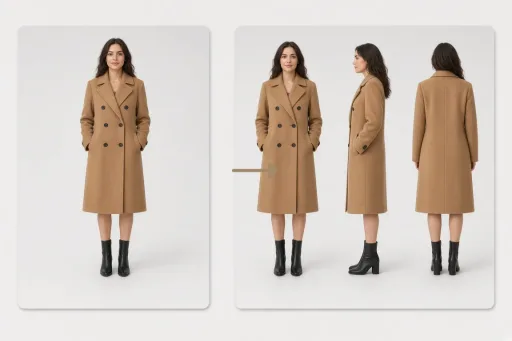 Model three-view — one photo to a front/side/back sheet
Generic image editors hand you a prompt box and wish you luck. An e-commerce listing needs specific deliverables: a main image that passes marketplace review, a three-view sheet for the detail page, an on-model photo that makes a flat-lay garment sell, a bundle shot for a multi-SKU campaign. This studio turns each of those deliverables into a fixed scene with its own reference plan — upload what the scene asks for, add an optional instruction, and generate.
Every scene is guided rather than open-ended. The three-view scene always produces one image with front, side and back views of the same model. The white-background scene always returns a clean cutout on seamless white with a natural contact shadow. The try-on scene always dresses a model in your garment while preserving its cut, colorway, print and logo. Fewer decisions, more listings.
The fastest way to lose a marketplace review is an image that quietly changes the product. Every scene in this studio carries a product-truth contract: shape, proportions, logo, color, material and label text are preserved from your reference, and lighting, contact shadows, reflections and perspective are rebuilt so the composite looks photographed rather than pasted.
That contract is what makes the output listing-ready. A white-background cutout keeps the exact packaging a buyer will unbox. A scene remix keeps the label legible on the marble countertop. A product swap changes only the product and leaves the composition, camera angle and lighting untouched — so a single good scene photo can serve an entire SKU family.
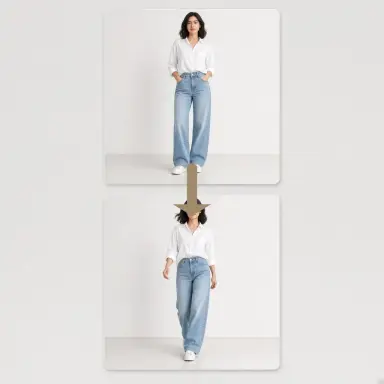
Clothing sellers get four dedicated scenes. The three-view scene renders the same model front, side and back in one coordinated sheet — the standard detail-page reference for Taobao, Tmall and JD listings. The try-on scene turns a flat-lay or mannequin shot into an on-model photo; describe the model or upload a reference and the garment stays exactly yours. The pose scene gives the same model, outfit and background a new stance for lookbook variety. The ghost-mannequin scene produces the invisible-mannequin view with natural 3D volume and no visible person.
Together they replace the most expensive part of an apparel shoot — models, studio days and retouching — with a repeatable pipeline: shoot the garment once on any background, generate every framing the storefront needs.
Marketplace rules, apparel workflows and scene guides — the reading that pairs with this studio.
Hard-goods sellers get four scenes of their own. The white-background scene outputs the marketplace main image on pure #FFFFFF (or soft grey / brand color) with even studio lighting. The scene-remix scene drops the product into a styled lifestyle set — modern home, office desk, outdoor nature, festive promo, water splash, marble tabletop, minimal studio or city street — or a scene you describe. The product-swap scene keeps a proven composition and swaps in a new SKU. The bundle scene composes two to four products into one professional family shot with a single coherent lighting setup.
Sizes are marketplace-native from the start: 1:1 for main images on Amazon and Taobao, 3:4 for detail pages, 9:16 for Douyin and TikTok covers, and 16:9 for store banners — no manual resizing before you list.
When a listing needs something the scenes do not cover — a creative hero banner, a seasonal key visual, a stubborn retouch — the Free card accepts any instruction with up to four optional reference images. It carries the same e-commerce quality bar: commercial-catalog finish, believable lighting, and product fidelity when references are supplied.
The Free card is deliberately style-free: no preset chips, just your prompt. Style presets live where they belong, inside the white-background and scene-remix scenes that actually change them.
A typical workflow takes under five minutes per deliverable: upload the reference the scene requires, optionally describe the model or scene, generate, and download in the ratio your platform expects. Phone photos work — the scenes rebuild lighting and background anyway. Iterate with a short follow-up prompt when a detail drifts; each scene keeps its reference plan stable so corrections are targeted rather than starting over.
The studio is built for small and mid-size sellers who cannot schedule a studio day for every SKU, and for larger shops that need consistent imagery across hundreds of listings. Generate one hero shot to test a product, then batch the full set once it sells.
Practical starting points
Use these as structures, not magic phrases. Replace the subject, purpose and constraints with details from your own project.
Front, side and back three-view sheet of the same model wearing the reference trench coat, identical lighting and scale across all three views, clean light-grey studio background. Model: female, around 25, natural makeup.
The scene contract already fixes the three-panel layout; the brief only adds model and background.
Place the product on pure white with a soft natural contact shadow, product centered with clean margins, label facing the camera and fully legible.
Pure #FFFFFF is the default; soft grey and brand color are one click away as presets.
Move the product into a premium lifestyle scene that suits it — marble tabletop, soft directional window light, refined reflections — preserving the product exactly.
Or skip describing and pick the Marble Table template chip directly.
Focused workflow
A product on any background, a garment flat-lay or an existing model shot — phone photos work fine.
Three-view, try-on, white background, scene remix, product swap, bundle, pose, ghost mannequin — or Free for anything else.
Describe the model, pose or scene, or pick a template chip, then generate. Refine with a short follow-up prompt.
Get a marketplace-ready image in the right ratio for Amazon, Taobao, JD, Douyin or your own store.
It is image generation tuned for marketplace deliverables. Instead of a blank prompt box, you pick a scene — three-view sheet, try-on, white-background main image, lifestyle scene, product swap, bundle shot, pose change or ghost mannequin — upload the references it asks for, and get a listing-ready image that preserves your product exactly.
Upload one garment photo — a flat-lay, mannequin shot or existing model photo. The scene produces a single image with three full-body views of the same model (front, side and back) on one consistent background, with identical lighting, color grade and scale across the panels and the garment unchanged in every view.
The generic editor is a free-form prompt toolbox. This studio is outcome-driven: fixed scenes with defined reference plans, marketplace-native sizes and quality contracts tuned for listings. Both are available — scenes when you know the deliverable, the editor when you do not.
The Pure White preset outputs a pure #FFFFFF seamless background with soft even lighting and a subtle natural contact shadow — the main-image standard used by Amazon, Taobao and Tmall. Soft grey and brand-color presets are available when your brand system or marketplace category calls for them.
No scene is allowed to redesign your product. Every workflow carries a product-truth contract that preserves shape, proportions, logo, color, material and label text from your reference. If a detail ever drifts, a short corrective prompt — "keep the label exactly as in the reference" — is usually enough.
The studio ships marketplace-native presets: 1024×1024 (1:1) main images, 960×1280 (3:4) detail-page portraits, 704×1248 (9:16) full-screen verticals for Douyin and TikTok, and 1536×864 (16:9) banners. The three-view scene defaults to a wide 3:2 sheet that fits all three views in one image.
Apparel is the deepest fit — three-view, try-on, pose and ghost-mannequin scenes were built for it. High-value goods like jewelry, tea sets and watches benefit from the white-background and scene-remix scenes, and the product-swap plus bundle scenes cover the skincare, beauty and 3C families that small and mid-size sellers list most.
Yes. Generation requires signing in. Every new account receives 2 credits, enough for 2 free standard images without a watermark; after that, subscribe or buy credits to keep creating.
Yes — generated images are yours to use in your listings and marketing. Upload only photos you own or are licensed to use, review AI-generated models and people against your marketplace policies, and keep required disclosures in mind where a platform asks for them.
The studio today covers still imagery. A+ content infographics and short product videos are on the roadmap; the Free card can already approximate simple infographic-style layouts, though text rendering depends on the model.
The workflow and its core prompt are already available in the generator. The page gives you the brief; the selected tool turns it into an image.
Open the selected workflow










